> ## Documentation Index
> Fetch the complete documentation index at: https://hc.saas-manager.biz.nuro.jp/llms.txt
> Use this file to discover all available pages before exploring further.
# Shopify
> Integration guide for Shopify. This guide covers everything from logging in as an administrator to setting up the integration between MoneyForward Admina and Shopify.
A Shopify Plus plan is required for integration. When obtaining the access key, contact Shopify Plus Support to request the `read_users` [access scope](https://shopify.dev/docs/api/usage/access-scopes) for the app.
## Prerequisites
### How to Log In to Shopify
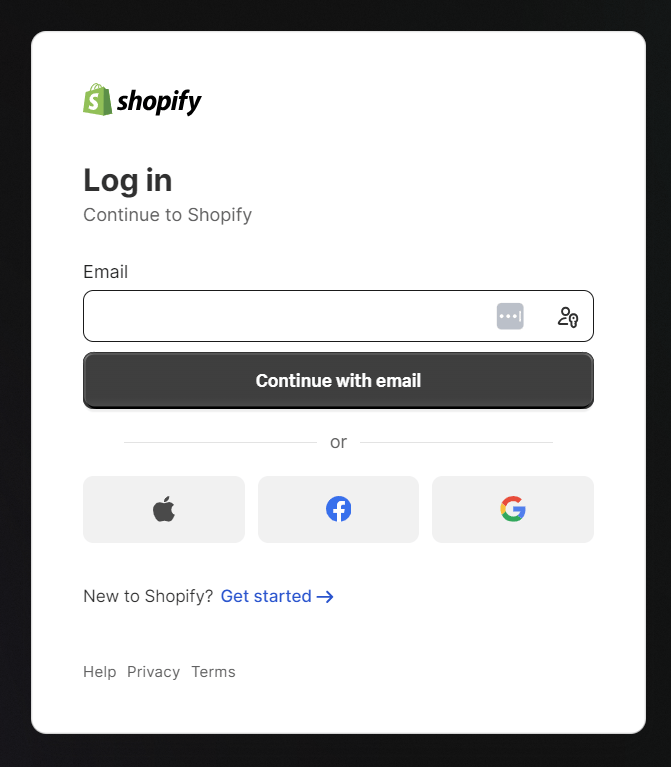
Go to the [Shopify login page](https://accounts.shopify.com/lookup?rid=a677e1a0-1862-487e-b4d3-78c297a6baa9) and enter your email address and password to log in.
 ### How to Obtain the Workspace Key
After logging in to Shopify, go to **Settings**. Your store name appears at the top of the side menu.
The **store domain** shown below the store name is the **workspace key**.
**`{workspace key}`**.myshopify.com
### How to Obtain the Workspace Key
After logging in to Shopify, go to **Settings**. Your store name appears at the top of the side menu.
The **store domain** shown below the store name is the **workspace key**.
**`{workspace key}`**.myshopify.com
 ### How to Obtain the Access Key
You must contact Shopify Plus Support to request the `read_users` [access scope](https://shopify.dev/docs/api/usage/access-scopes) for the app.
Go to **Apps and sales channels > Develop apps > Create an app > Configure Admin API scopes** and proceed with the configuration.
For the scope, select **`read_users`** and click Save.
### How to Obtain the Access Key
You must contact Shopify Plus Support to request the `read_users` [access scope](https://shopify.dev/docs/api/usage/access-scopes) for the app.
Go to **Apps and sales channels > Develop apps > Create an app > Configure Admin API scopes** and proceed with the configuration.
For the scope, select **`read_users`** and click Save.
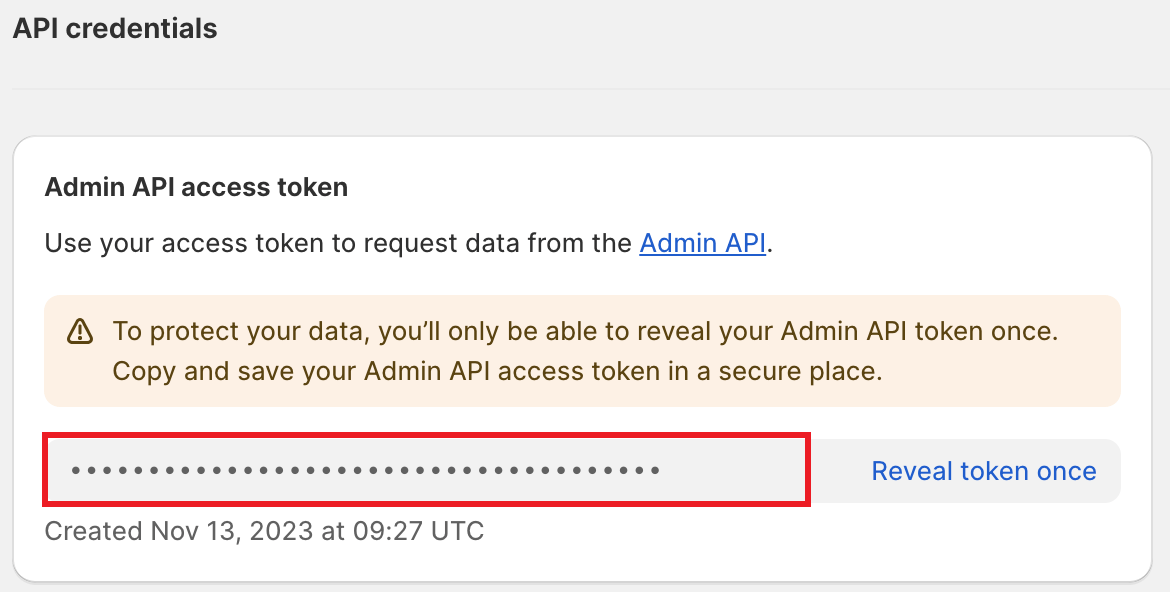
 The **Admin API access token** will appear under API credentials. This is the **access key**, so copy and save it.
*Note: The Admin API access token is only displayed once, so be careful not to lose it.*
The **Admin API access token** will appear under API credentials. This is the **access key**, so copy and save it.
*Note: The Admin API access token is only displayed once, so be careful not to lose it.*
 ## Integration Setup
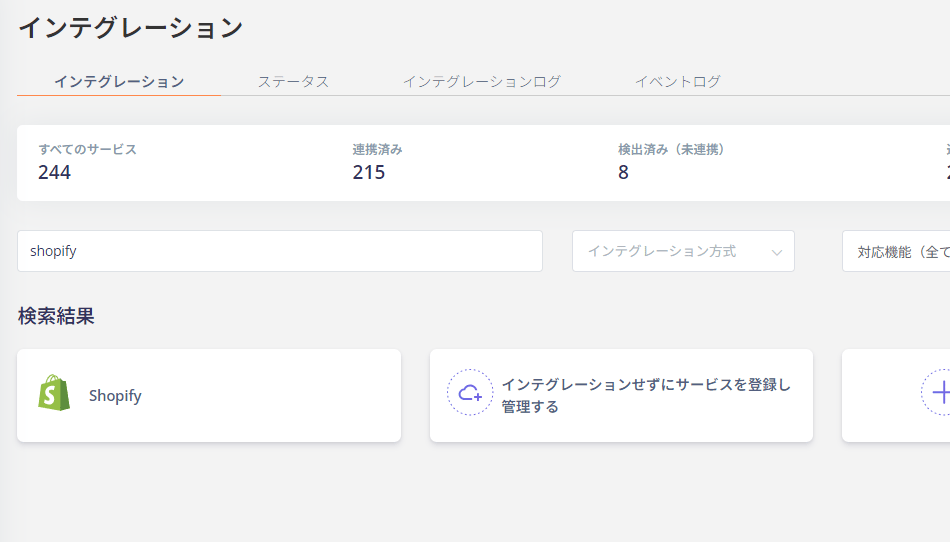
In the MoneyForward Admina integrations screen, search for **Shopify**.
## Integration Setup
In the MoneyForward Admina integrations screen, search for **Shopify**.
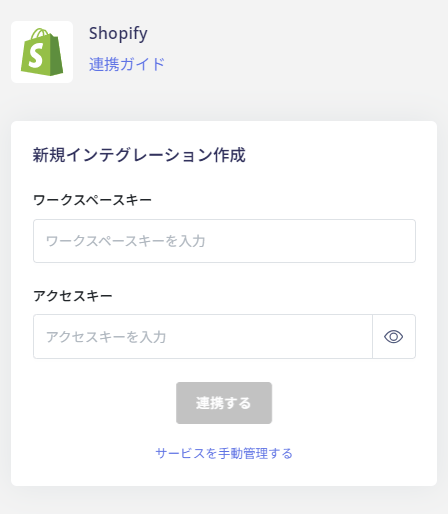
 Enter the **workspace key and access key** obtained in the previous steps, then click **Connect**.
 Once the integration with Shopify is successful, registered user information will appear in the account list.
If the integration does not complete successfully, go to the Status tab on the integrations screen, click **Edit**, and try connecting again.
If the issue persists, please contact us via chat.
For an overview of the Shopify integration, see the [integration page](https://admina.moneyforward.com/en/integrations/shopify).
Once the integration with Shopify is successful, registered user information will appear in the account list.
If the integration does not complete successfully, go to the Status tab on the integrations screen, click **Edit**, and try connecting again.
If the issue persists, please contact us via chat.
For an overview of the Shopify integration, see the [integration page](https://admina.moneyforward.com/en/integrations/shopify).