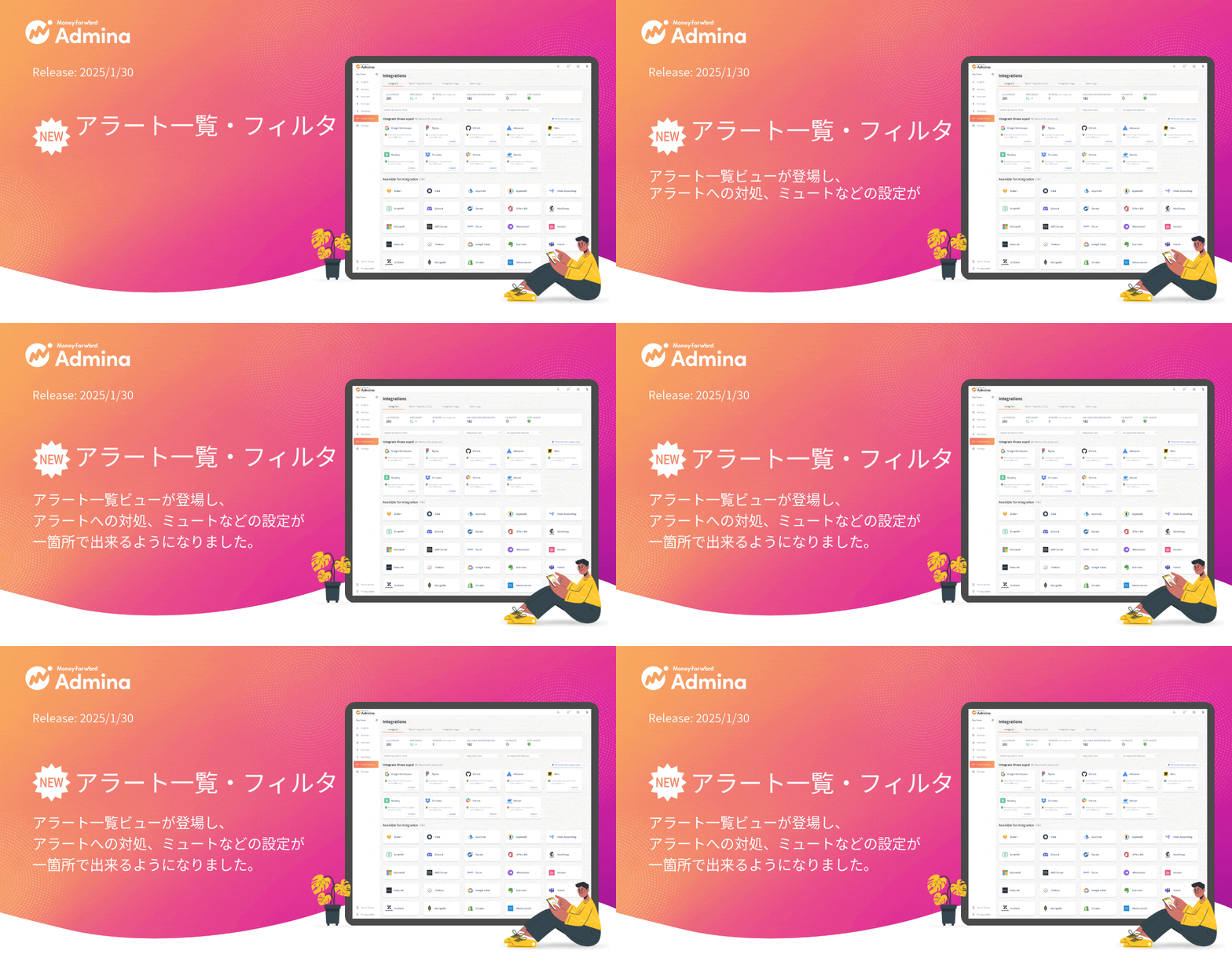
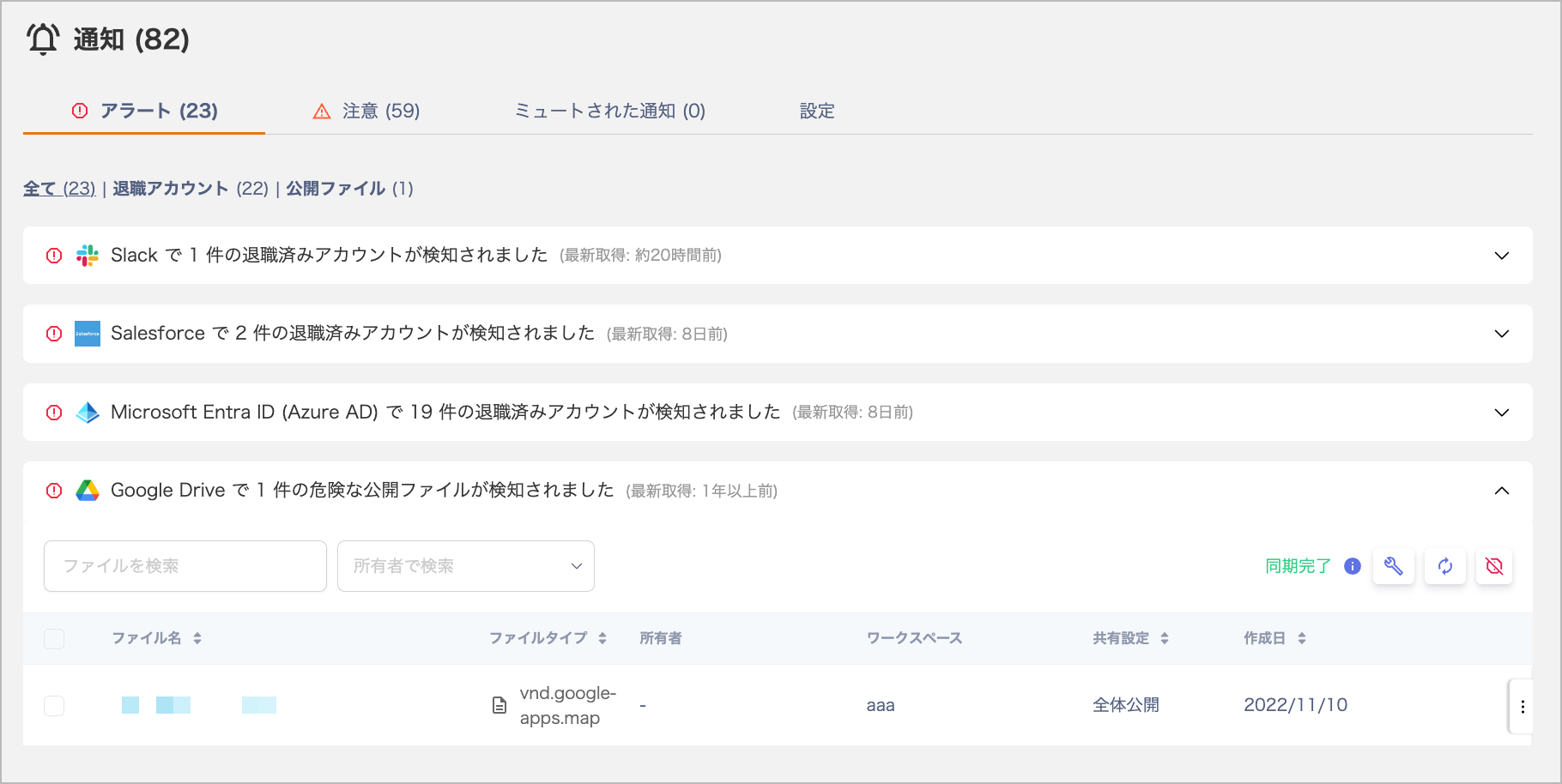
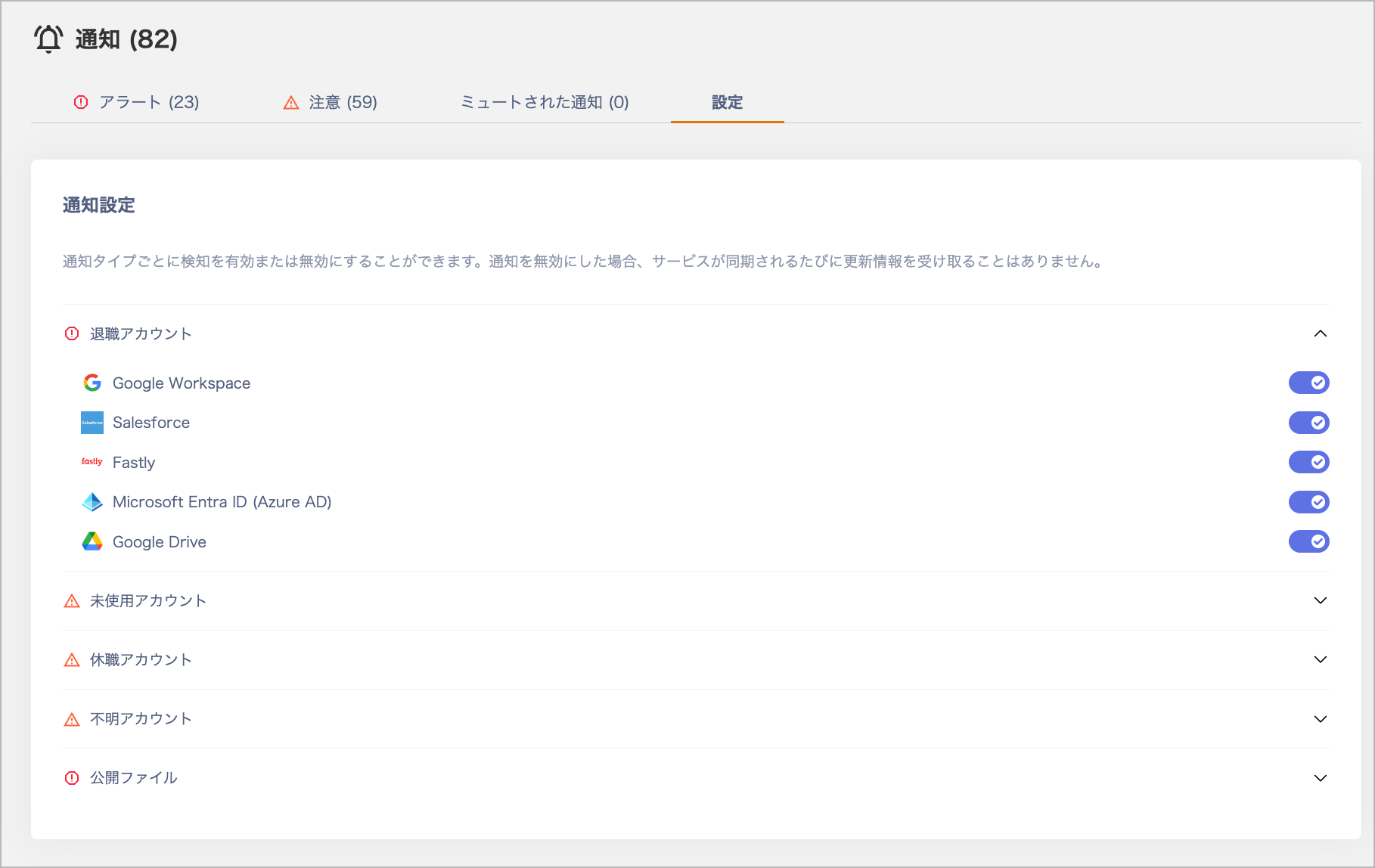
A new Alert List screen has been introduced, making it easier to manage multiple alerts at once. You can now view recent alerts from the Service and Directory screens, and disable alert rules per service from the Settings tab.
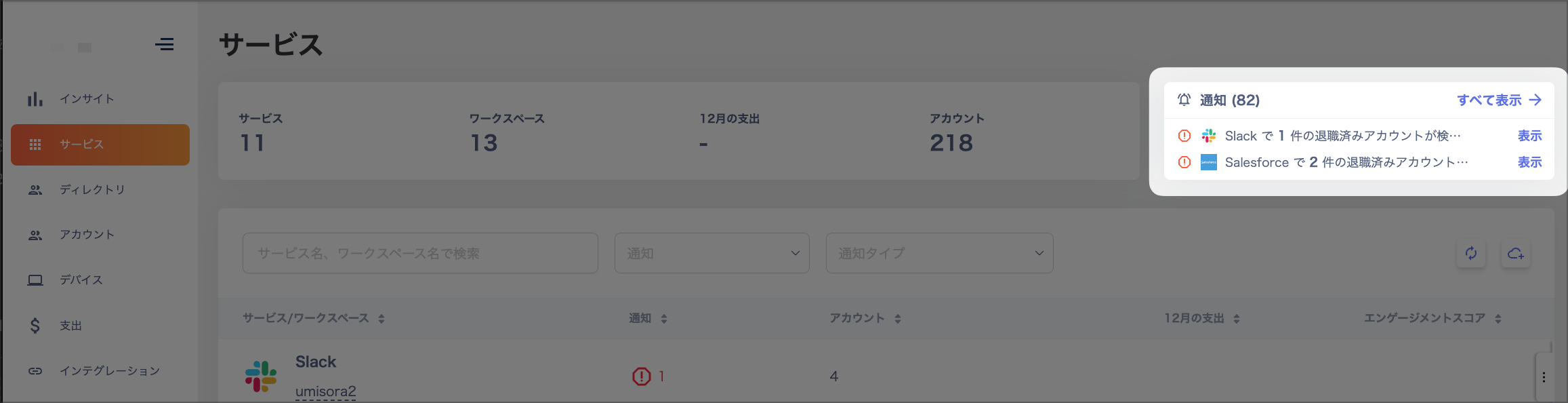
This is the second release of 2025.Previously, you had to address alerts one by one from each Service screen. With the new Alert List screen, managing alerts has become much easier.Recent alerts are now visible in the top-right corner of the Service and Directory screens. Clicking “Show all” lets you view the alert list and details to take action. You can also disable alert rules per service from the Settings tab.This means you no longer need to navigate to each individual Service screen to take action.Please give it a try and let us know your feedback.Numerous customers have been maintaining zero alerts (or close to zero) consistently. We encourage everyone to aim for zero alerts as well.