> ## Documentation Index
> Fetch the complete documentation index at: https://hc.saas-manager.biz.nuro.jp/llms.txt
> Use this file to discover all available pages before exploring further.

# Pipedrive

> Pipedriveとの連携の手順です。

## サポートする機能

<Badge color="blue">アカウント無効化</Badge> <Badge color="blue">アカウント作成</Badge>

## 事前準備

### Pipedriveへのログイン方法

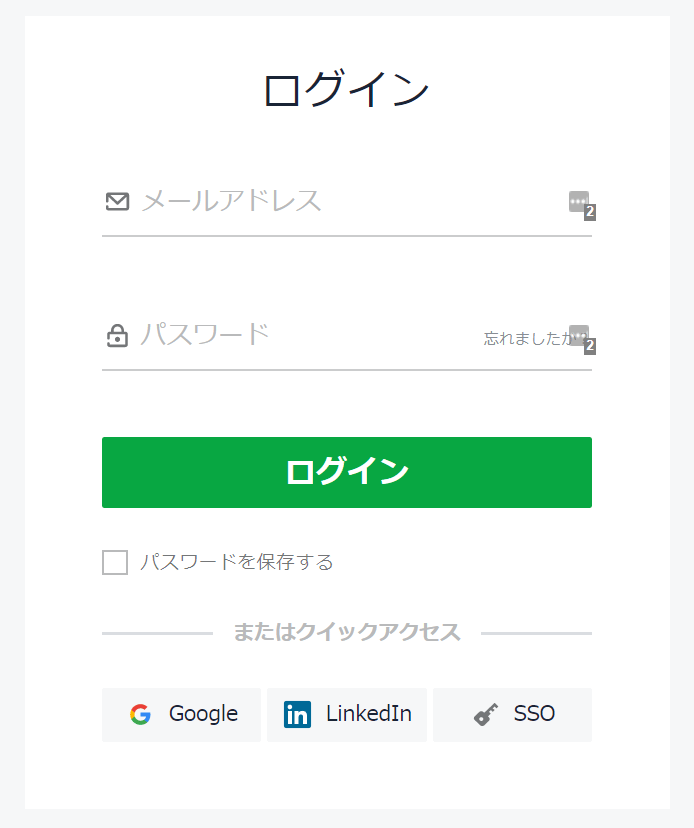
[Pipedriveログインページ](https://app.pipedrive.com/auth/login)にて、メールアドレス・パスワードを入力しログインします。
<img src="https://mintcdn.com/admina-sbn/LOzFBGt8H5wPL0o1/images/integrations/rnp41ikh8t/1660096586566.png?fit=max&auto=format&n=LOzFBGt8H5wPL0o1&q=85&s=91b62f60a78be6b0ed8c00561b32d270" alt="Pipedriveログインページ" width="694" height="828" data-path="images/integrations/rnp41ikh8t/1660096586566.png" />

### アクセスキーの取得方法

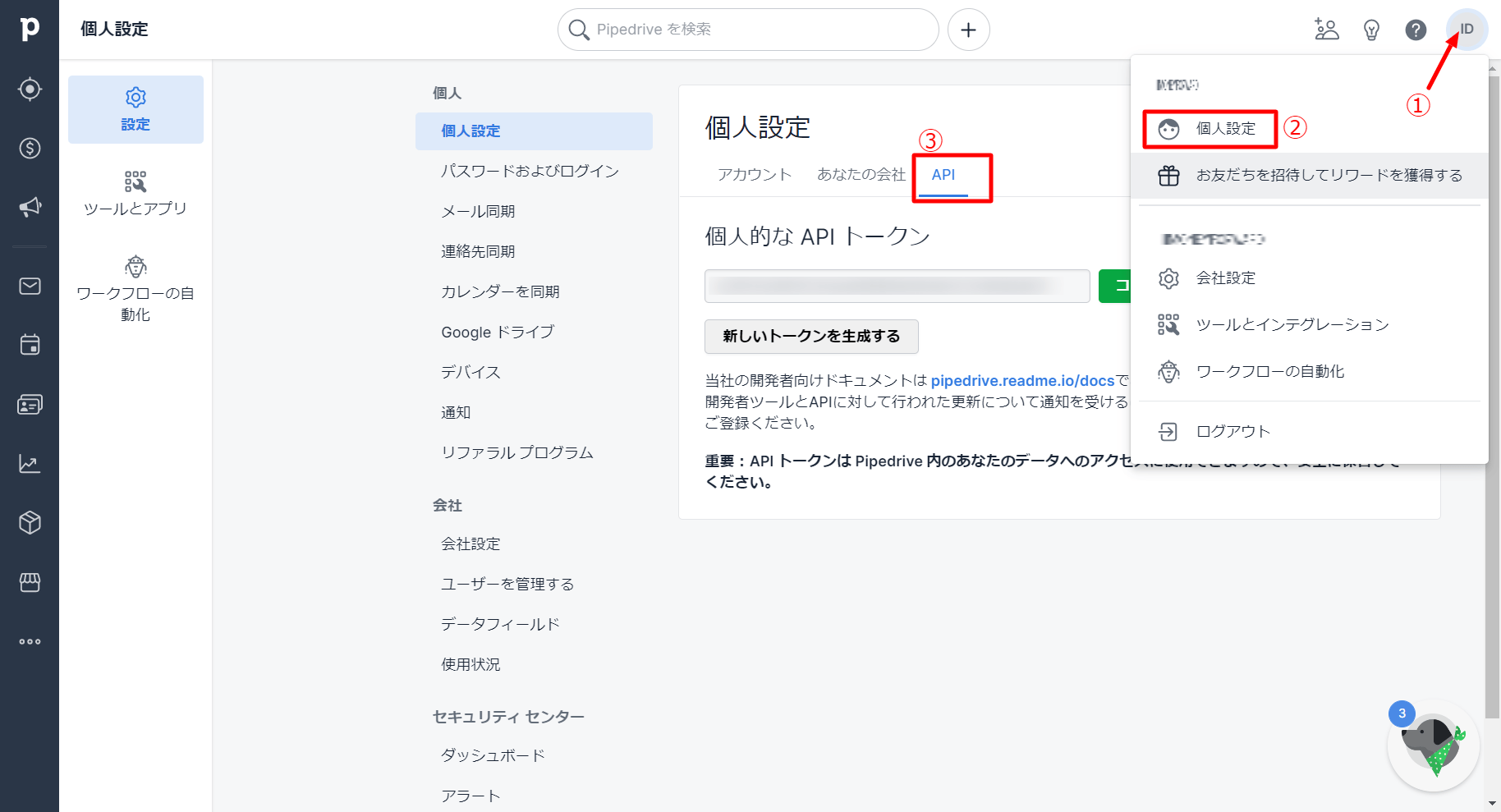
Pipedriveにログイン後、**画面右上の ID ＞個人設定＞API** と進みます。

<img src="https://mintcdn.com/admina-sbn/LOzFBGt8H5wPL0o1/images/integrations/rnp41ikh8t/1660098981445.png?fit=max&auto=format&n=LOzFBGt8H5wPL0o1&q=85&s=e18e315bec33c882c8aef26b4465d708" alt="個人設定からAPIへのアクセス" width="1828" height="989" data-path="images/integrations/rnp41ikh8t/1660098981445.png" />

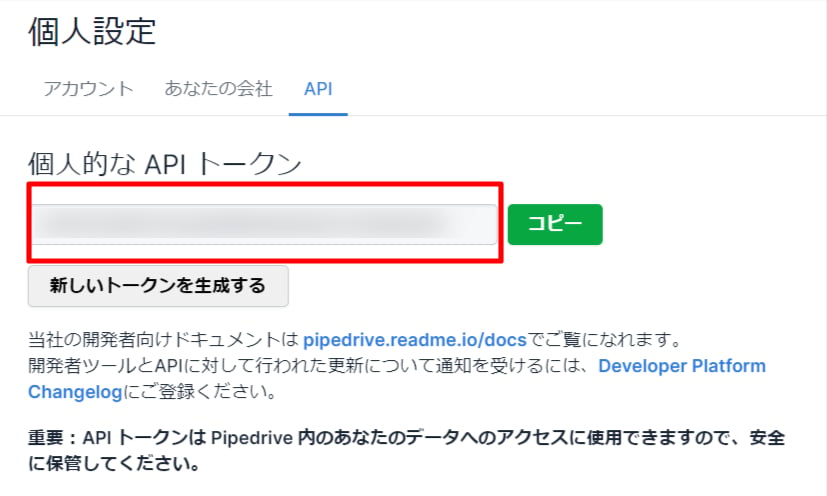
APIに進むと、**APIトークン**が表示されています。**これがアクセスキー**となるので、コピー・保存します。
<img src="https://mintcdn.com/admina-sbn/LOzFBGt8H5wPL0o1/images/integrations/rnp41ikh8t/1660097784809.png?fit=max&auto=format&n=LOzFBGt8H5wPL0o1&q=85&s=c3cf75d039c24a36eb2b0222341e0e82" alt="APIトークンの取得" width="827" height="496" data-path="images/integrations/rnp41ikh8t/1660097784809.png" />

## インテグレーションのセットアップ

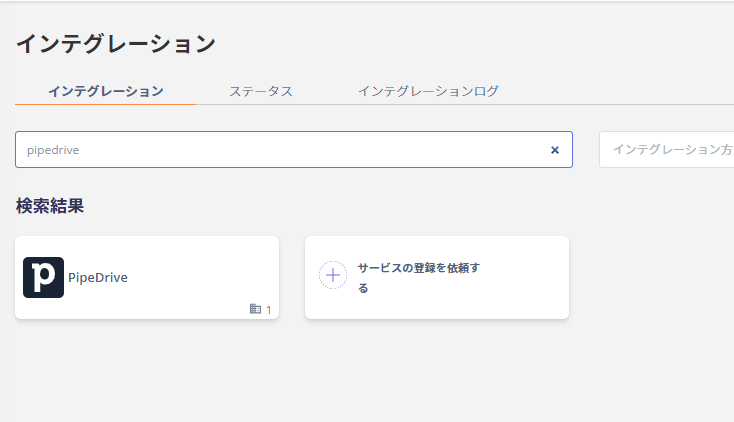
インテグレーション画面にて、**Pipedrive**で検索します。
<img src="https://mintcdn.com/admina-sbn/LOzFBGt8H5wPL0o1/images/integrations/rnp41ikh8t/1660098302793.png?fit=max&auto=format&n=LOzFBGt8H5wPL0o1&q=85&s=cae9d62ecbea7cd326d6c4ca78dca3bc" alt="Pipedriveを検索" width="734" height="422" data-path="images/integrations/rnp41ikh8t/1660098302793.png" />

前の手順で取得した**アクセスキー**を入力し、**連携する**をクリックします。
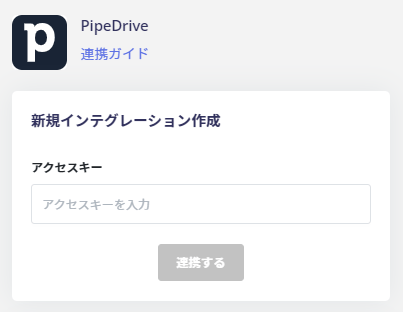
<img src="https://mintcdn.com/admina-sbn/LOzFBGt8H5wPL0o1/images/integrations/rnp41ikh8t/1660098367466.png?fit=max&auto=format&n=LOzFBGt8H5wPL0o1&q=85&s=173b8400ec8f22d0cfb5c595d5f73fd5" alt="アクセスキーを入力して連携" width="403" height="312" data-path="images/integrations/rnp41ikh8t/1660098367466.png" />

PipeDriveとの連携に成功すると、アカウント一覧に登録済みのユーザー情報が表示されます。

正常に完了しない場合は、インテグレーション画面のステータスタブから**編集**し、再度連携をお試しください。

解決しない場合はチャットにてお問い合わせください。