2. Configure Employee Master and Domains
Choose a SaaS for the Employee Master
Start by deciding which SaaS to use as your employee master.When you configure an employee master (recommended)
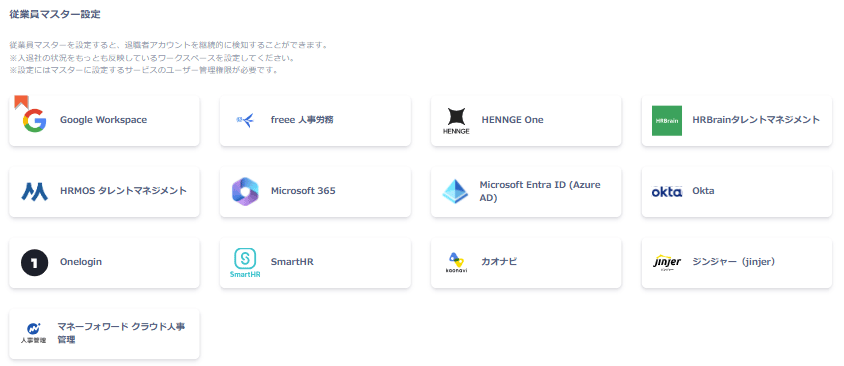
Integrating with a SaaS that supports the employee master feature assigns ID type and status labels shown in the Quick Reference. Accounts that have left the company also receive a Former Employee label, making it possible to detect departed users. You can view the available employee master options under Settings > Organization > Employee Master Settings.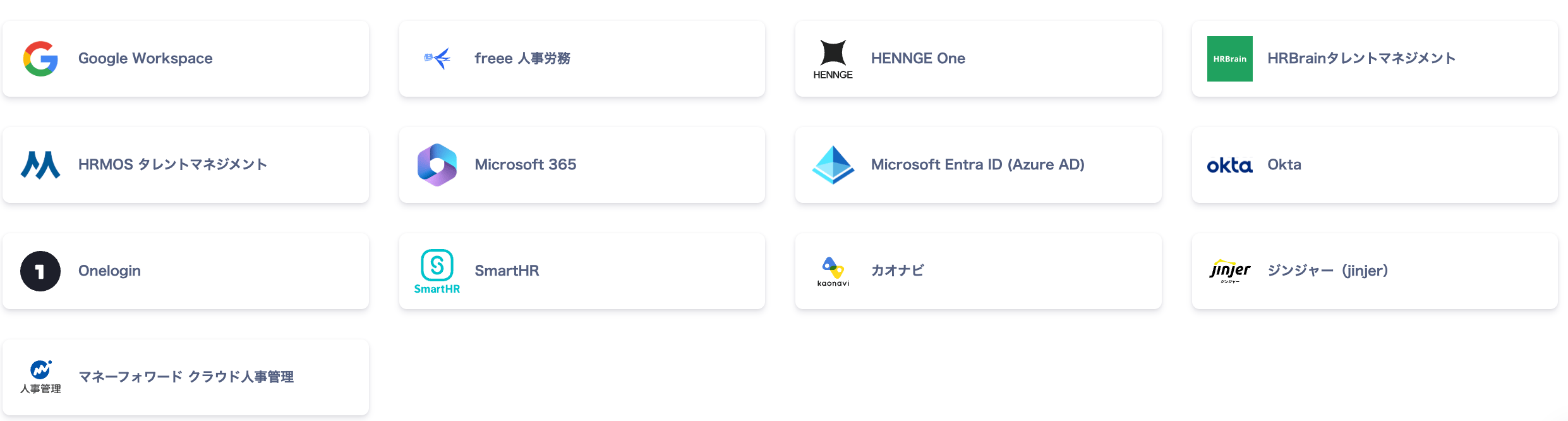
When you do not configure an employee master
You can still build a directory ledger using the following methods:- Create a directory ledger via CSV: Import a Directory Ledger CSV
- Integrate SaaS without an employee master: SaaS Integrations. See Integration & Feature Support List for supported SaaS.
Employee Master Settings
Go to Settings > Organization > Employee Master Settings to integrate and configure the SaaS you want to use as the employee master.The integration applies account aggregation technology (similar to MoneyForward ME) to connect securely without affecting each SaaS.
Supported SaaS for Employee Master
The following SaaS can be configured as an employee master. Refer to each SaaS link for integration steps. After completing the employee master setup, ID type and status labels from the Quick Reference are assigned. (Conditions vary by employee master.)Employee Master — Auto-Synced Directory Data Fields
The fields automatically synced to Admina’s directory data vary by SaaS. For details on the directory, see Admina Directory. To specify a data source, see Set or Change a Data Source in Directory Settings.Domain Settings
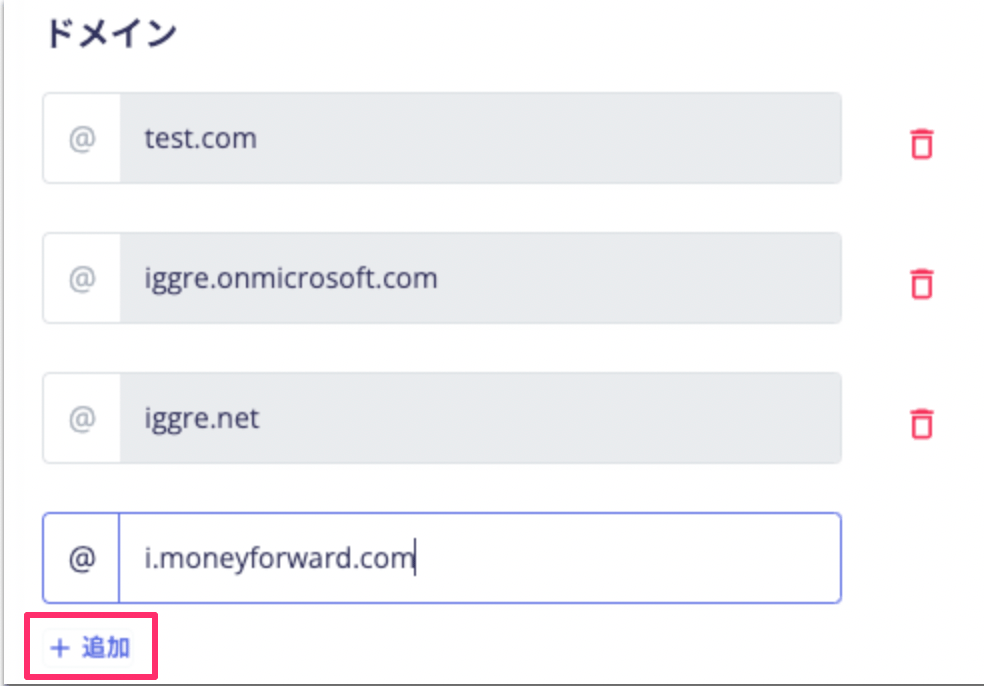
View the domain information for Admina under Settings > Organization. When you create your organization, the primary domain is registered as the default.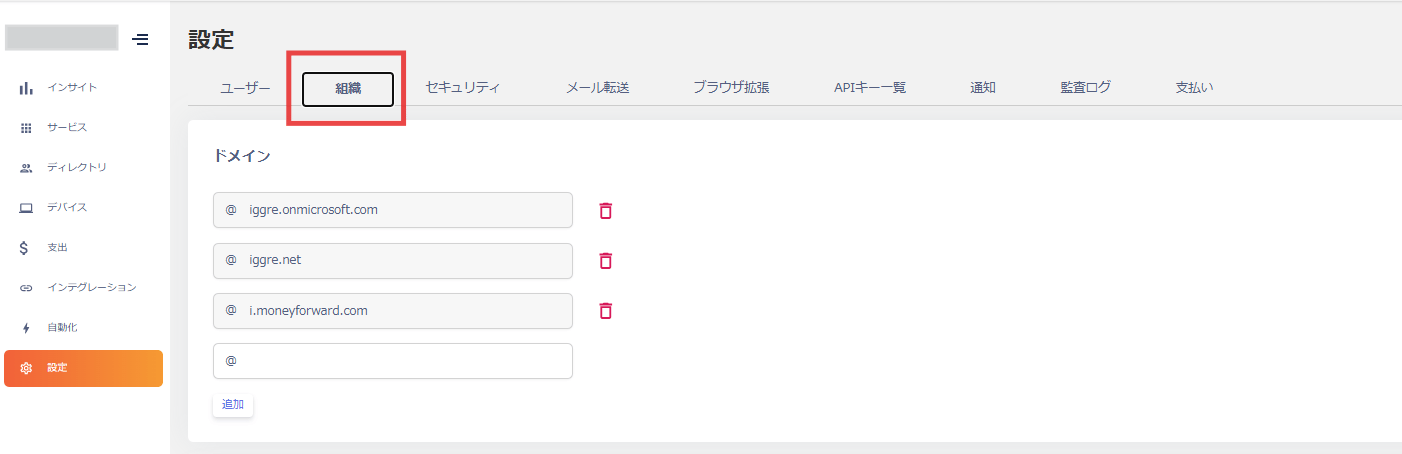
For ID types and statuses when integrated with an employee master, see the Quick Reference.
Adding a domain lets you change the ID type in the directory. For details, see Types in the directory documentation.
Adding a domain lets you change the ID type in the directory. For details, see Types in the directory documentation.