

Supported features

Employee master sync

Setting up the integration

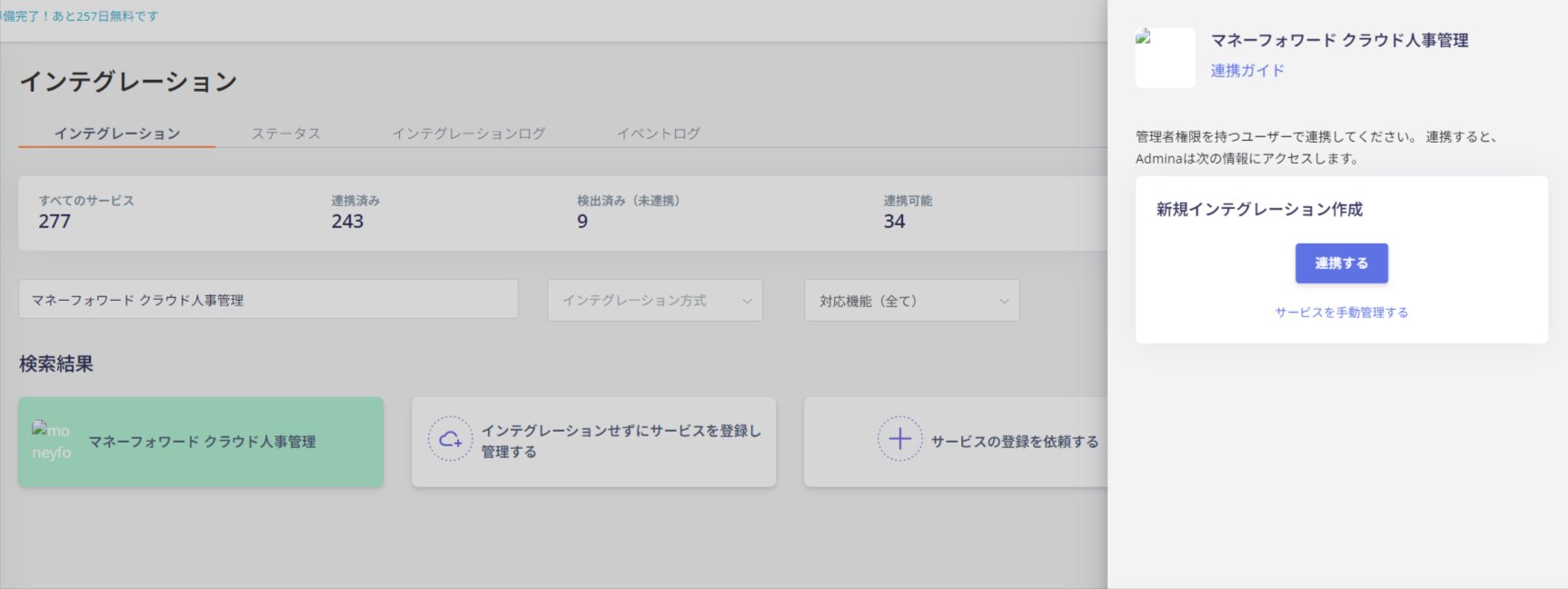
On the Admina integration screen, search for Money Forward Cloud HR Management. Click Connect. Search for Money Forward Cloud HR Management on the integration screen and click Connect You will be redirected to the Money Forward Cloud Human Resources Management login. After logging in, select the business you want to link with and click Next. Select the business to link with If the integration with Money Forward Cloud Human Resources Management is successful, registered user information will be displayed in the account list. If it doesn’t complete successfully, edit it from the Status tab on the Integration screen and try the integration again. If the issue is not resolved, please contact us via chat.
Last modified on April 27, 2026