

Edit a Playbook
Select a Playbook
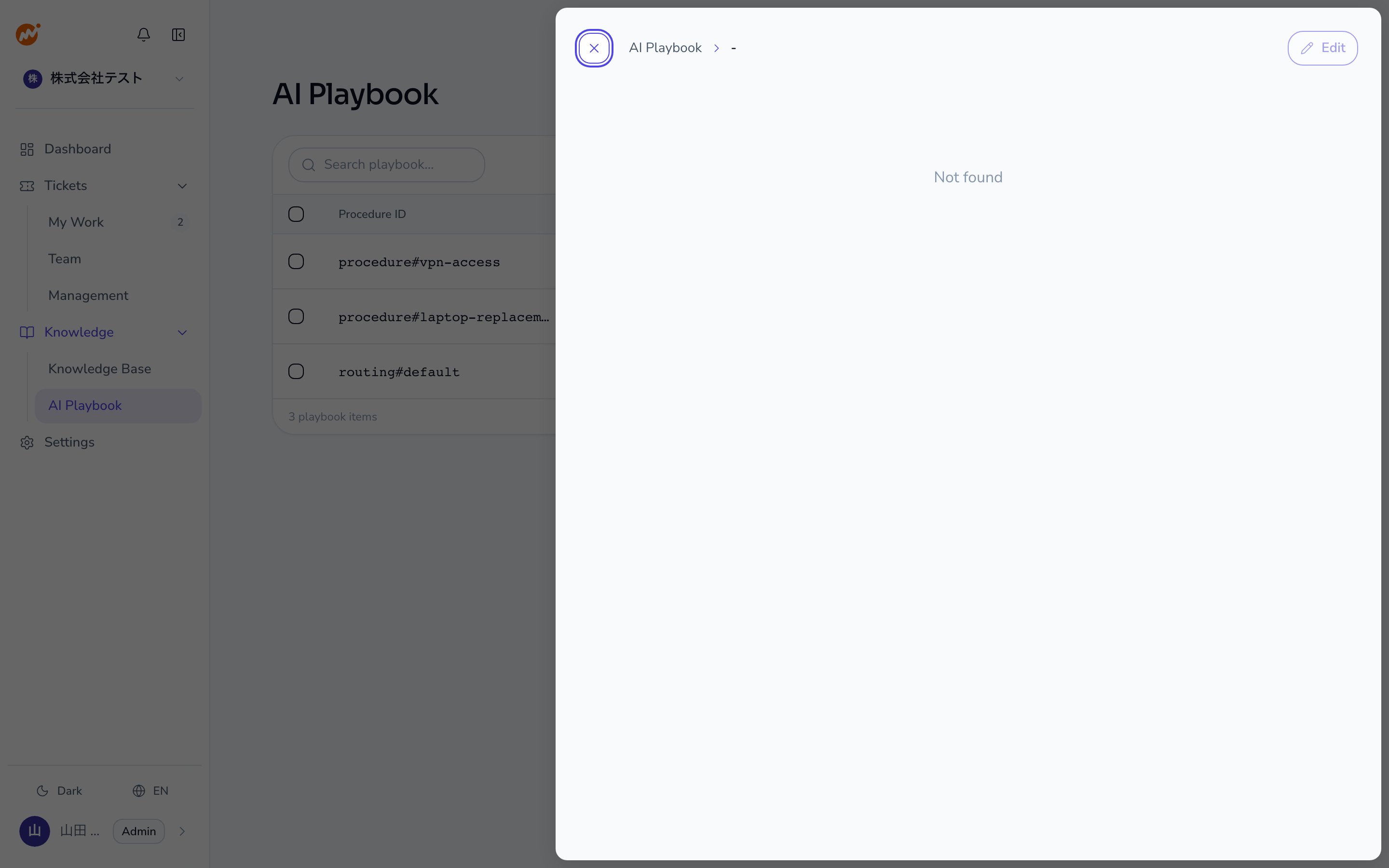
Click the Playbook you want to edit, or select Edit from the … (action menu) at the end of the row.
Edited content takes effect from the next triage onward. Sessions already in progress continue using the Playbook version that was active when the session started.
Delete a Playbook
Select the Playbook to delete
Select Delete from the … (action menu) at the end of the row for the Playbook you want to delete.
Bulk delete Playbooks
To delete multiple Playbooks at once, use the bulk delete feature.Select Playbooks to delete
Check the checkbox on each row for the Playbooks you want to delete. Checking the header row checkbox selects all currently displayed Playbooks.
Search and filter Playbooks
Enter a keyword in the search bar at the top of the Playbook list to filter Playbooks by name. This is useful when you have a large number of registered Playbooks. You can also filter by Category, Type, and Has proposals. The list can be grouped by category, type, or last updated date.Notes on deletion
- Deleting a Playbook does not affect sessions already using it. Those sessions continue with the Playbook content available at session start.
- You can re-register a Playbook with the same content after deletion, but the previous history is not retained.