Overview
After deleting a user in Atlassian, Admina may continue to show that user as an inactive (separated) employee.Details
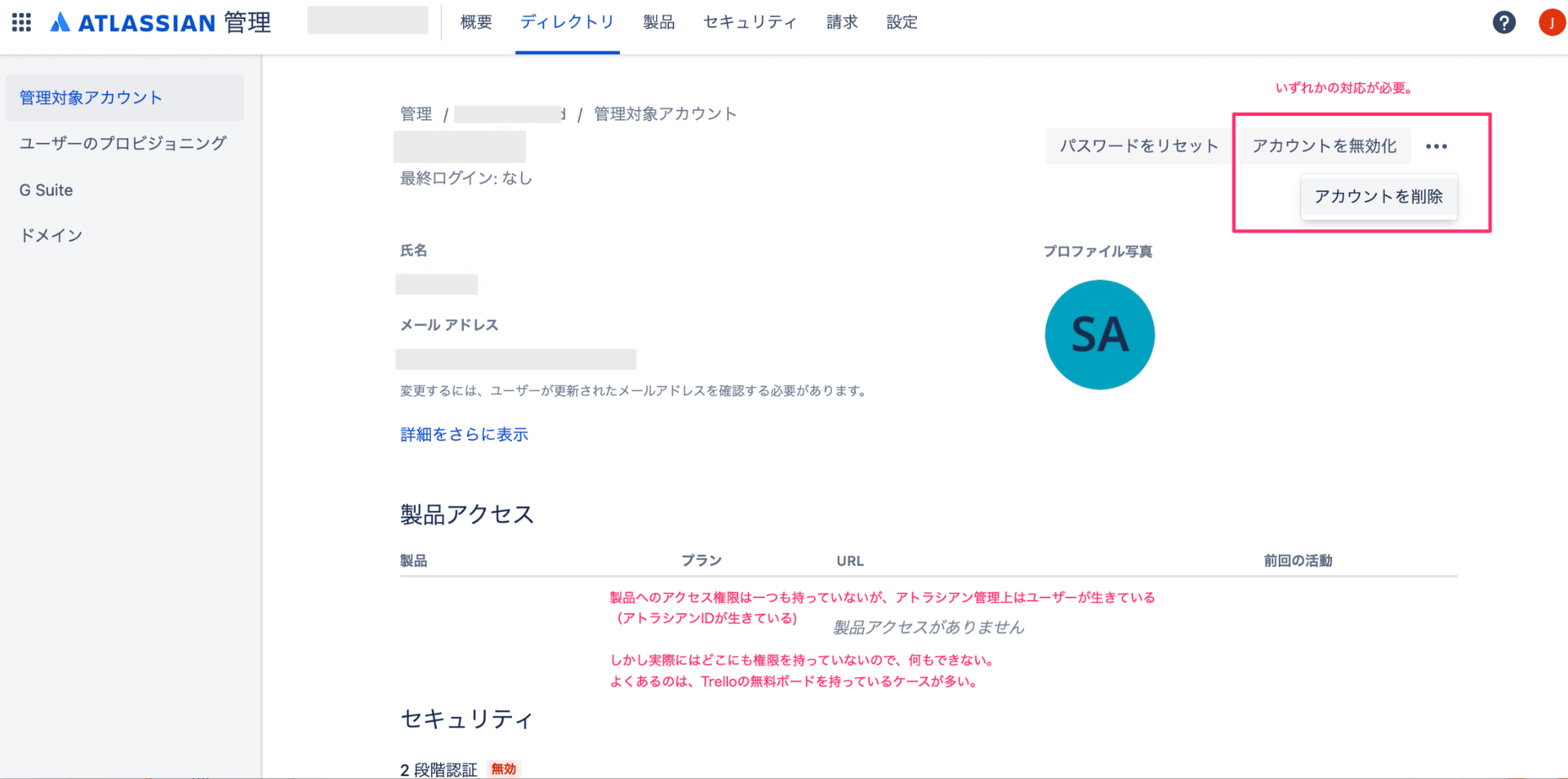
The following explains why Admina marks these users as inactive.- This affects users with a company email address who have signed up for Trello.
- Even after revoking Atlassian and Trello access for a separated employee, their data often remains on personal boards. When both the user and the board remain, Admina also treats the user as still present.
- Boards and Trello IDs outside the organization’s managed scope remain, but no one can actually use them. The account still exists, however.
Resolution
- Go to the Atlassian Admin Console.
- Navigate to Directory > Managed accounts.

- Search for the inactive user, then select Deactivate or Delete.