

SaaS License Visibility
You can view license assignment status for each SaaS service. Go to Services, select a service, then check the license information in the Info tab under the “Licenses” section.Supported SaaS integrations and feature compatibility
- Supported services will expand over time.
- To retrieve Microsoft 365 / Azure AD licenses, please reconnect the integration.
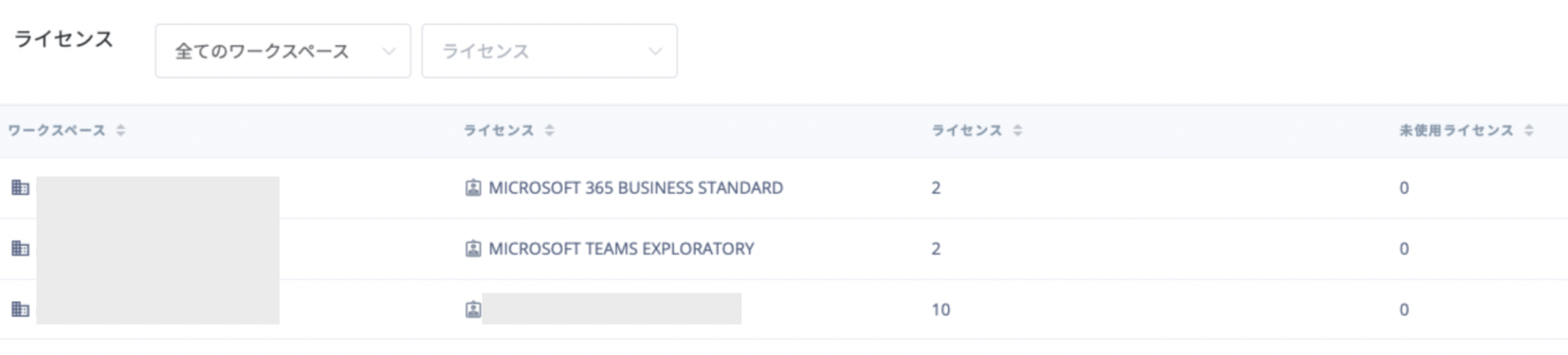
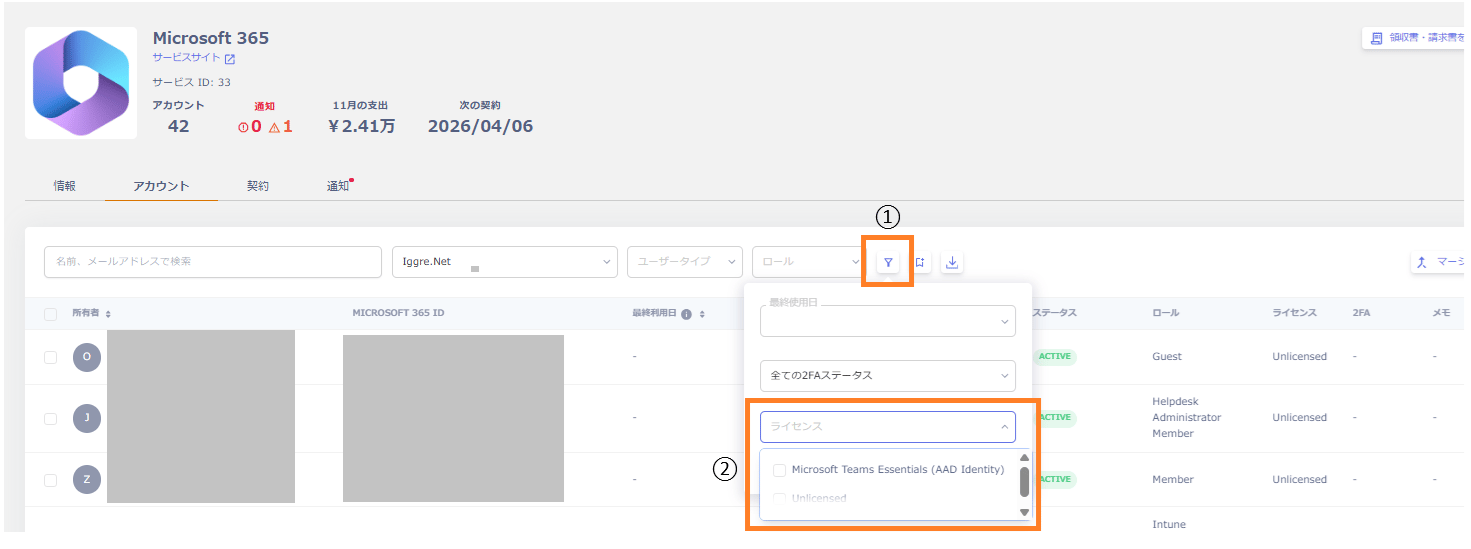
For Zoom, due to API limitations, you can retrieve license usage data (in use, unused, total) but not which user holds which license. As a result, the Info tab shows license counts (in use, unused, total), but searching for an account in the Account tab does not show license details for that account — it only shows “Licensed”.