Supported Features
Account DeactivationPrerequisites
How to Log In to TimeCrowd
Go to the login page and log in with your email address and password.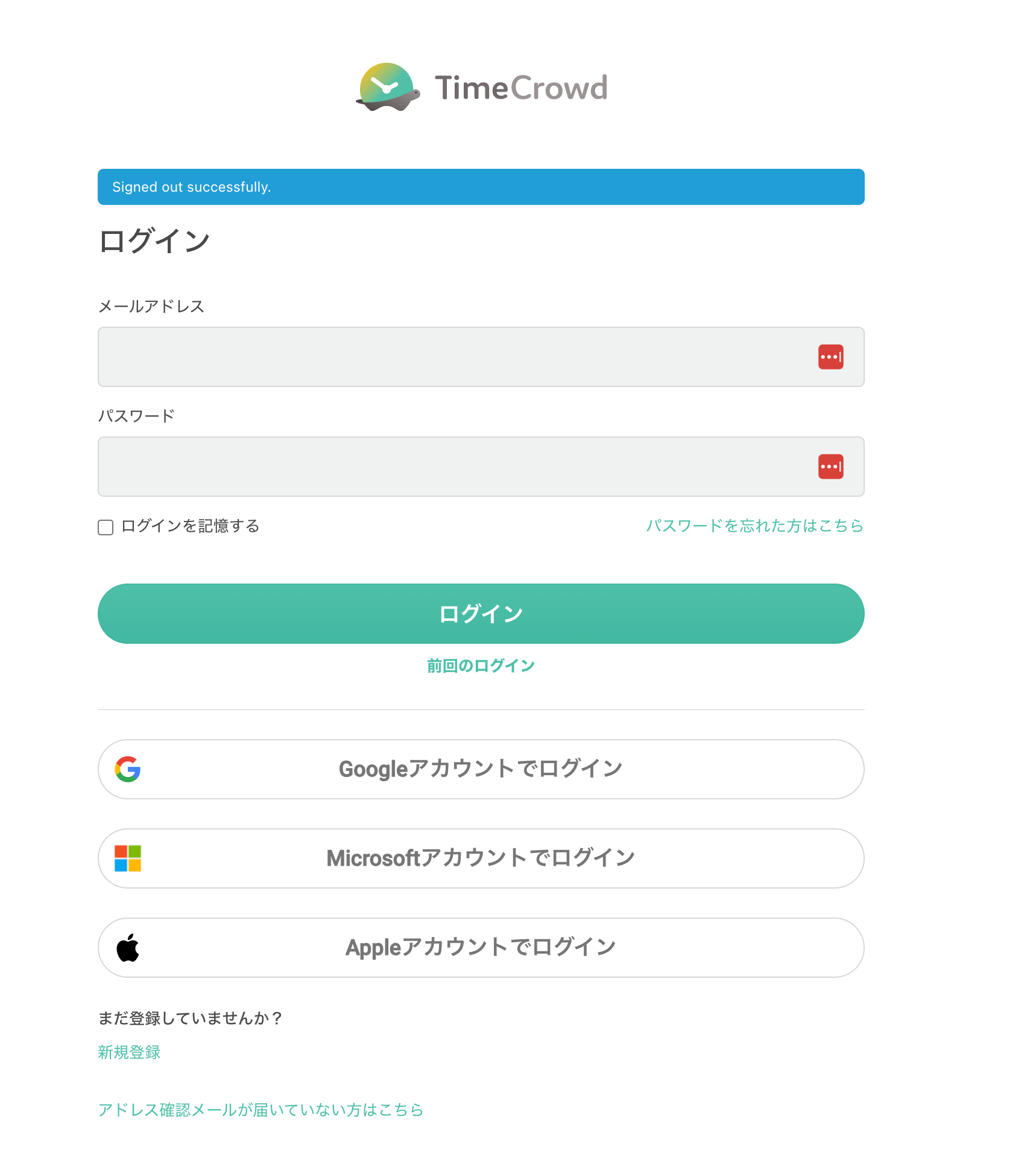
Creating an Access Key
Create an OAuth App on TimeCrowd for use with the Admina integration.- While logged in to TimeCrowd, click the following URL.

- The following screen will appear. Enter each value as described.
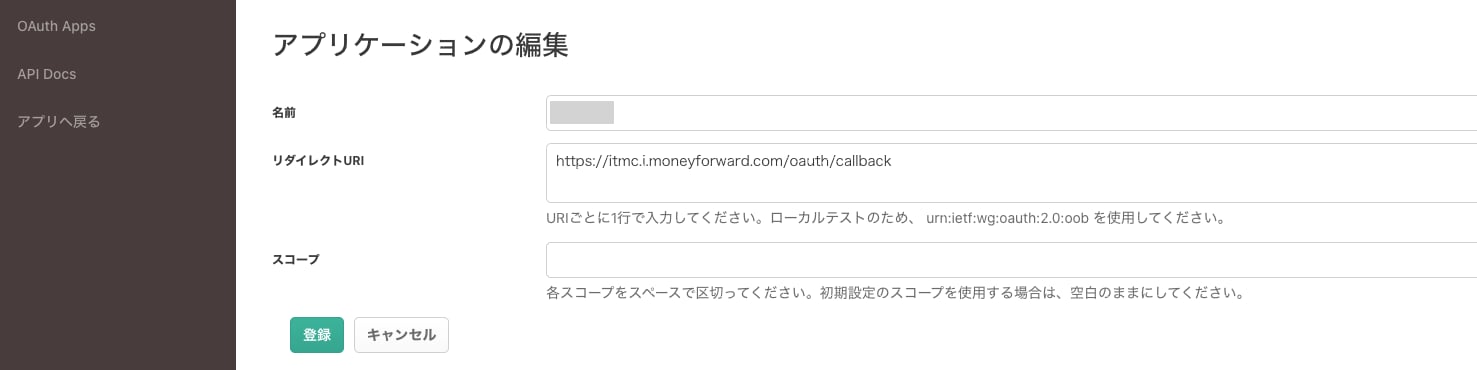
- Name: The name of the application. Enter any name you like (e.g., Admina).
- Redirect URI: https://itmc.i.moneyforward.com/oauth/callback
- Scopes: Leave blank.
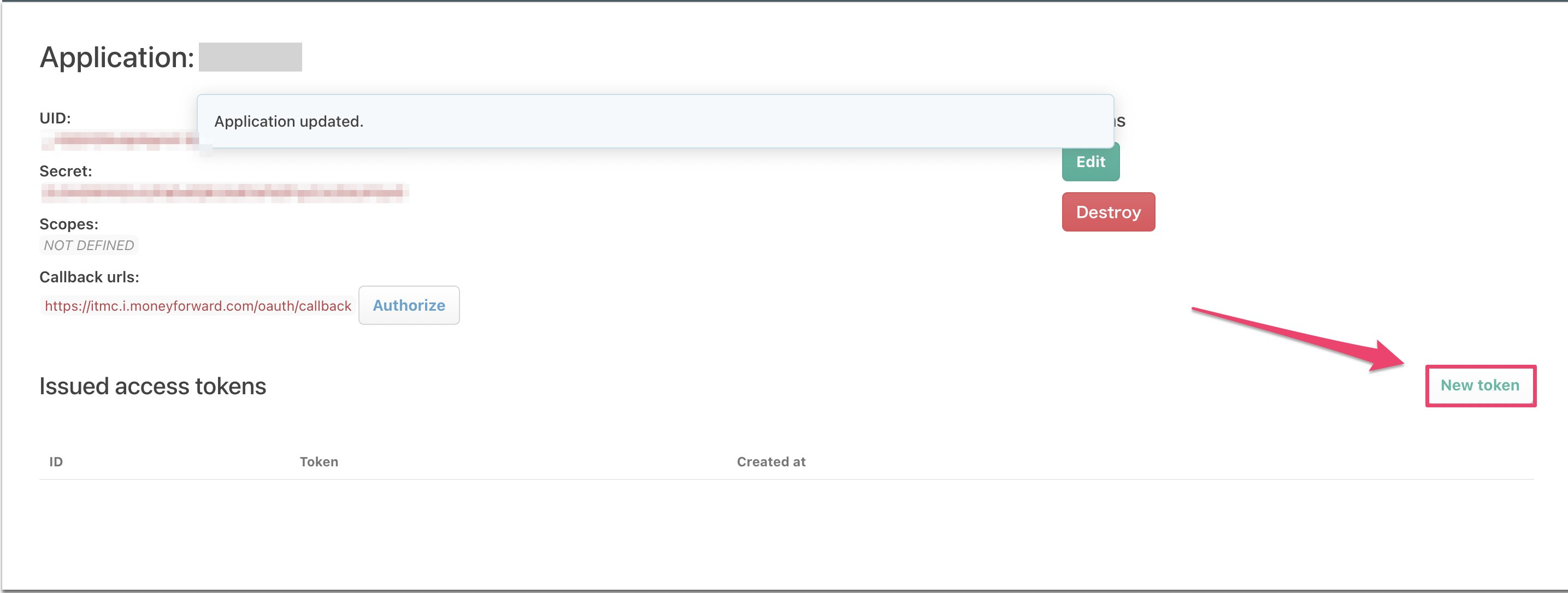
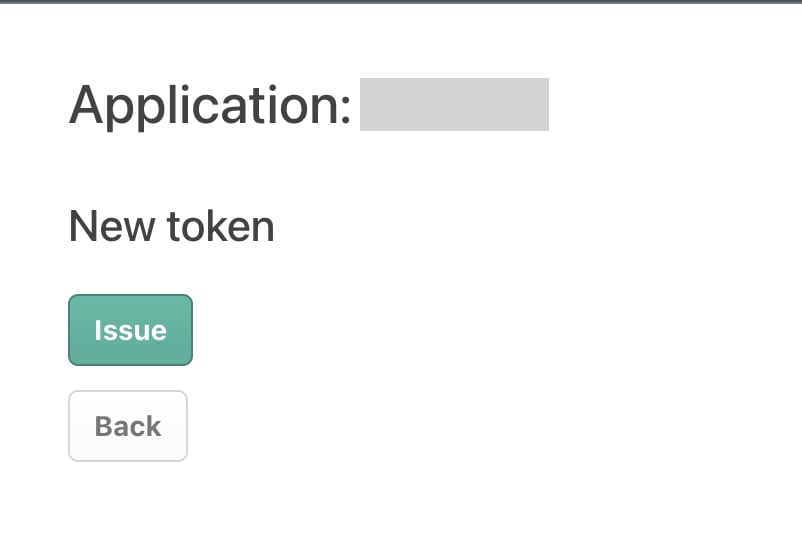
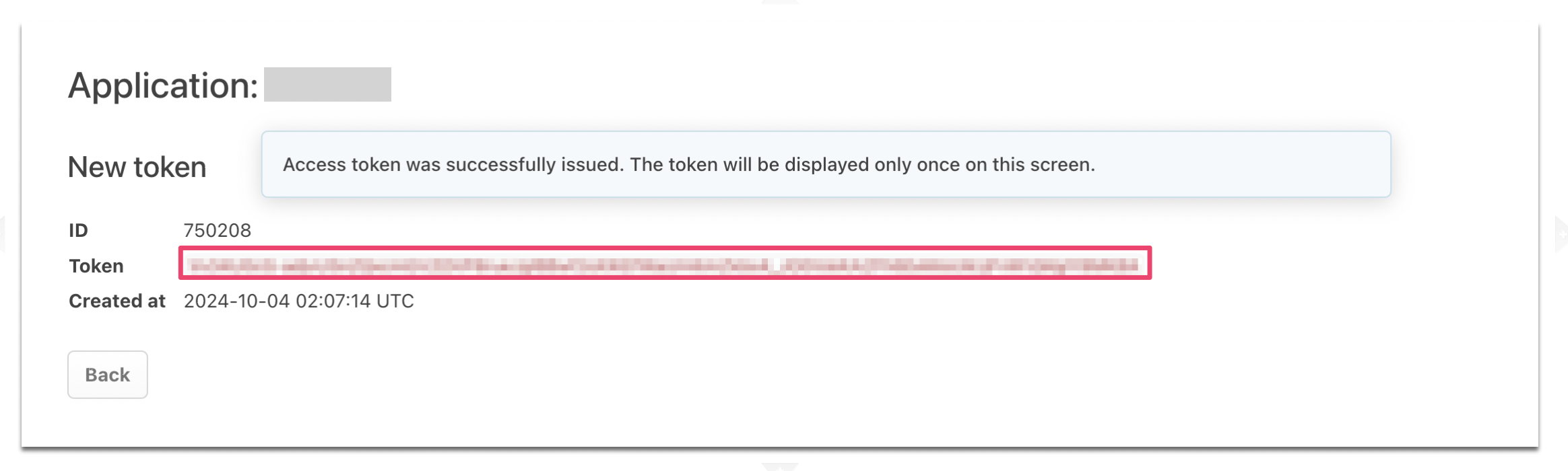
- The following screen will appear. Click New Token.
Integration Setup
In the MoneyForward Admina integrations screen, search for TimeCrowd.