Supported Features
Account Provisioning Account DeletionAn administrator account is required for the integration.
Prerequisites
How to Log In
On the i-Reporter login page, enter your username and password to log in.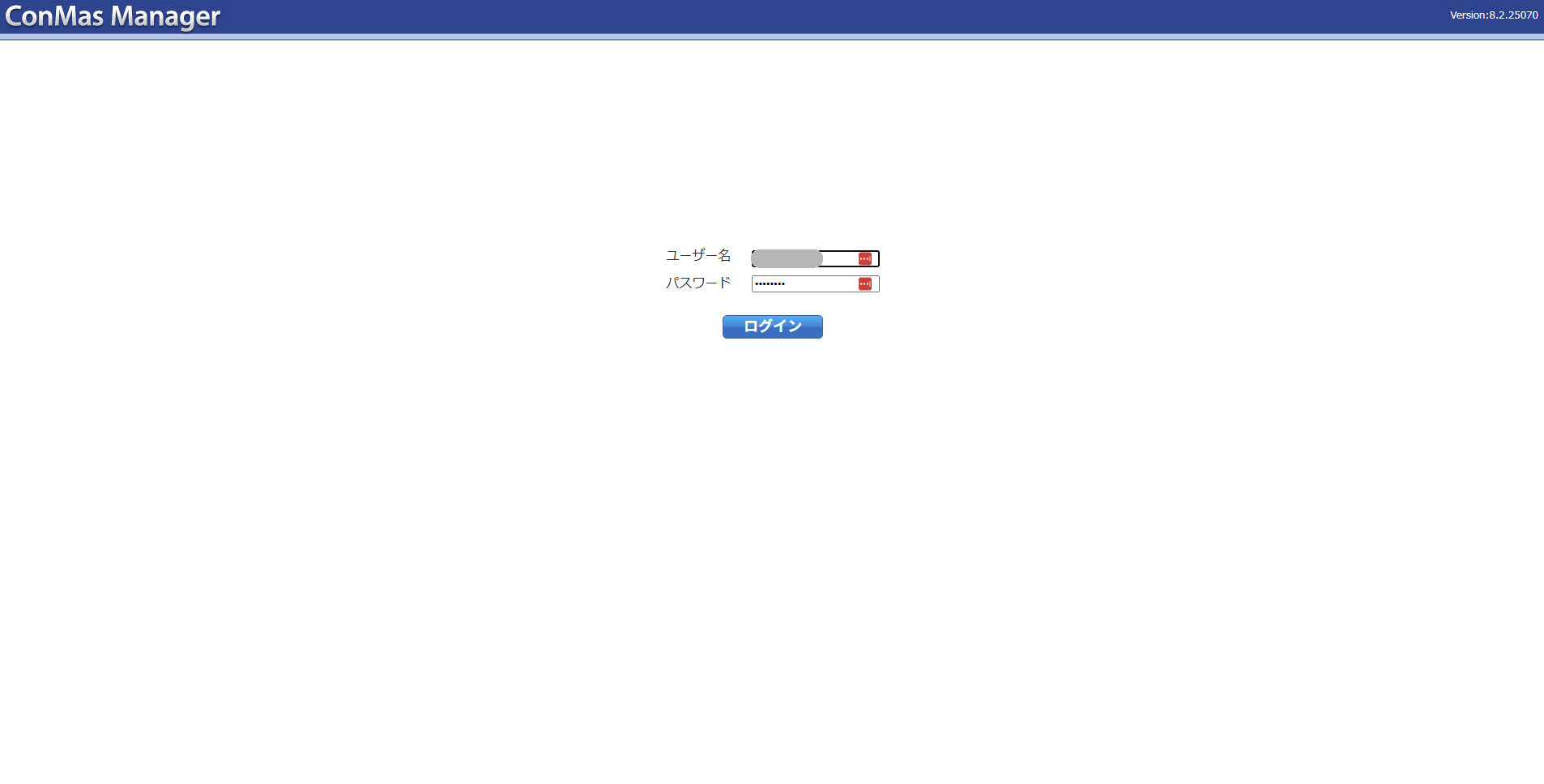
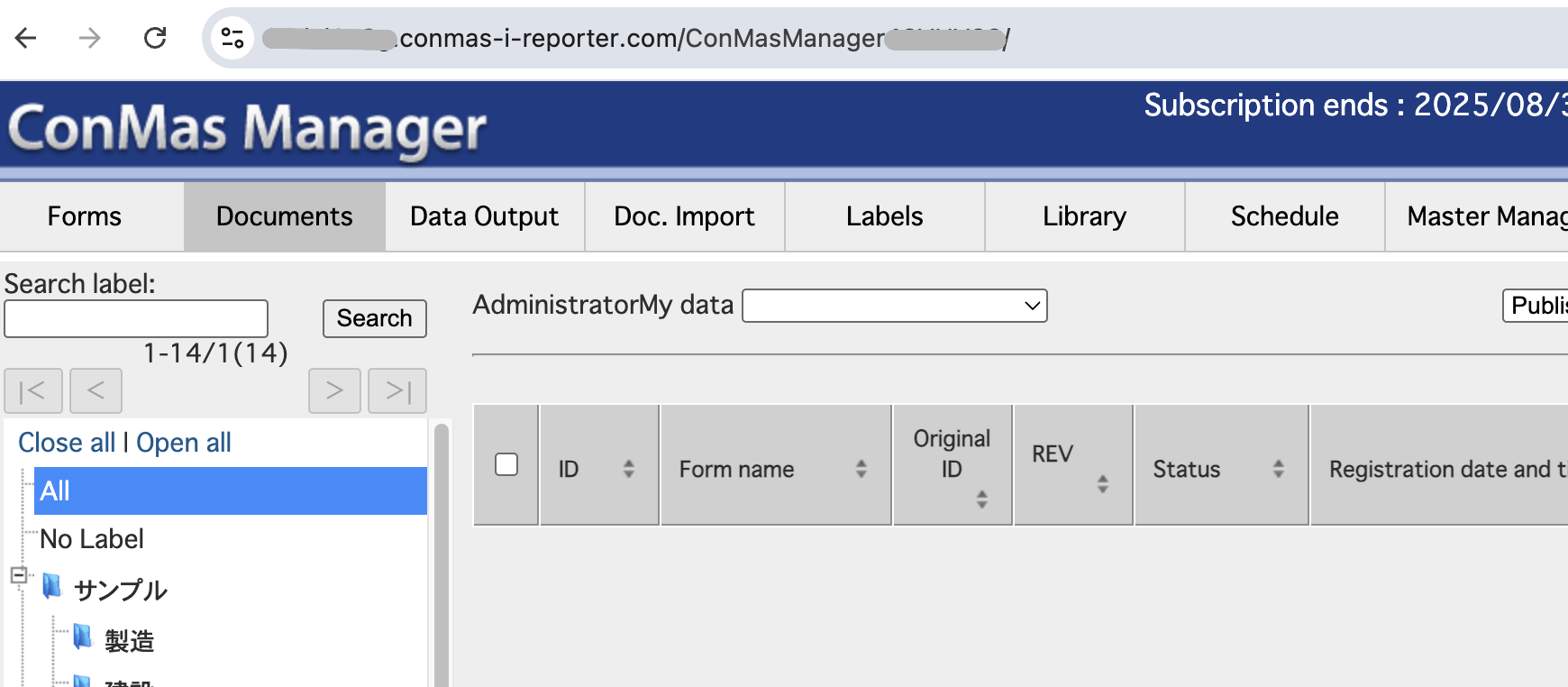
How to Find Your Base URL
The URL displayed after logging in is your Base URL. Example:https://<hostname>/ConMasManagerXXXXXX/
Integration Setup
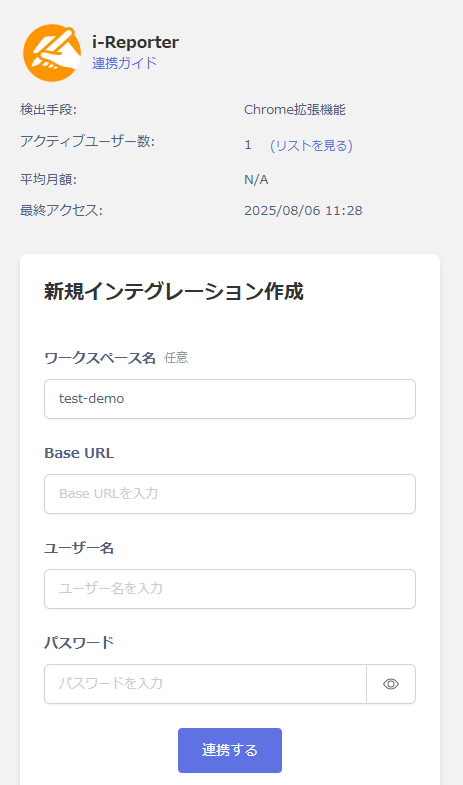
Search for i-Reporter on the MoneyForward Admina integrations page. Enter any workspace name, the Base URL confirmed in the previous step, and your login username and password, then click Connect.