Supported Features
Account Deletion Account CreationAdministrator privileges for your Marketo instance are required.
Prerequisites
How to Log in to Marketo Engage
Go to the Marketo Engage login page and enter your email address and password to log in.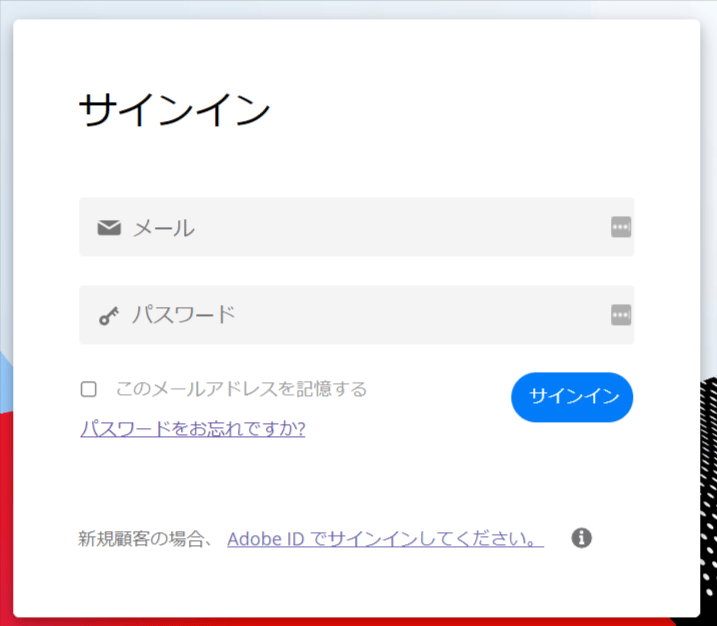
How to Obtain Your Client ID and Client Secret
Refer to the Marketo Help documentation to obtain your API key.- Create a Role in Marketo Engage for API use, granting it Access Admin and Access API permissions.
- Add a User in Marketo Engage, set the Role created in step 1 as the Permission, check API Only, and create the user.
- Open Launch point in Marketo Engage, add a new service, set Service to Custom, and specify the User created in step 2.
- Marketo Engage will issue a Client ID and Client Secret. Save these values — they will be used as the Client ID and Client Secret for the integration.
How to Obtain Your Workspace Key
Part of the URL serves as the workspace key, so save it. (Do not include the #.) https://engage-sj.market.com/?munckinld={workspace key} #/classic/WP0A1

Integration Setup
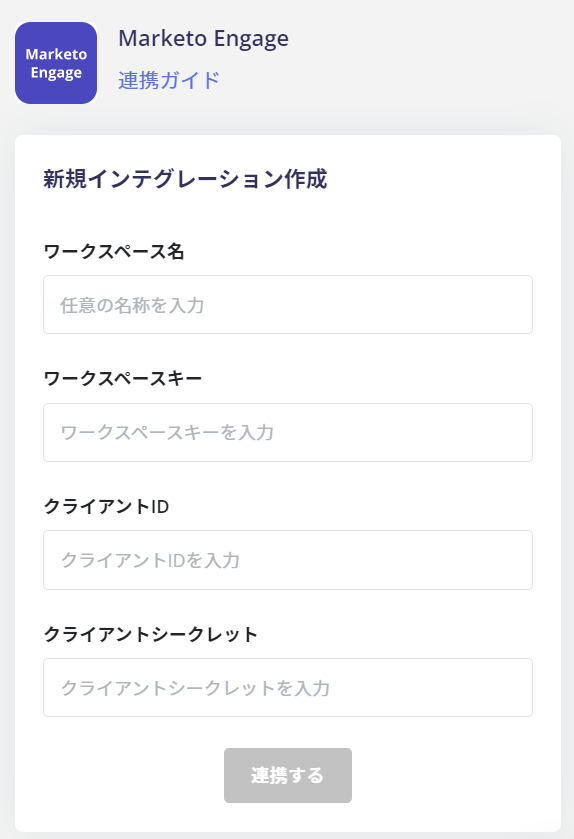
In the MoneyForward Admina integrations screen, search for Marketo Engage and click on it.