Supported Features
Account Deletion Account CreationAn account with administrator privileges is required for the integration.
Prerequisites
How to log in
Go to the Kentik login page and enter your email address and password to log in.
How to obtain an API key
After logging in, click the user icon in the upper right > User Profile.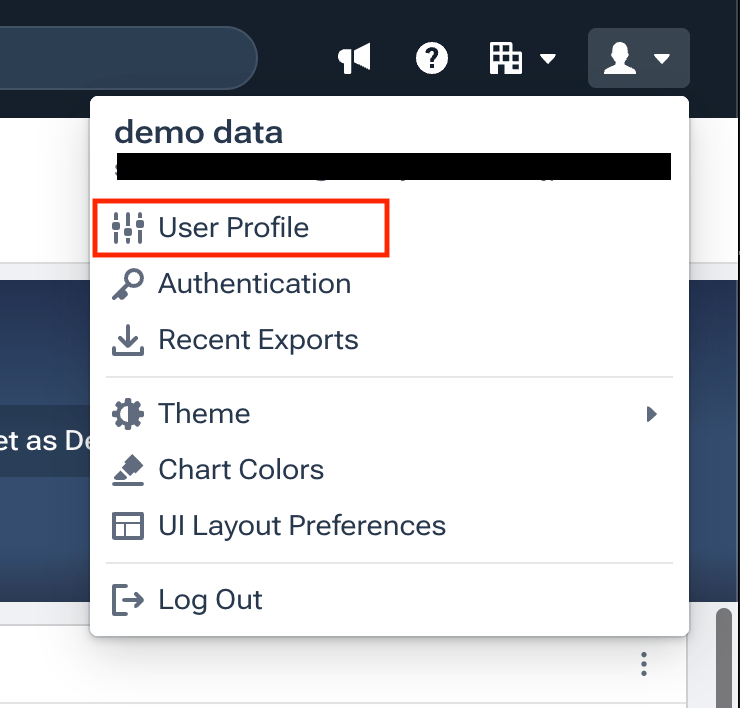

Integration Setup
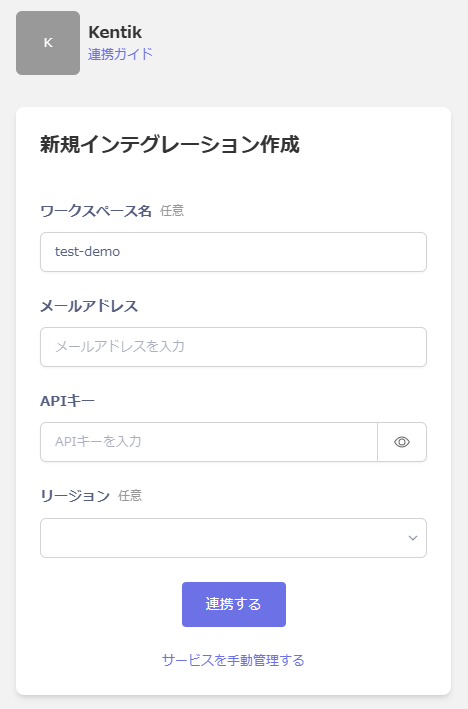
Search for Kentik on the MoneyForward Admina integrations screen. Enter an optional workspace name, the email address used to log in to Kentik, the API key obtained in the previous step, and an optional region, then click Connect.