Supported Features
Account Deletion Account CreationIntegration is not available with personal accounts. You need a GitHub account that belongs to an organization with a Team Members menu.
Prerequisites
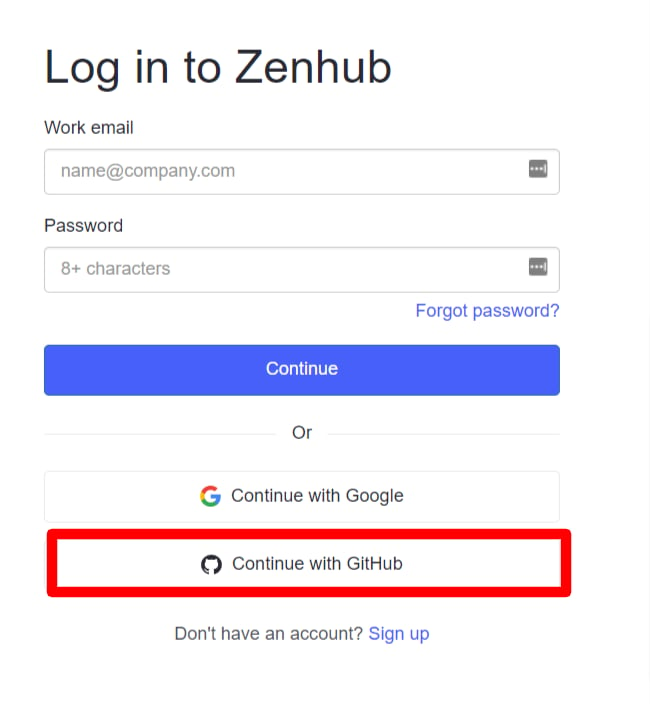
How to Log In to Zenhub
On the Zenhub login page, select GitHub and enter your GitHub username or email address and password to log in.Google, SSO, and other external authentication accounts cannot be used for integration. For details, see [Restrictions] Integration Failure with Google Authentication, SSO, or Other External Authentication Accounts.
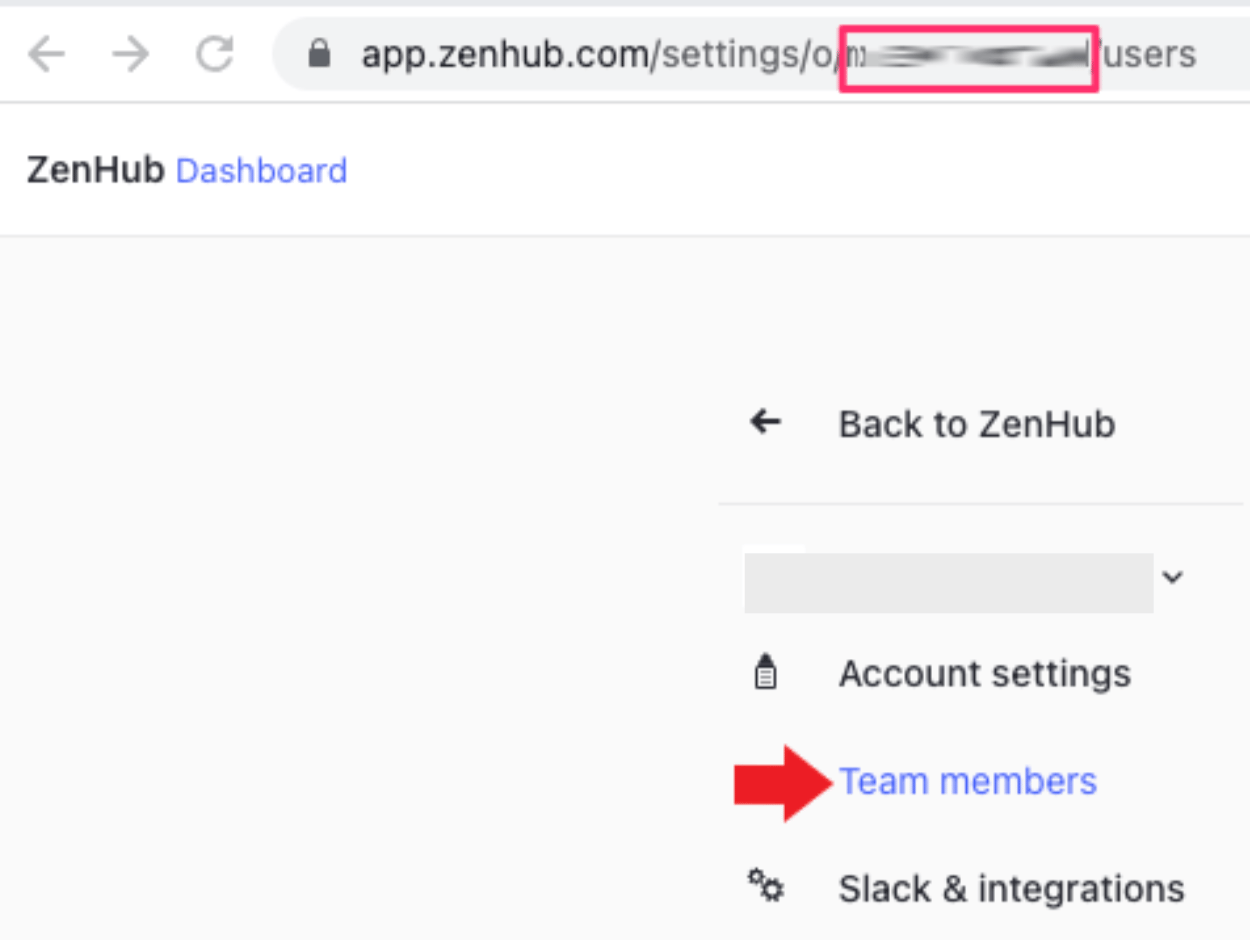
How to Get the Workspace Key
After logging in to Zenhub, go to the organization management screen from Manage Organization in the bottom left.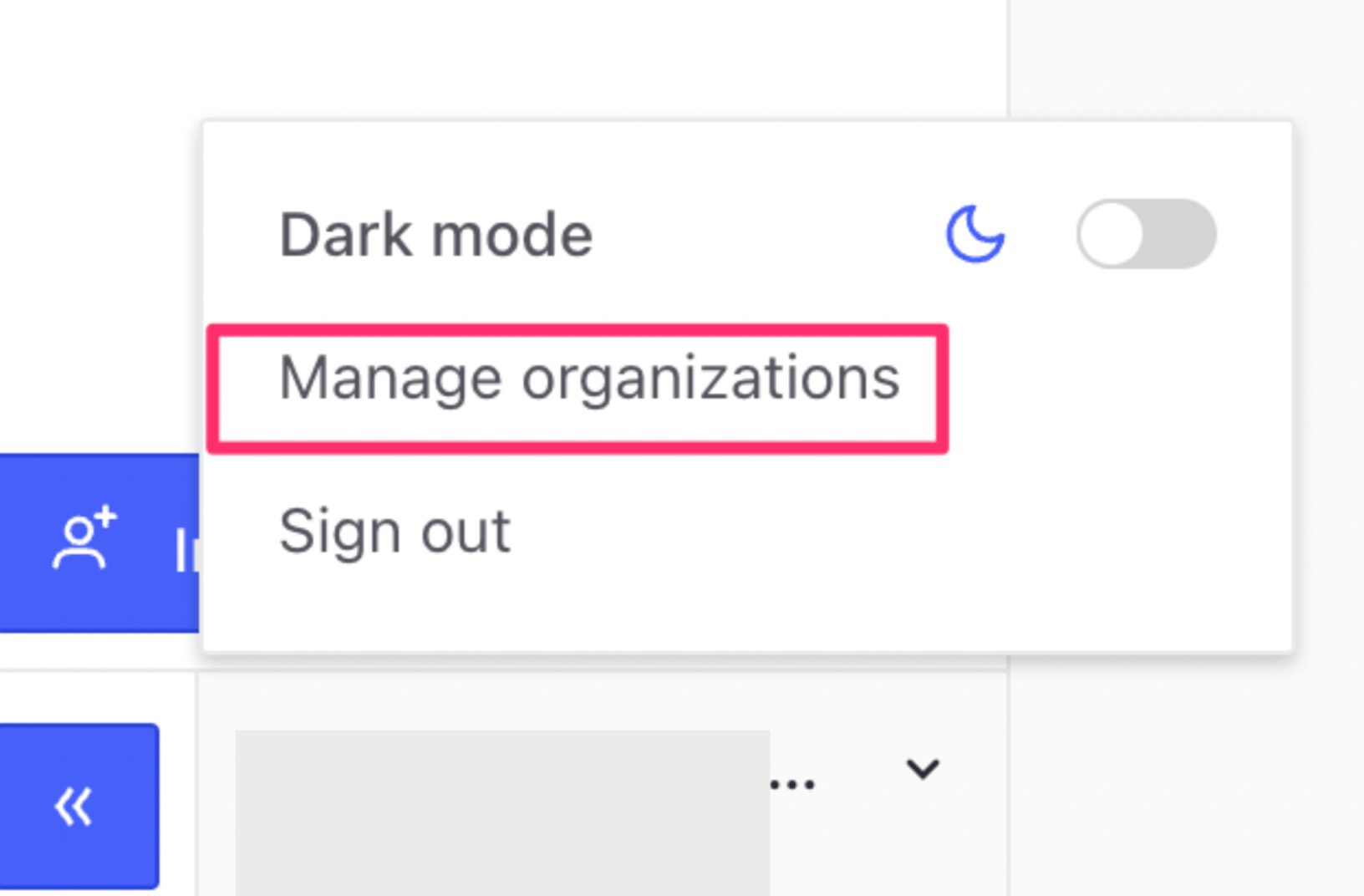
https://app.zenhub.com/settings/o/{workspace-key}/users
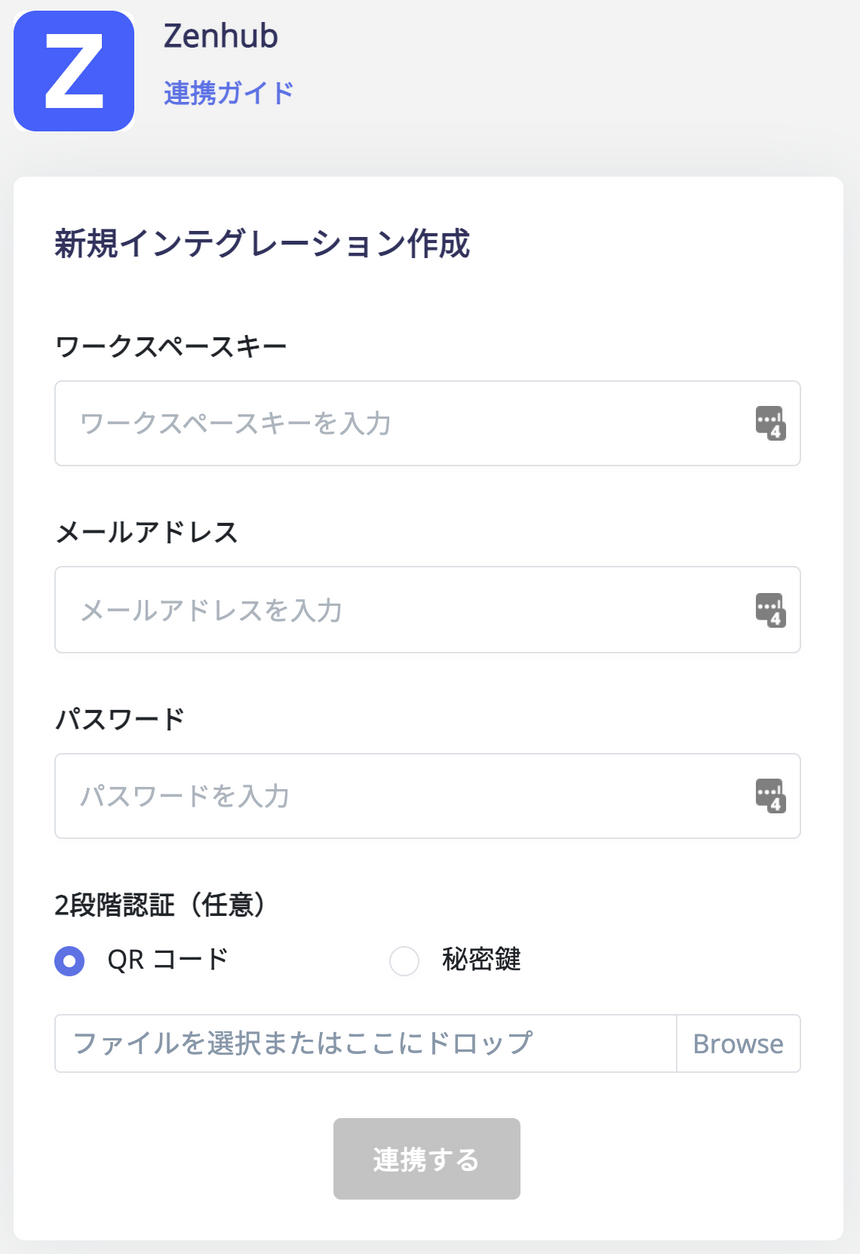
Integration Setup
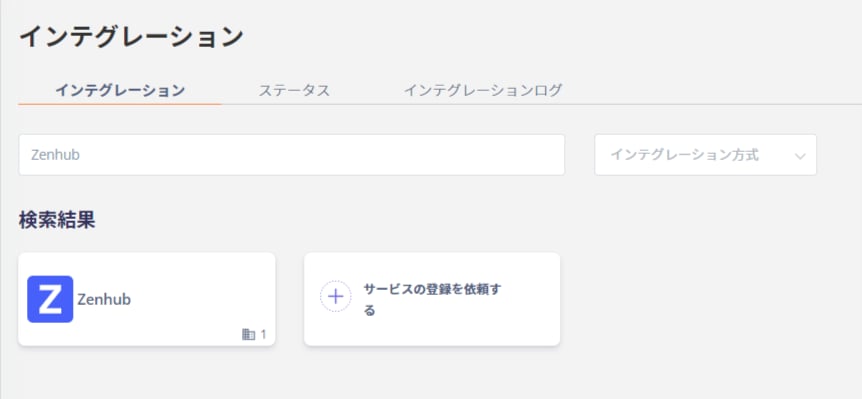
In the MoneyForward Admina integration screen, search for Zenhub.