Advance preparation
How to log in to Huntress
On the Huntress login page, enter your email address and password to log in.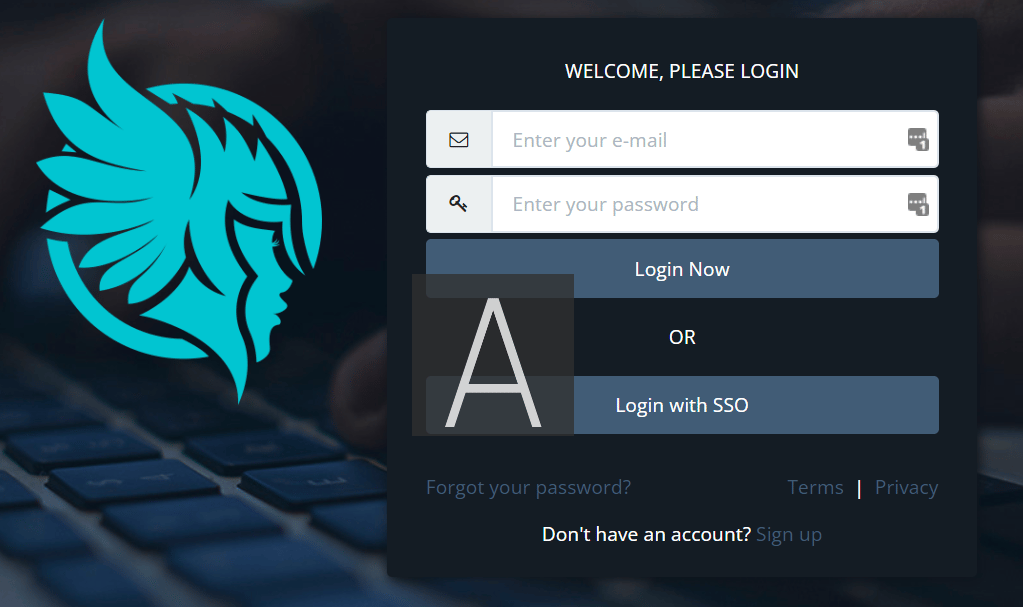
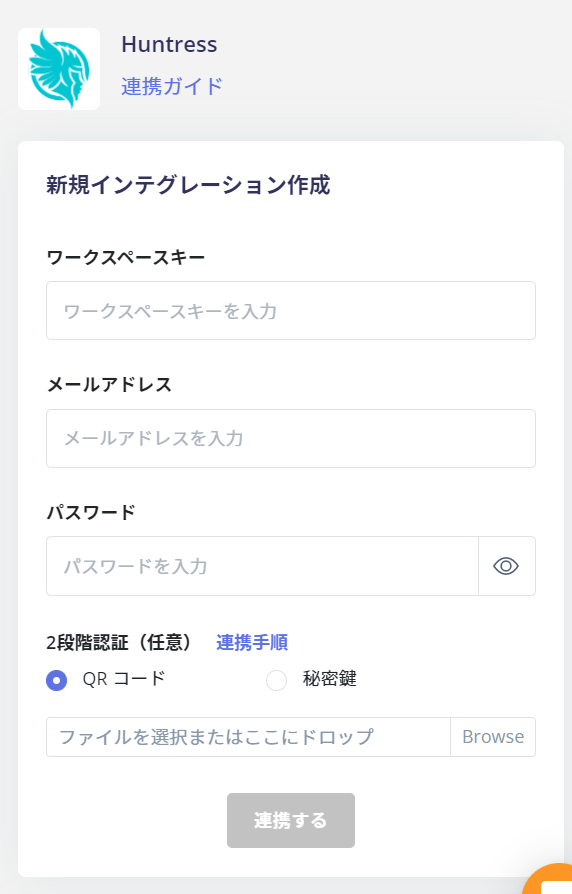
How to get the workspace key
After logging in to Huntress, select Organization > Linked Organization from the top menu tab.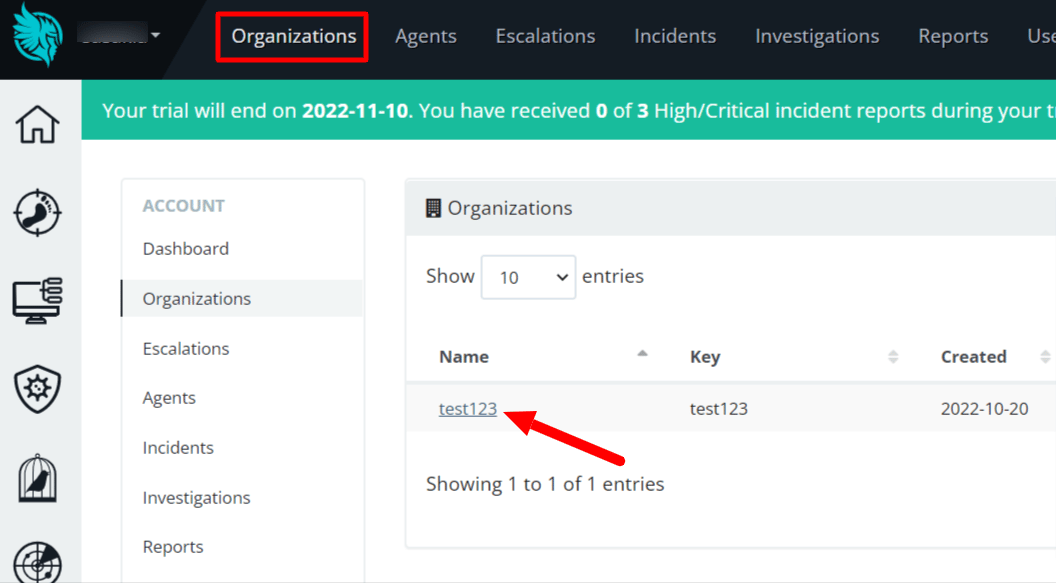
{workspace key}
How to get two-factor authentication (QR code, Secret key)
Go to the top right menu icon > Preferences and click Edit Google Authenticator ✎ in Two-Factor Authentication.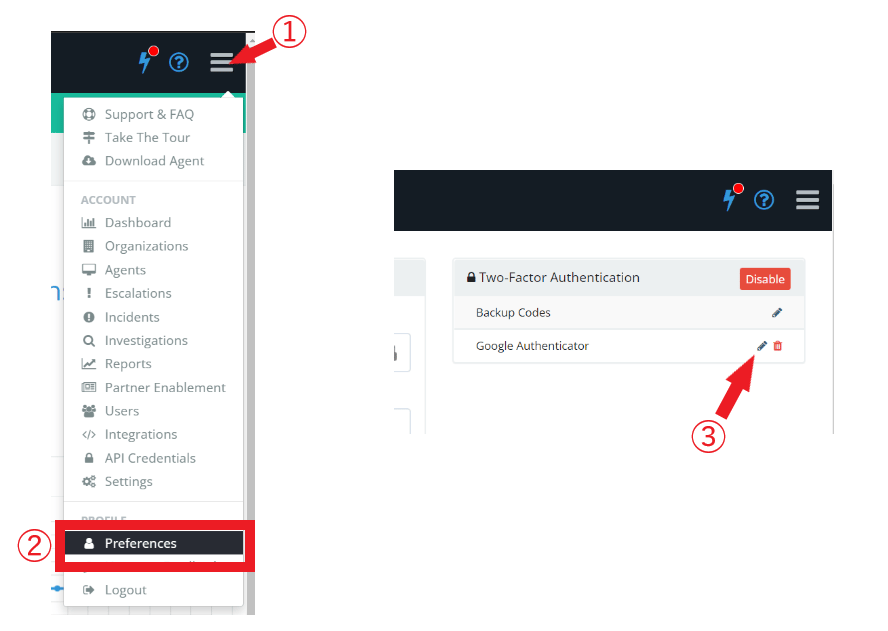
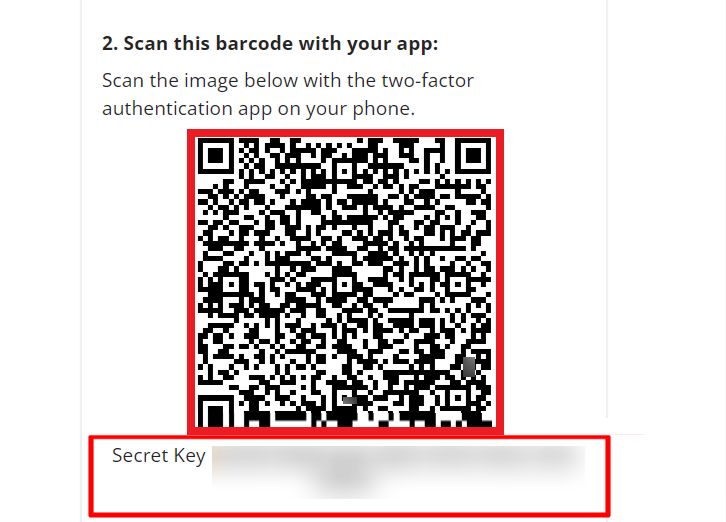
- When linking with a QR code, take a screenshot of the displayed QR code and save it.
- When collaborating with a secret key, save the Secret Key.
Integration setup
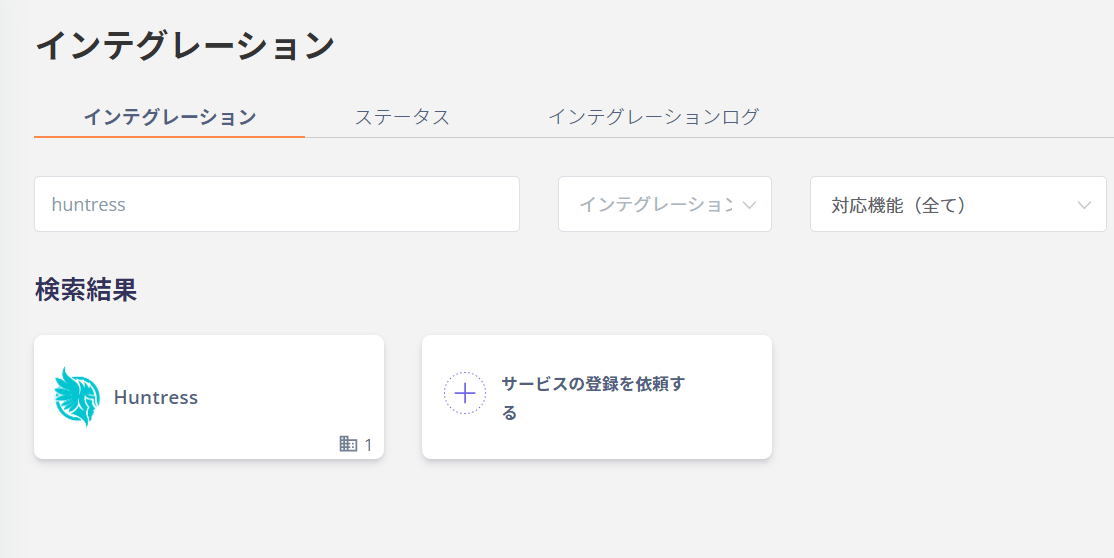
Search for Huntress on the Admina by Money Forward integration screen.