

Supported Features
Account Deletion Account ProvisioningPrerequisites
How to Log In to SECURE DELIVER
Go to the SECURE DELIVER login page, enter your login ID and password, and log in.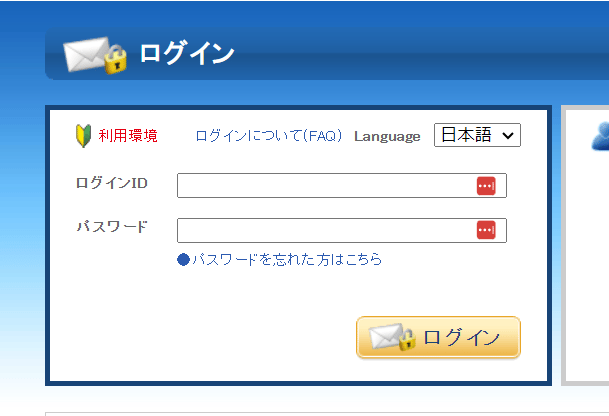
How to Obtain the API Key
The API key is the authentication key sent by your sales representative when you started using SECURE DELIVER. If you are unsure, please ask your SECURE DELIVER sales representative for theSECURE DELIVER API authentication key.
Integration Setup
In the MoneyForward Admina integration screen, search for SECURE DELIVER.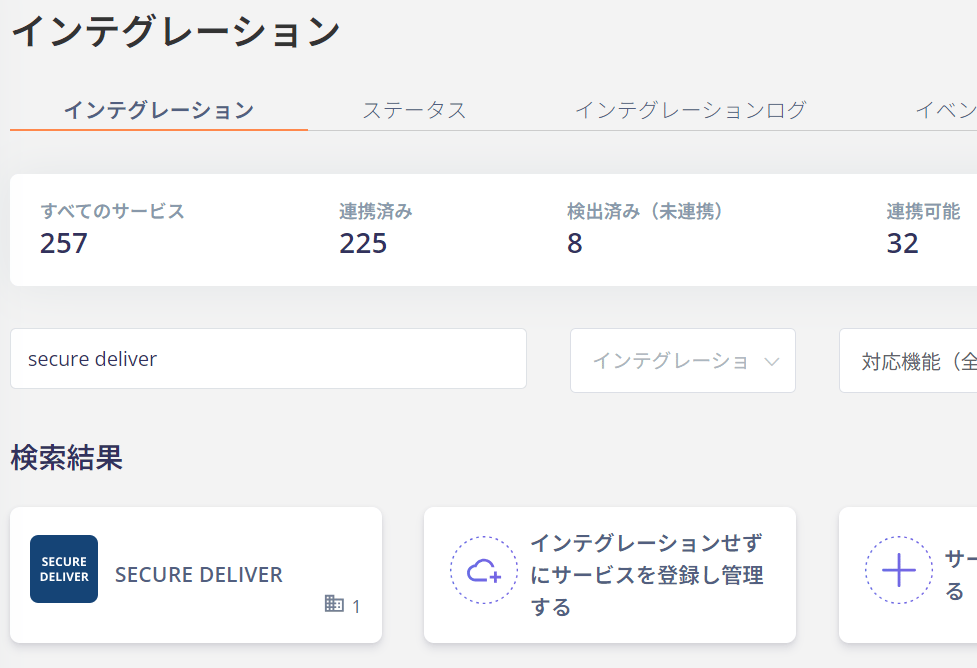
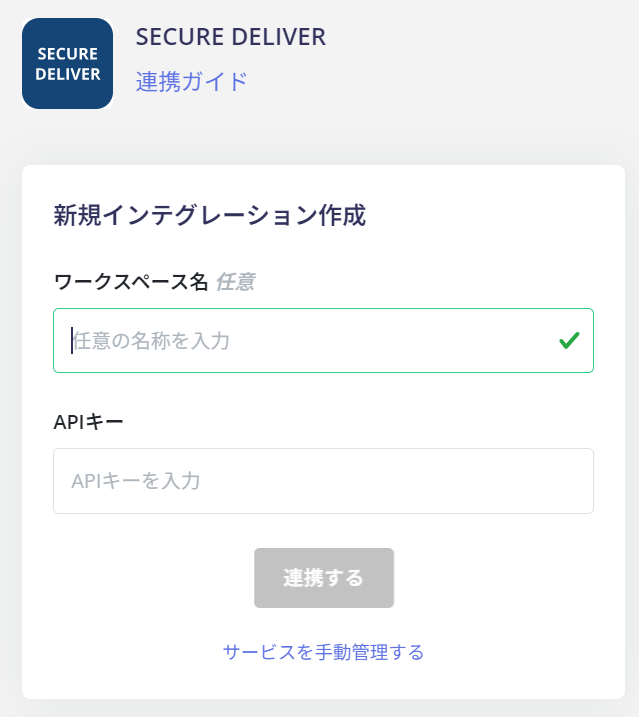
If the issue persists, please contact us via chat.