Supported Features
Account Creation Account DeletionA common administrator email address and password are required for the integration.
When integrating with Cybozu Office, only Cybozu Office users are retrieved.
To retrieve all accounts, please integrate via “cybozu.com Common Administration.”
Integration Methods
The following integration methods are available:- Integration via ID/Password
- Integration via API
Prerequisites
For ID/Password Integration
If you use 2FA (Two-Factor Authentication)When integrating via ID/Password, REST API cannot be executed with password authentication for.
Users who have enabled two-factor authentication.Please prepare a dedicated integration account with two-factor authentication disabled.For details, see When two-factor authentication is configured (external site).
How to Log In to Cybozu
Go to the Cybozu login page or your organization’s Cybozu subdomain. Enter the common administrator email address and password, and log in.
URL to bypass SAML authentication (external site)Even if “Require SAML authentication” is enabled.
Cybozu.com common administrators can still log in to cybozu.com using password authentication.
How to Obtain Your Workspace Key
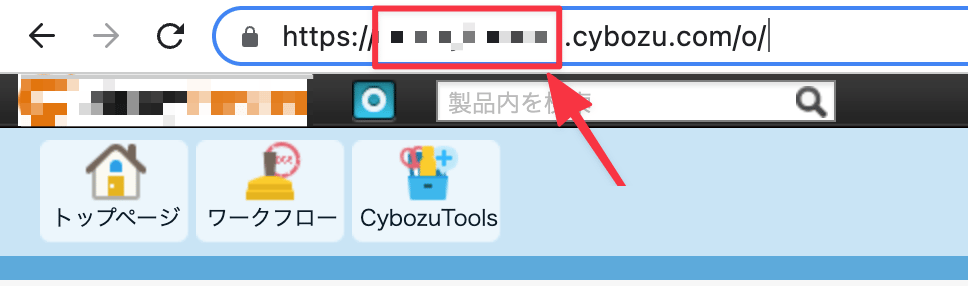
After logging in to Cybozu, part of the URL becomes your workspace key — save it for later.https://{workspace-key}.cybozu.com/o/
For API Integration
How to Obtain an API Key
- Go to cybozu.com Common Administration > External Integration > API Token > click Generate API Token.

- Check Read and Write, then click Generate.

Integration Setup
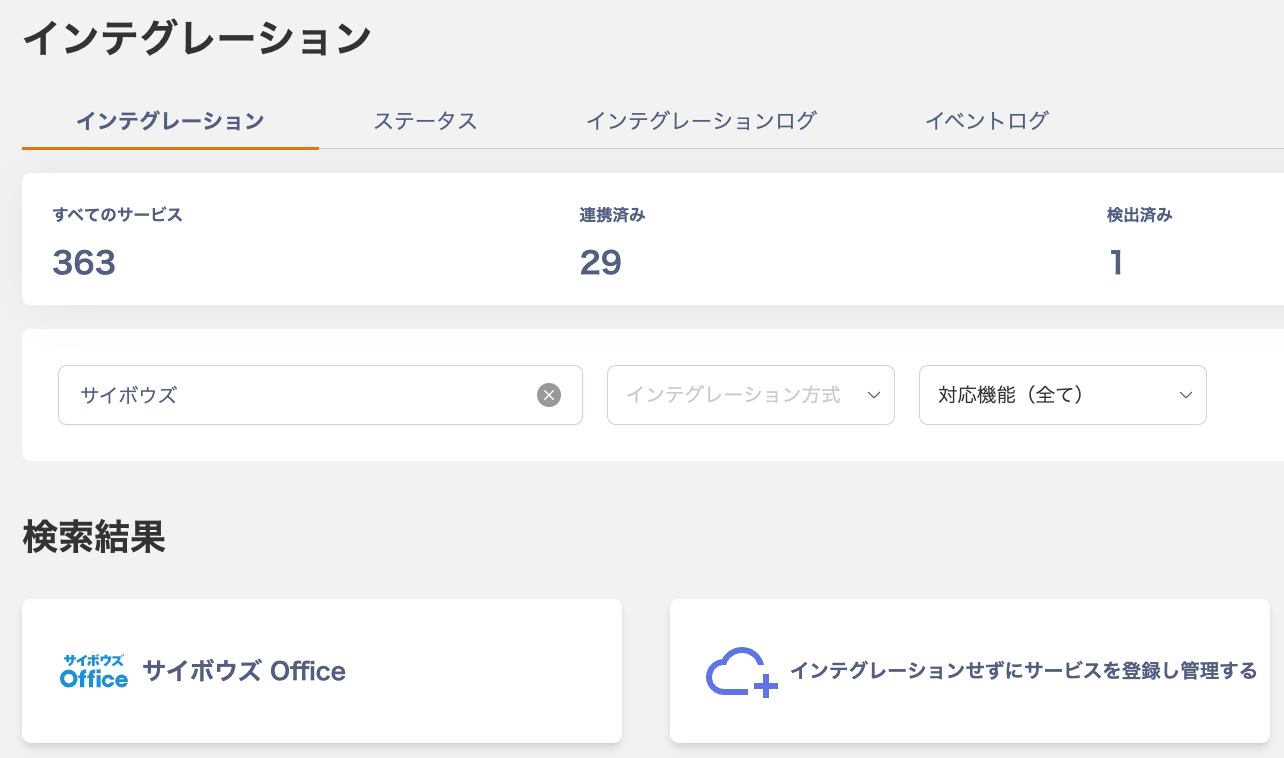
- In the Admina integration screen, search for Cybozu Office.
Integration via ID/Password
Click the [ID/Password] tab, enter an arbitrary workspace name, the workspace key obtained in the previous step. The common administrator email address and password, then click Connect. If Basic authentication is configured, also enter the Basic authentication login name and password.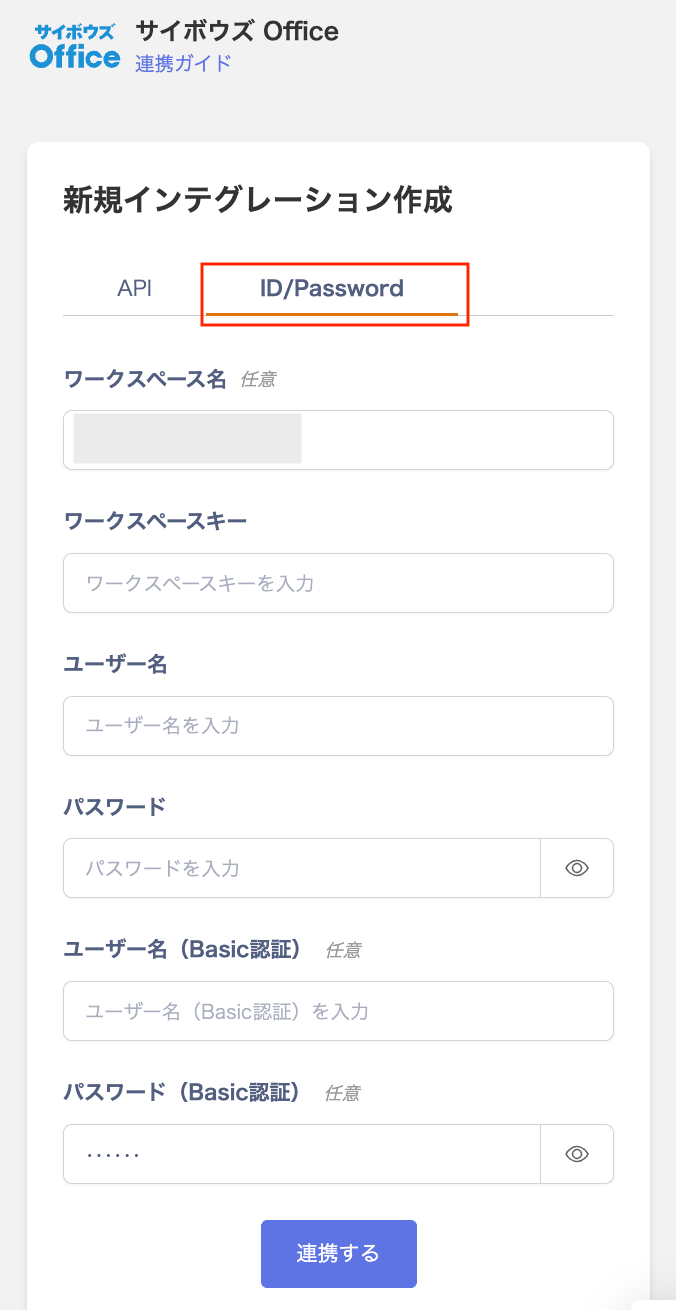
Integration via API
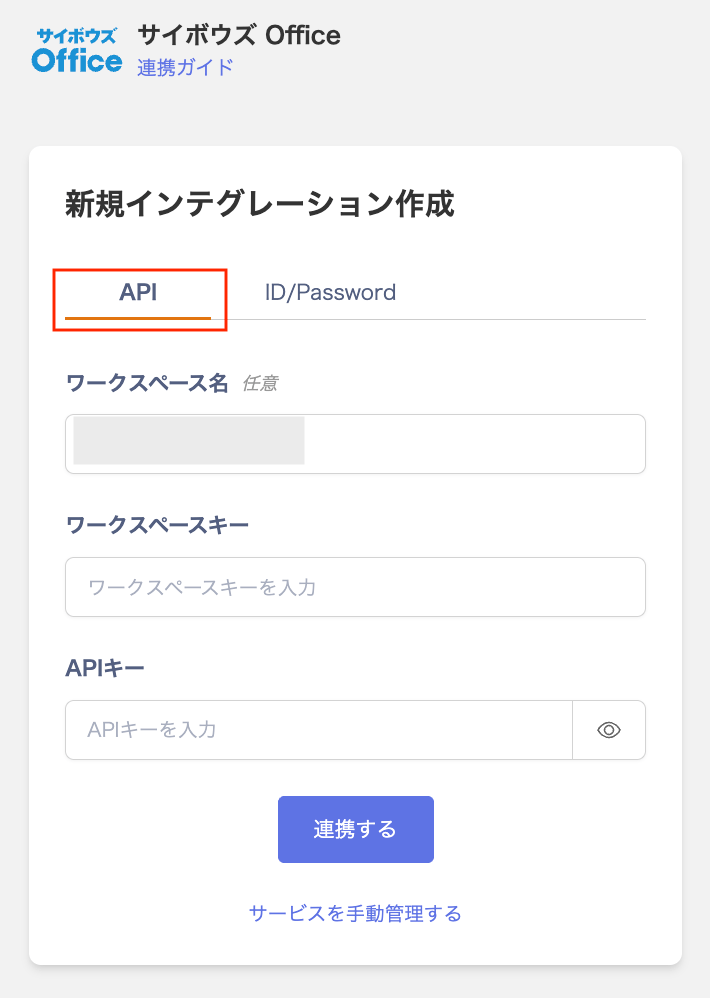
On the [API] tab, enter the workspace key and API key obtained in the previous step, then click Connect.