Supported Features
Account DeletionPrerequisites
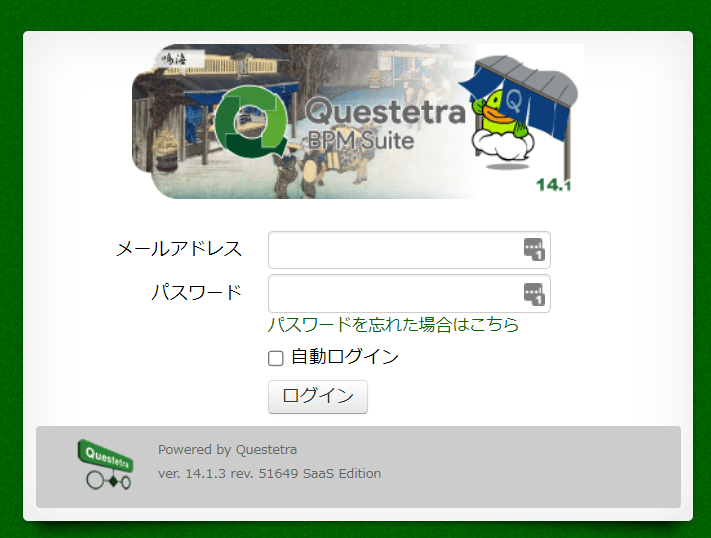
How to Log In to Questetra
Access the login page using your Questetra-specific login URL. Enter your email address and password to log in.External authentication accounts such as Google or SSO cannot be used for this integration. Please refer to [[Restrictions] Integration failures due to external authentication accounts such as Google authentication or SSO] for details.
How to Find the Workspace Key
After logging in to Questetra, part of the URL is the workspace key — save it. https://{workspace-key}.questetra.net/

How to Generate an API Password
- Click your username in the upper right to open the menu. Navigate to System Settings > API Client > API Access via Basic Authentication. Check Enable API access via Basic Authentication and save.

- Click your username in the upper right to open the menu. Navigate to Account Settings > Password > API Password. Copy and save the displayed
usernameandpassword.

Integration Setup
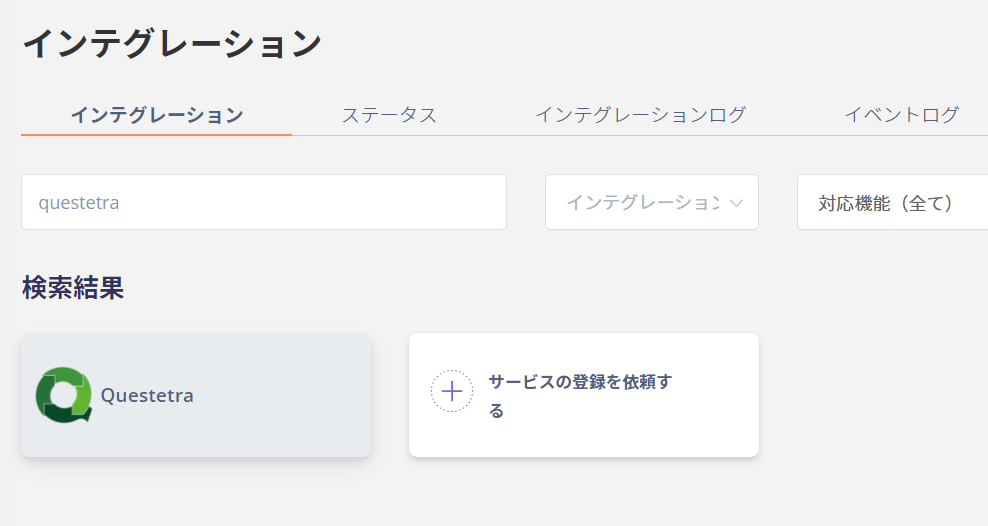
On the integrations screen in MoneyForward Admina, search for Questetra.