This service integration is currently suspended. For details, please see the Help section in the admin console.
Supported Features
Account Creation Account DeactivationPrerequisites
How to Log In to Twilio
Go to the Twilio login page, enter your email address and password, and log in.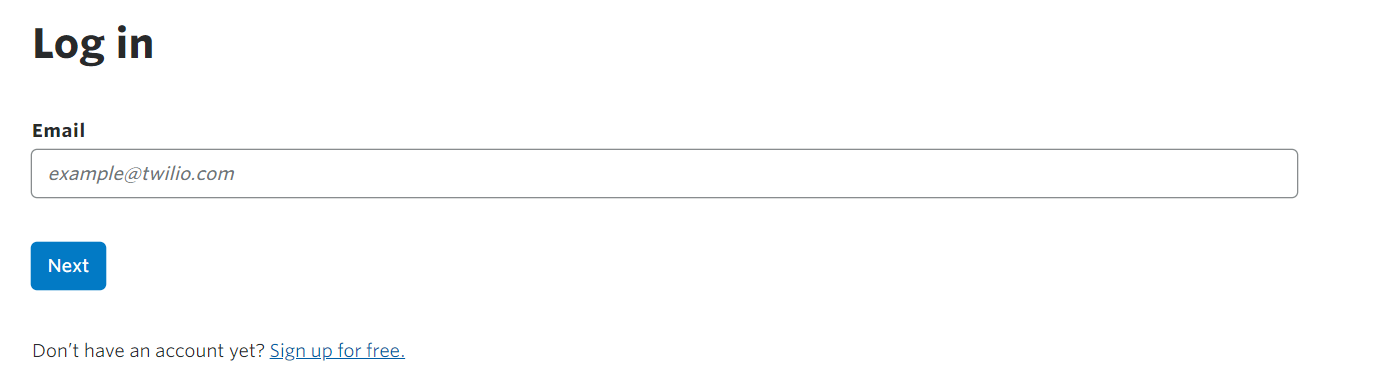
How to Configure Two-Factor Authentication
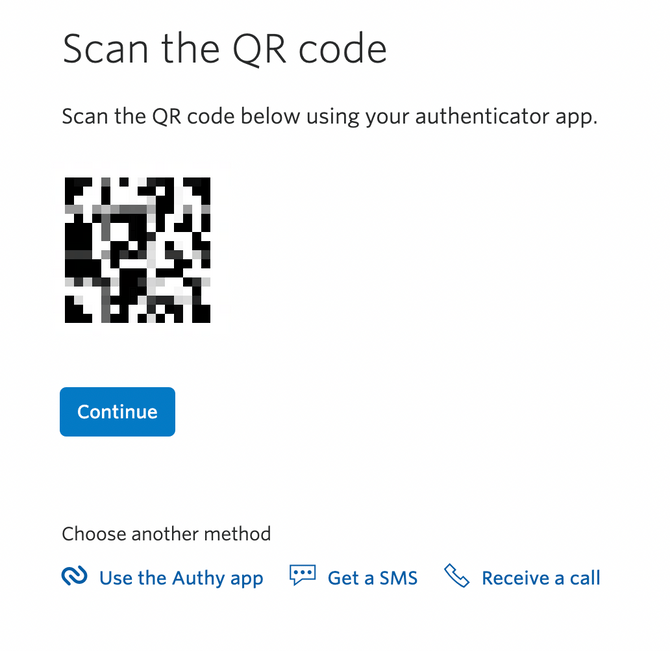
After logging in to Twilio, go to User Settings. Change the Two-Factor Authentication (2FA) Method to Another authenticator app, then click Update 2FA Methods.
How to Obtain Your Workspace Key
Go to the Dashboard. Your Account SID is displayed under Project info. The Account SID is your workspace key — save it.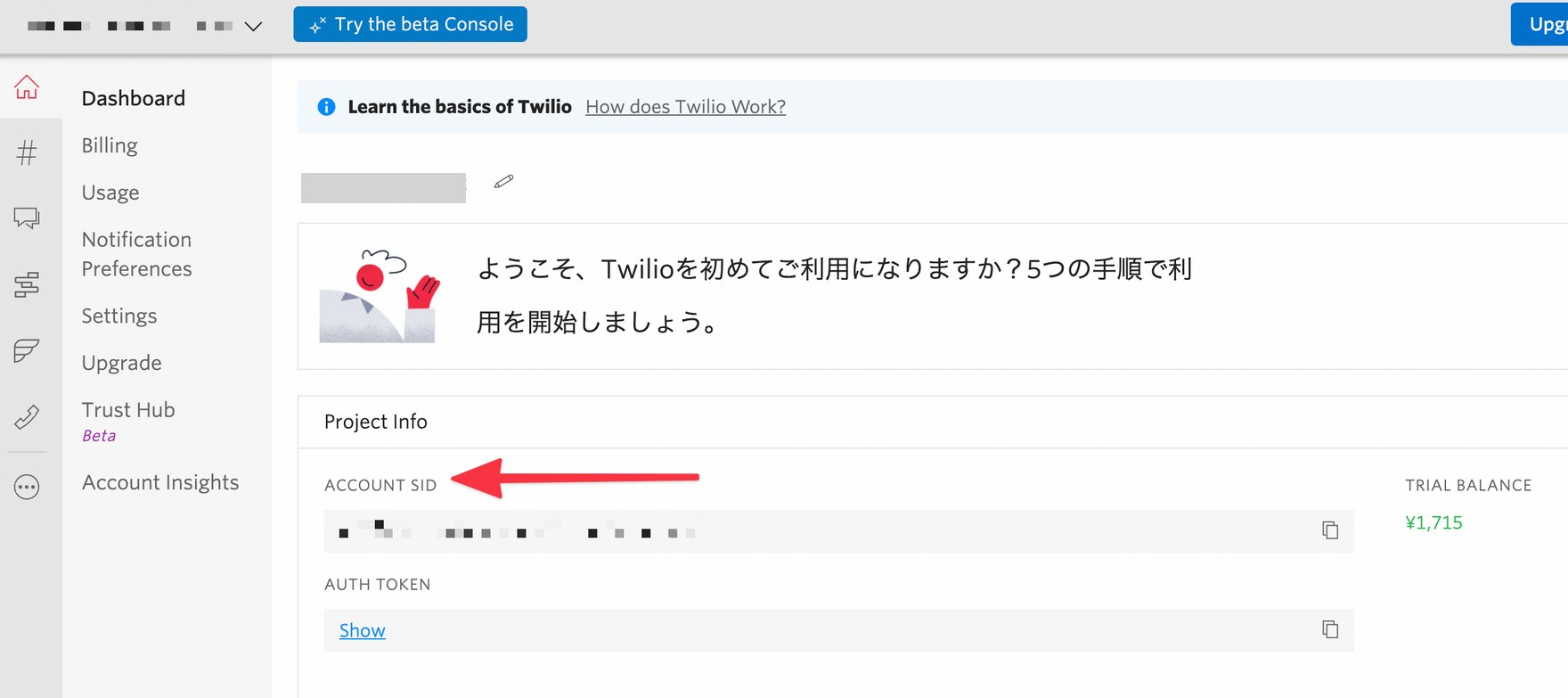
Integration Setup
In the MoneyForward Admina integrations screen, search for Twilio.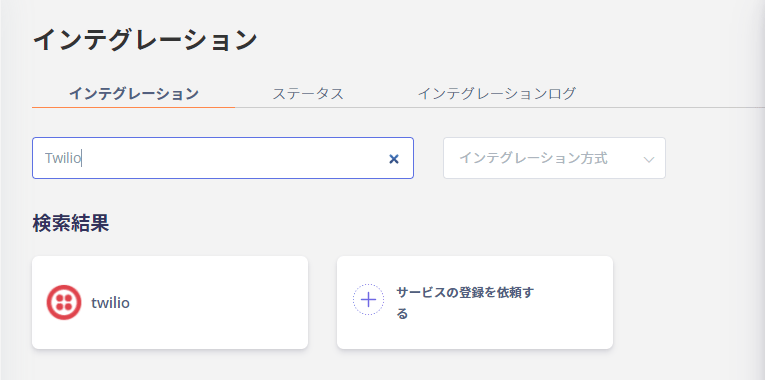
- Workspace key: Account SID
- Email address: Email address of an account with Admin privileges
- Password: Password of the account with Admin privileges
- Two-factor authentication: Upload the QR code image saved in the previous step