Prerequisites
How to Log in to AppFigures
Go to the AppFigures login page, enter your email address and password, and log in.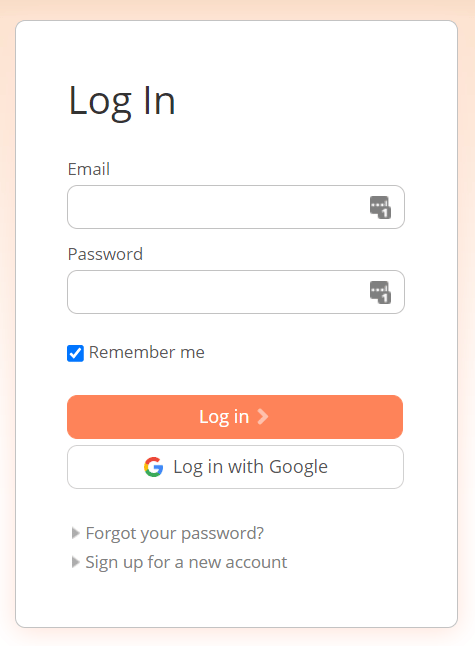
How to Obtain the Access Key
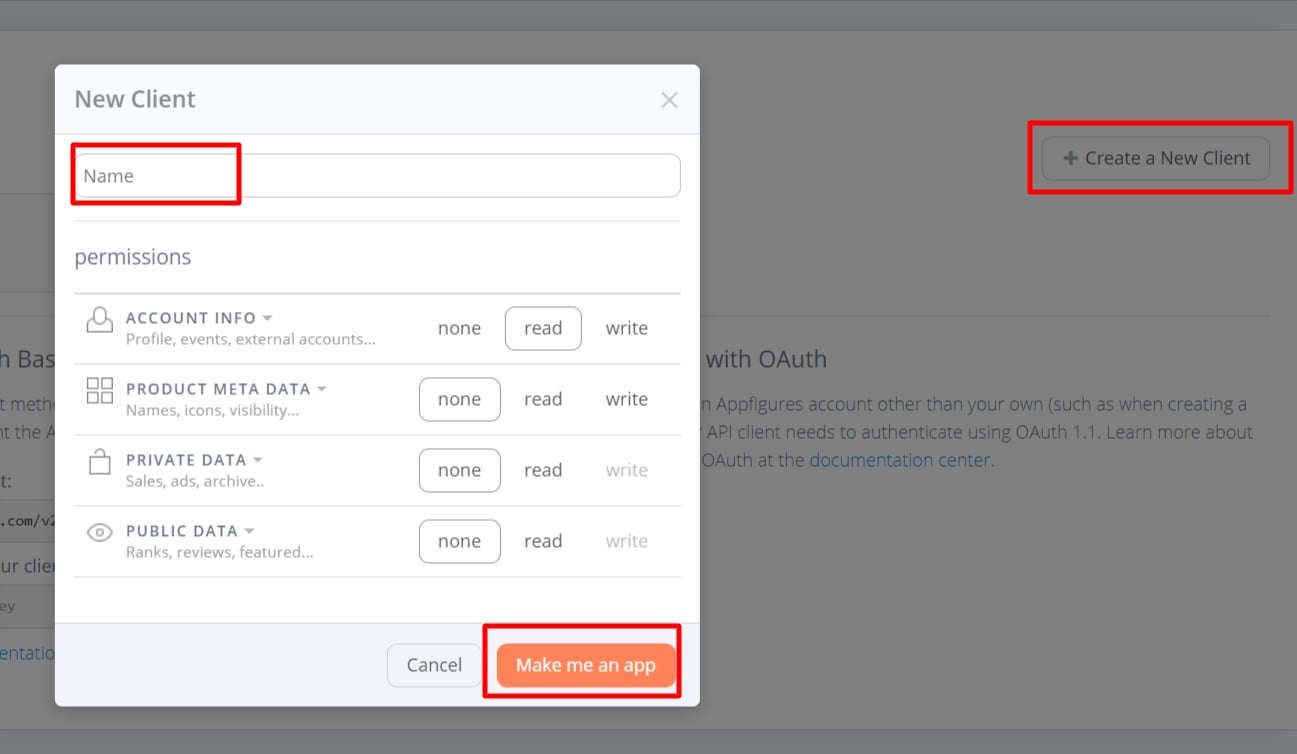
After logging in to AppFigures, go to Manage > API Access > Start here.

Integration Setup
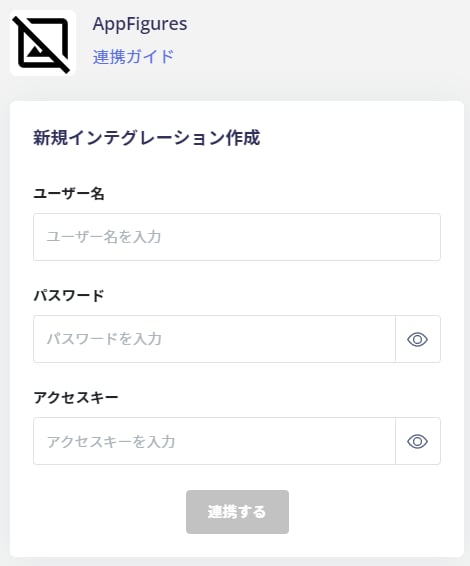
Search for AppFigures on the MoneyForward Admina integration screen.
- Username: AppFigures login email address
- Password: AppFigures login password
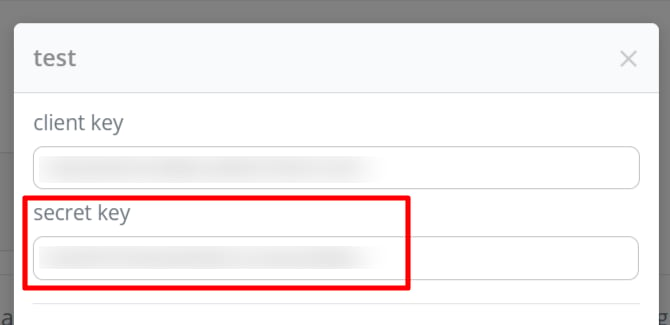
- Access Key: client key