Supported Features

Account Deactivation Account Creation

Prerequisites

How to Log in to Datadog

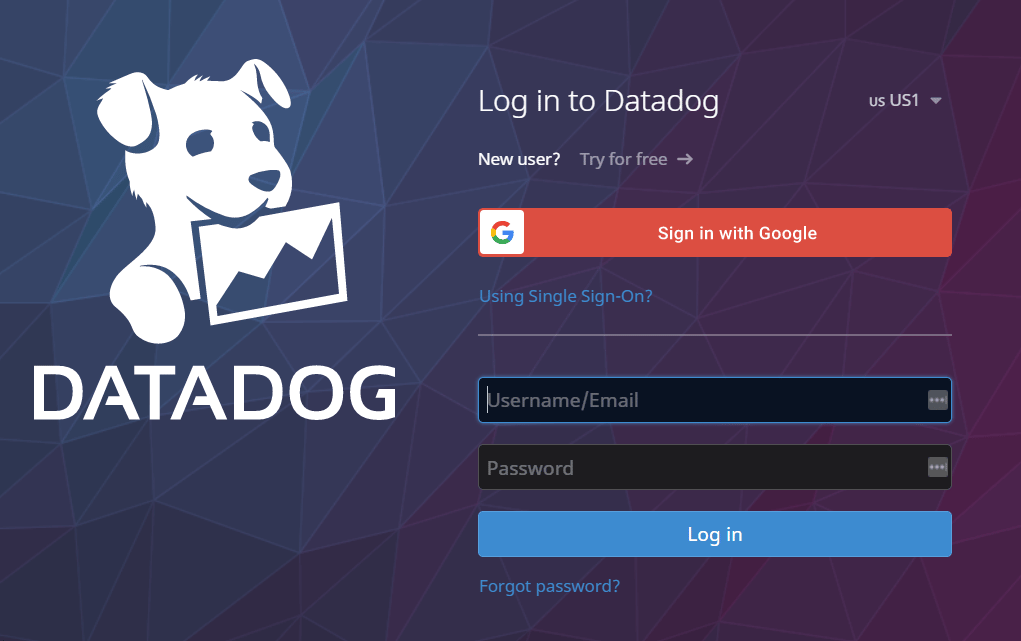
Go to the Datadog login page, enter your username or email address and password, and log in. Datadog login screen
How to Obtain the Application Key

Application Keys must be issued by an Admin Role account, or an account with the following permissions:
  • Access Management (User Access Manage, Org Management)
  • API and Application Keys (5/5)
Please confirm that user_access_read under Org Management is authorized.
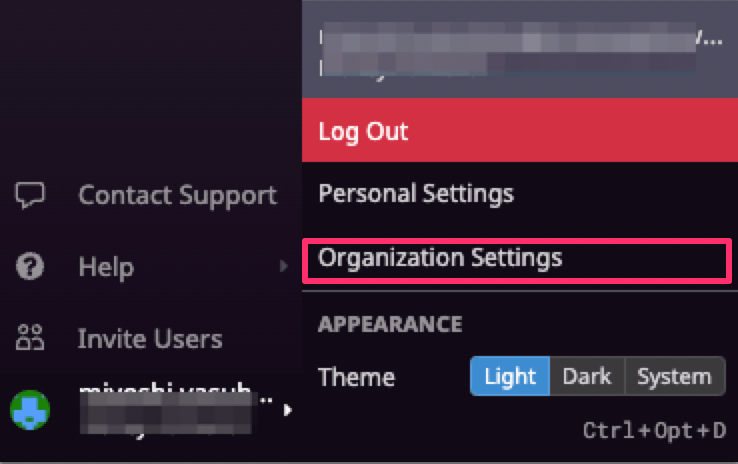
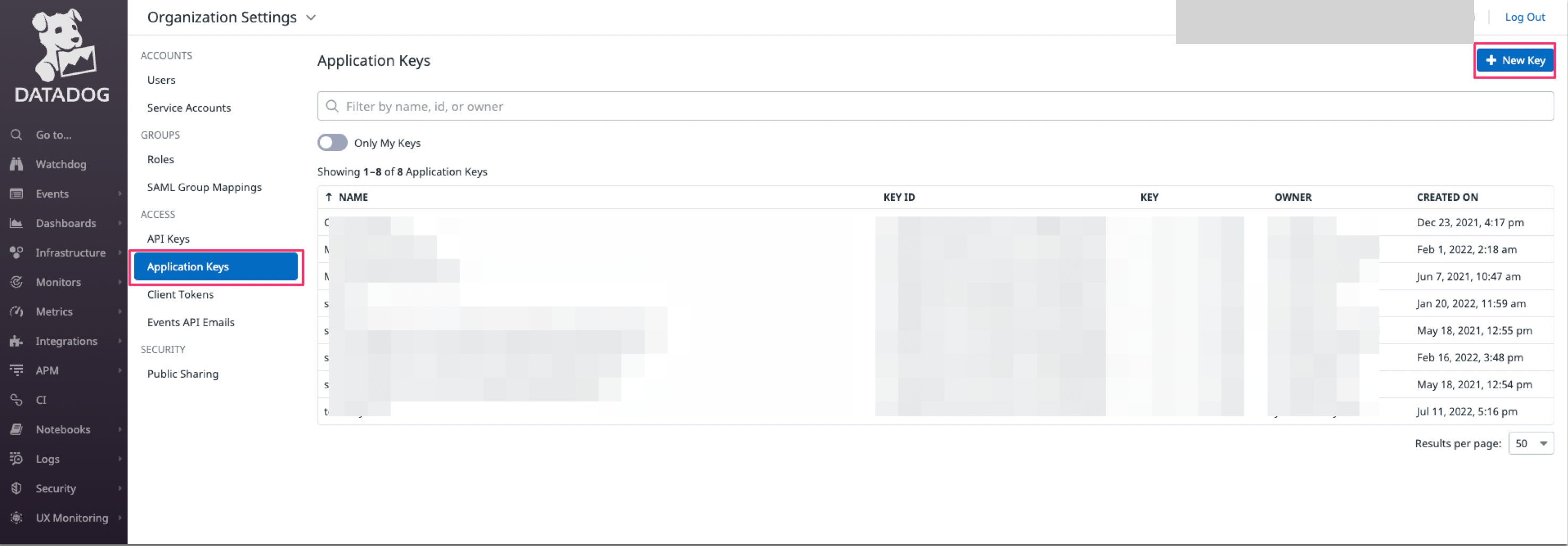
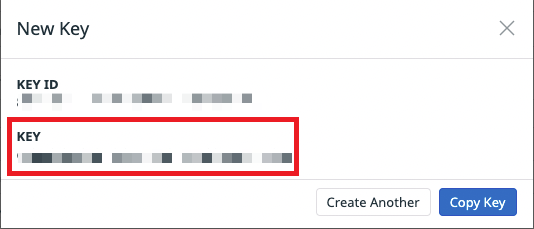
After logging in to Datadog, click My Account from the side menu, then click Organization Settings. Organization Settings Go to Application Keys. Click + New key in the upper right, enter a name of your choice (e.g., company name), and click Create Key. Create Application Keys A new API key will be created. The KEY value is your workspace key — save it. Application Key
How to Obtain the API Key

API Keys must be issued by an Admin Role account with the following permissions:
  • Access Management (User Access Manage, Org Management)
  • API and Application Keys (5/5)
From Organization Settings, open API Keys. Click + New key in the upper right, enter a name of your choice (e.g., company name), and click Create API Key. Create API Keys The API key will be issued. The KEY value is your access key — save it. API Key

Obtaining the Domain

Enter the site URL of your Datadog instance. Example for US1: https://app.datadoghq.com For more information about Datadog sites, refer to the following: Datadog Site

Integration Setup

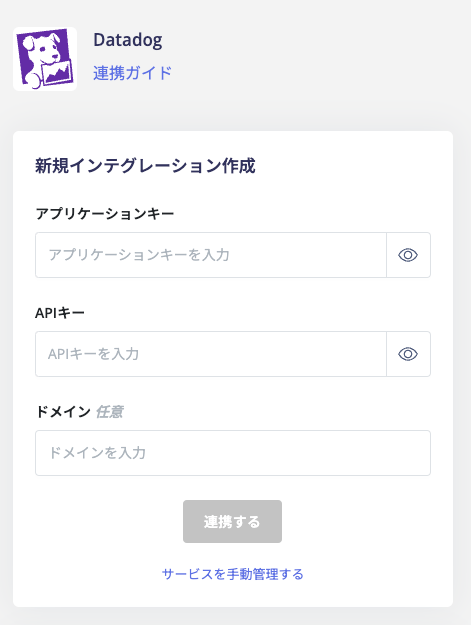
Search for Datadog on the MoneyForward Admina integration screen. Admina integration screen Enter the application key, API key, and domain obtained in the previous steps, then click Connect. Datadog integration settings Once the Datadog integration is successful, the registered user information will appear in the account list. If the process does not complete successfully, click Edit from the Status tab on the integration screen and try connecting again. If the issue persists, please contact us via chat. For an overview of the Datadog integration, see the integration page.
Last modified on June 18, 2026