Translation Disclaimer: The documents herein have been machine translated for your convenience. While reasonable efforts are made to provide accurate translations, portions may be incorrect. If you would like to report a translation error or inaccuracy, please contact us.
Preparation
- An account with administrator privileges is required for integration.
How to log in
On the Kommo login page, enter your email address and password to log in.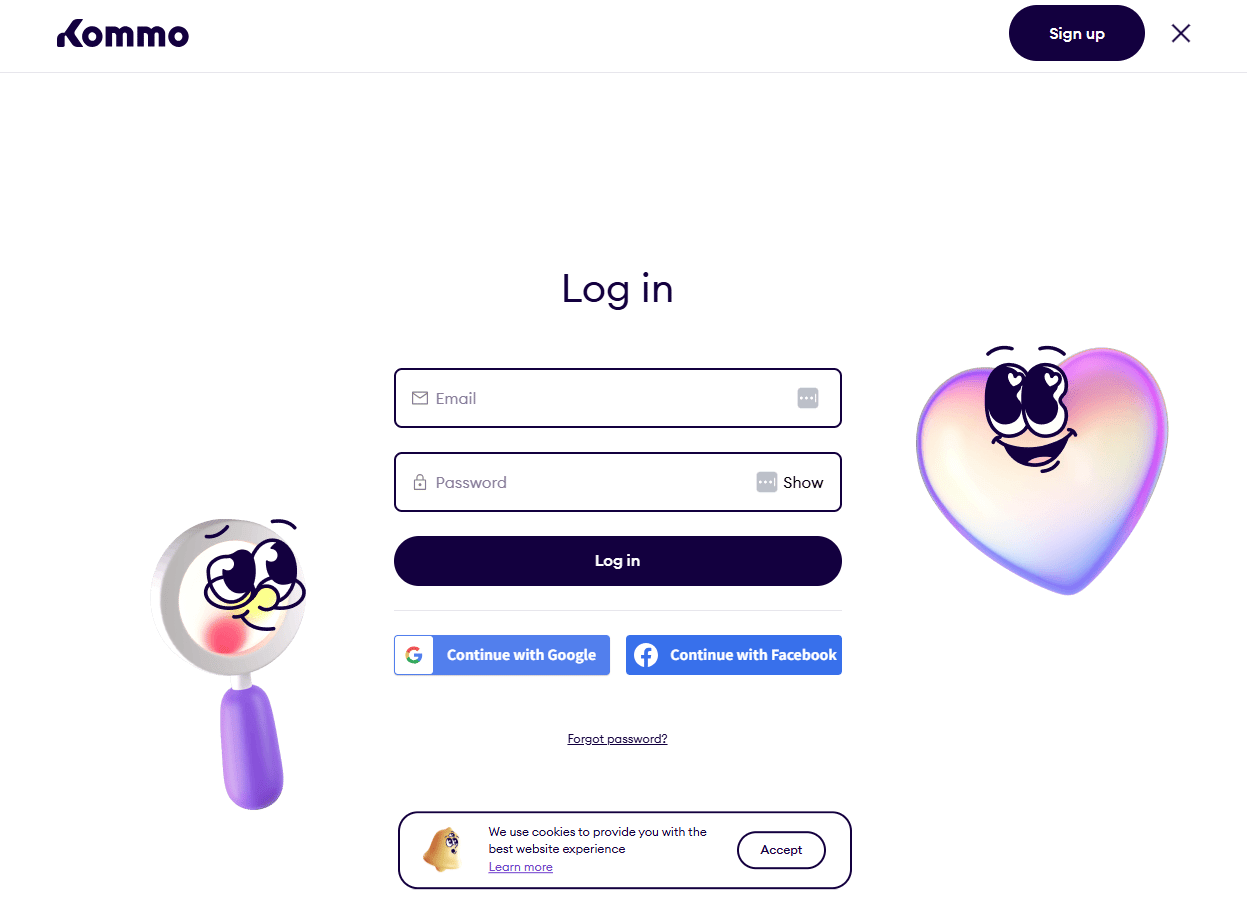
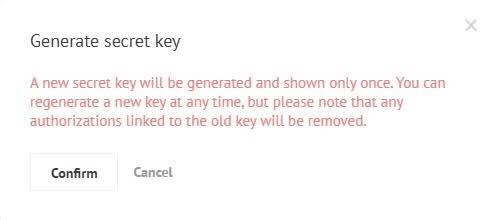
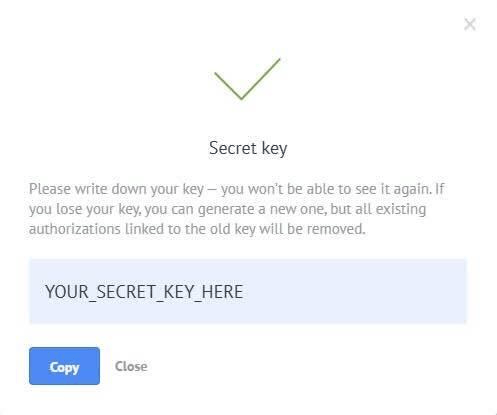
How to obtain the Client ID and Client Secret
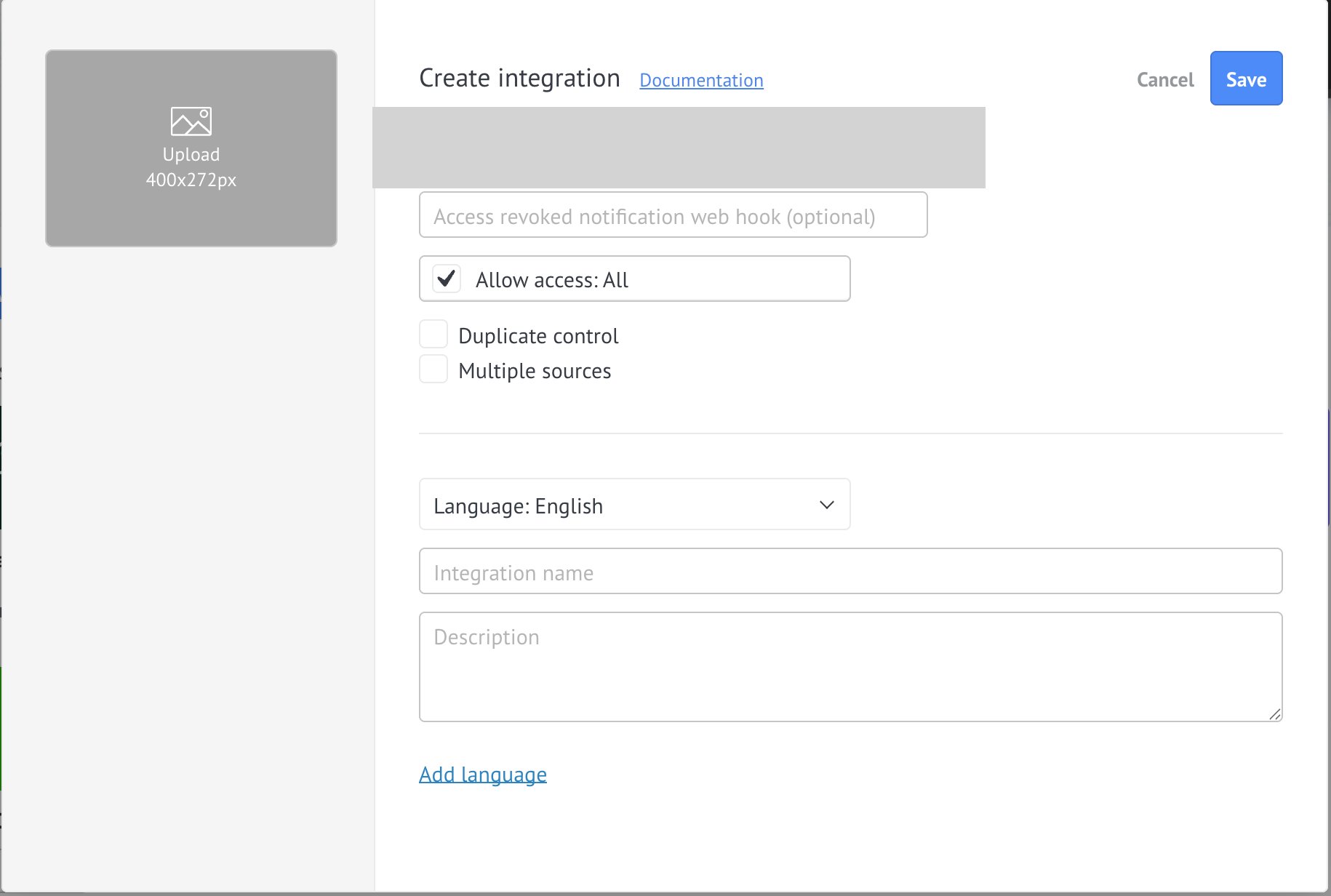
Choose an account that you own and manage, rather than an account that you were invited to or an account that is simply linked to your account. *For images, please select itdev.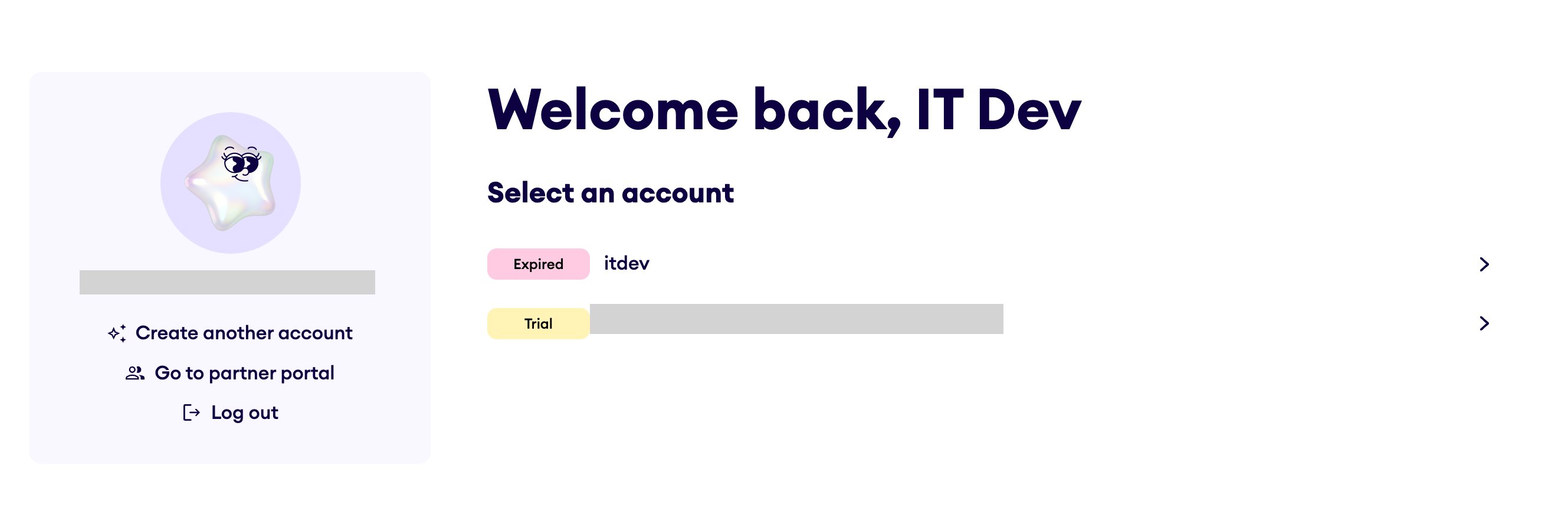
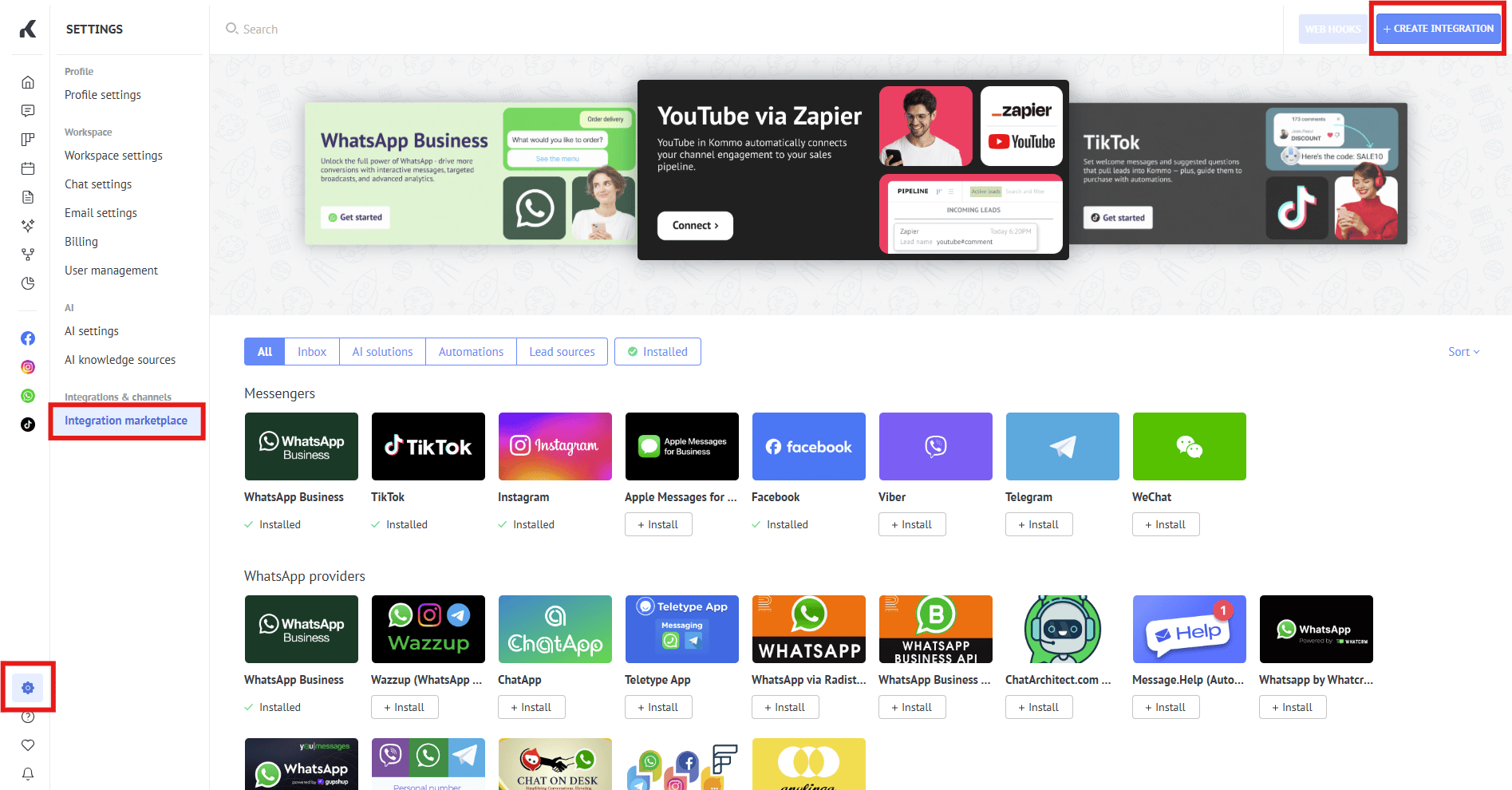
- OAuth callback (redirect) URL
The URL will vary depending on your environment.
- Production environment (main):
https://itmc.i.moneyforward.com/oauth/callbackorhttps://itmc-sbn.i.moneyforward.com/oauth/callback - Test environment (staging):
https://itmc.i.iggre.net/oauth/callback
- Production environment (main):
- Grant access to “All” or “Account Data”. Additionally, it is recommended to enter “Admina” as the Integration name.
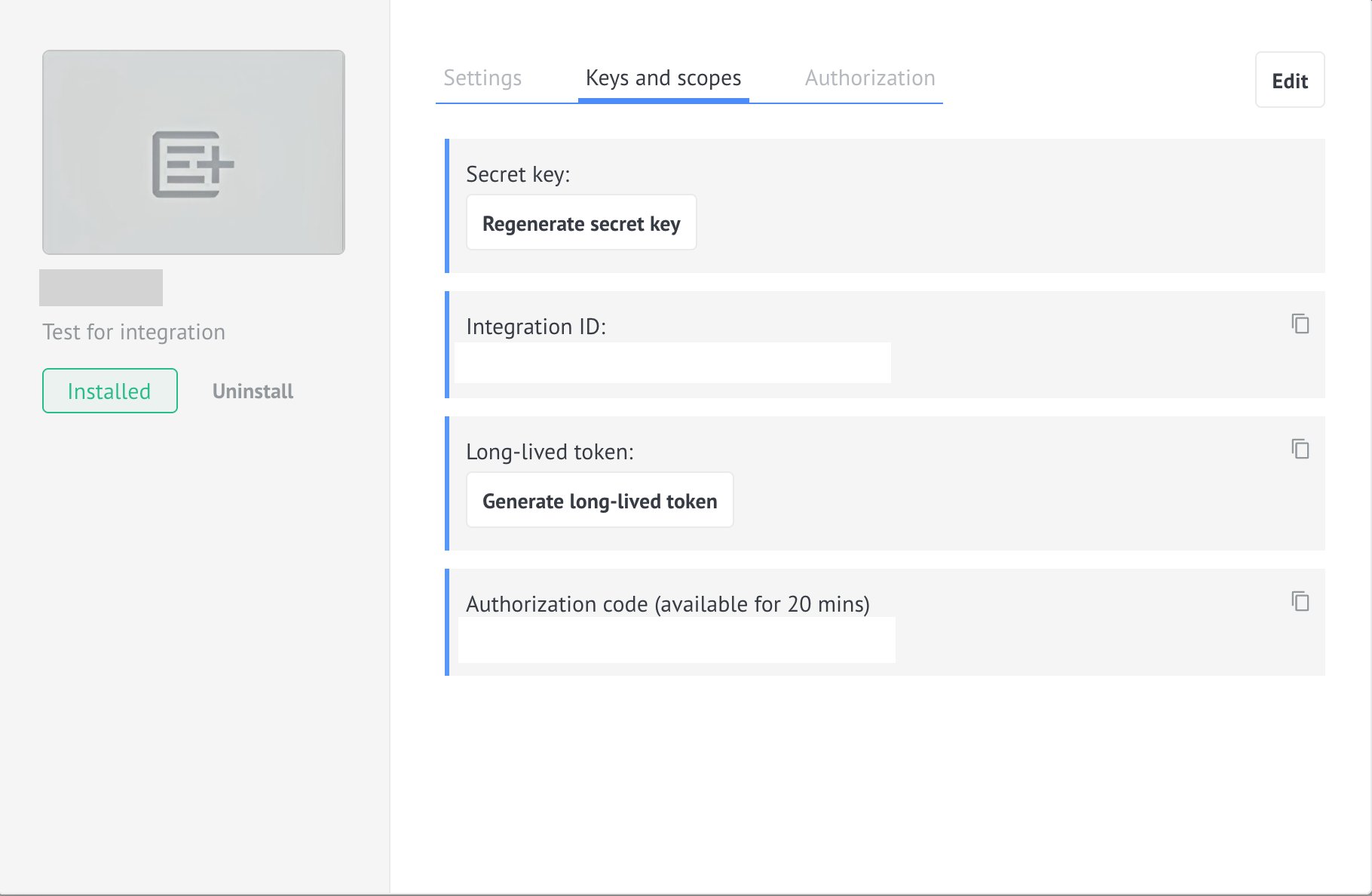
Integration setup
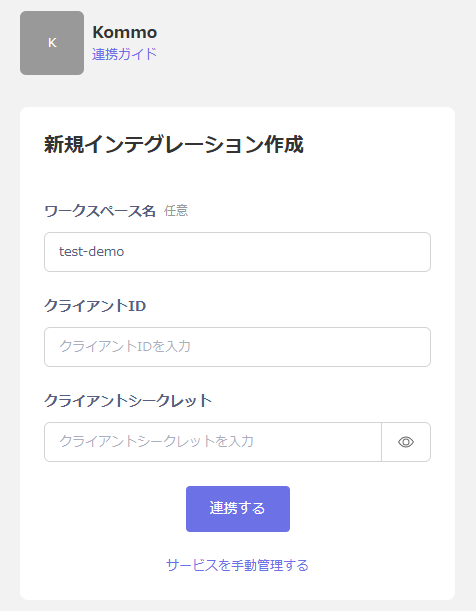
On the integration screen, search for Kommo. Enter your desired workspace name, the client ID and client secret obtained in the previous step, and click “Connect”.