

Supported Features
Account Creation Account Deletion Account DeactivationPrerequisites
How to Log In
Go to the login page and log in with your email address and password.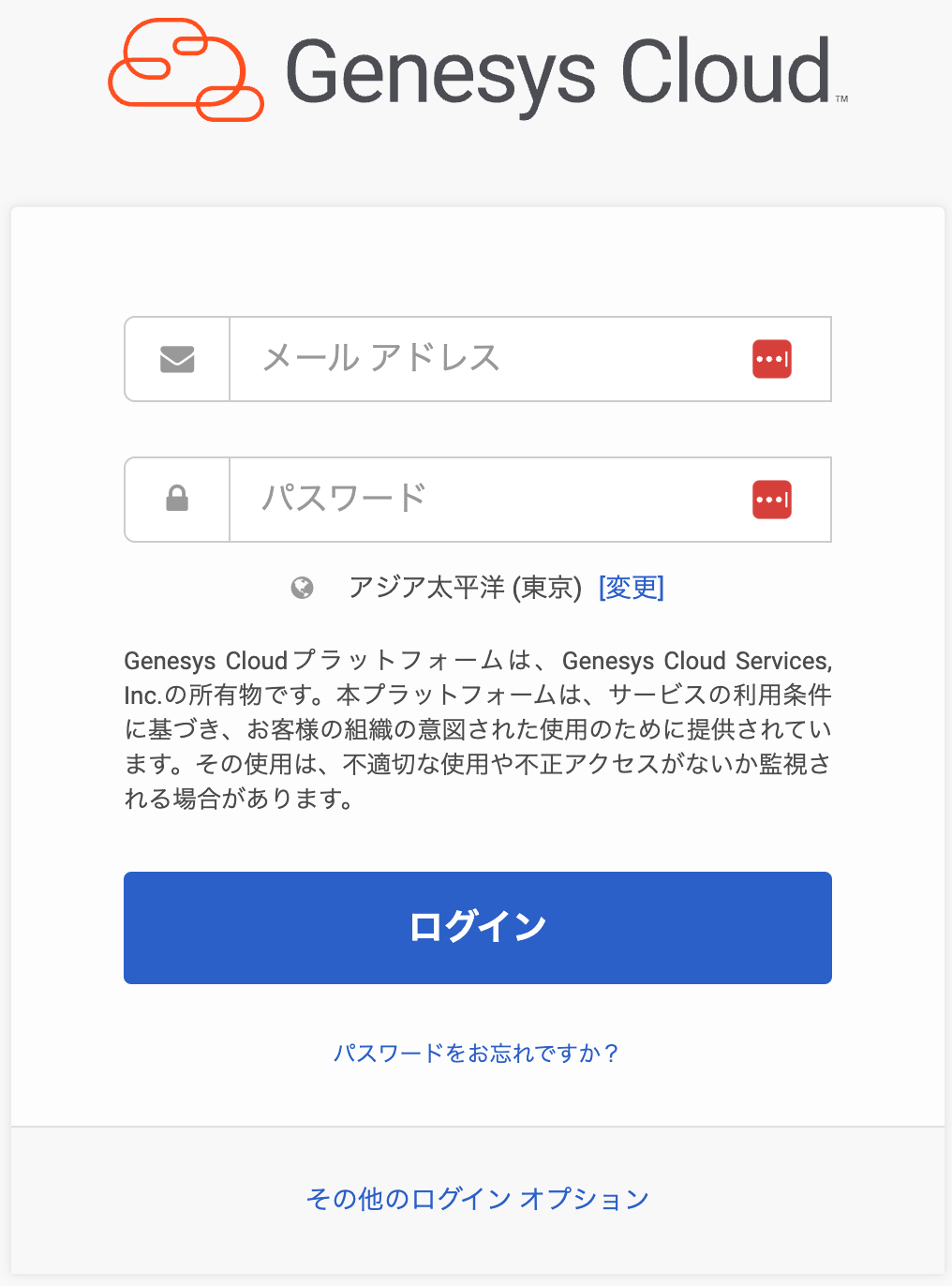
How to Obtain Your Client ID / Client Secret
For instructions on creating an OAuth app, please refer to Neeraja Prabhakaran Create an OAuth client - Genesys Cloud Resource Center. Go to Admin > Integrations > OAuth > Add Client to open the settings screen.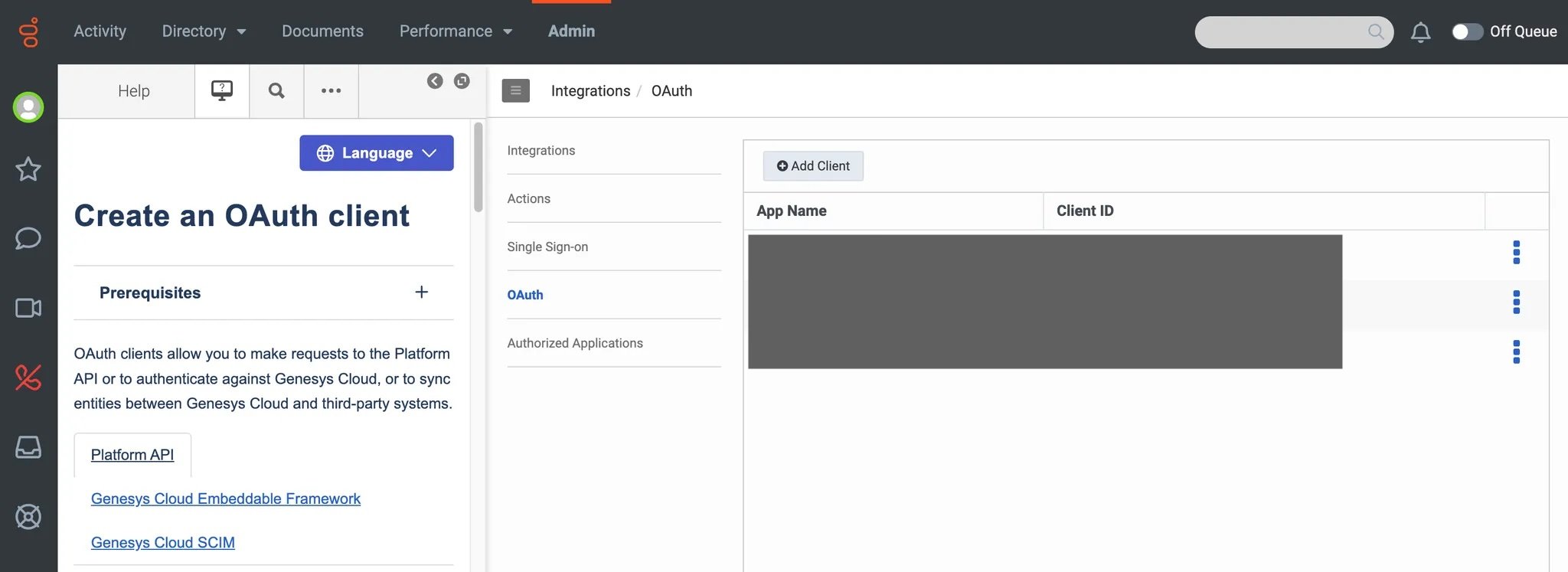
- App name: Any name of your choice
- Grant Types: Code Authorization
- Authorized redirect URIs:
https://itmc.i.moneyforward.com/oauth/callback - Scope:
authorization,license:readonly,organization:readonly,users
authorization: to assign roleslicense:readonly: to obtain license dataorganization:readonly: to obtain organization nameusers: to list/create/delete user
How to Find Your Domain
The trailing part of the login URL serves as your domain. URL:https://login.{domain}
Integration Setup
In the MoneyForward Admina integration screen, search for Genesys Cloud. Enter the Client ID, Client Secret, and domain obtained in the previous steps, then click Connect.