

Supported Features
Account Deletion Account CreationPrerequisites
How to Log In to App Store Connect
Go to the App Store Connect login page, enter your Apple ID and password, and log in.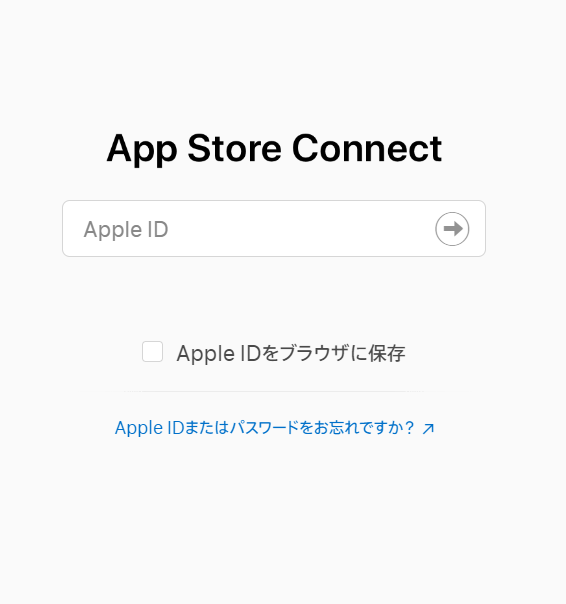
How to Obtain the API Key
Refer to Apple’s documentation to obtain an App Store Connect API key.- Log in to App Store Connect and open Users and Access > Keys in App Store Connect
- Copy the Issuer ID from App Store Connect
- Issue a key as Admin in App Store Connect and save the Key ID
- Download the API key from App Store Connect
Integration Setup
In the MoneyForward Admina integration screen, search for App Store Connect and click Connect.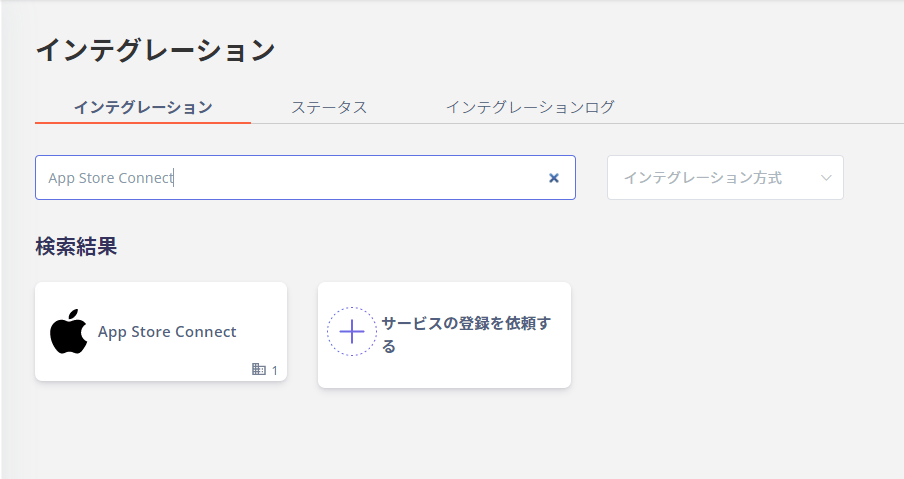
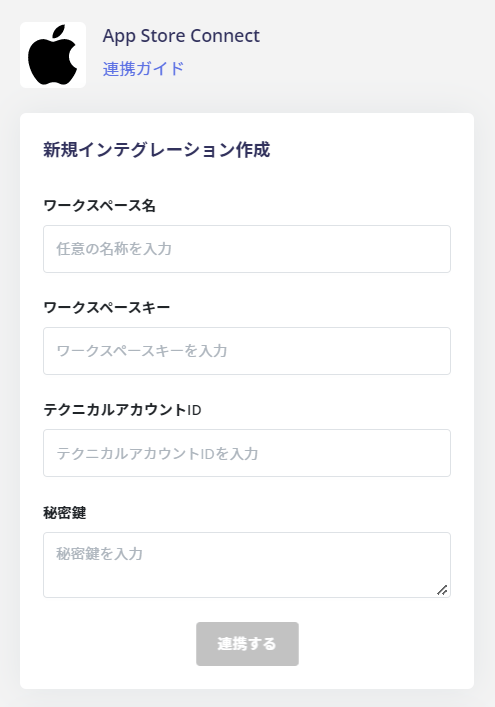
- Workspace Name: Any string (e.g., company name)
- Workspace Key: Key ID
- Technical Account ID: Issuer ID (Technical Account ID)
- Private Key: API key (described below)
About the API Key File
When you open the file, the key is listed as shown below. Copy all the characters (including -----BEGIN PRIVATE KEY----- through -----END PRIVATE KEY-----) and paste them into the private key field.