Supported Features
Account Deletion Account ProvisioningIntegration requires the optional External System Integration (API Integration) service subscription.GMO Sign: API Integration
GMO Sign’s API may have IP address restrictions. Please refer to Removing IP Address Restrictions for the API and allow or remove the IP addresses used by this service.
Prerequisites
How to Log In to GMO Sign
Go to the GMO Sign login page and enter your email address and password to log in.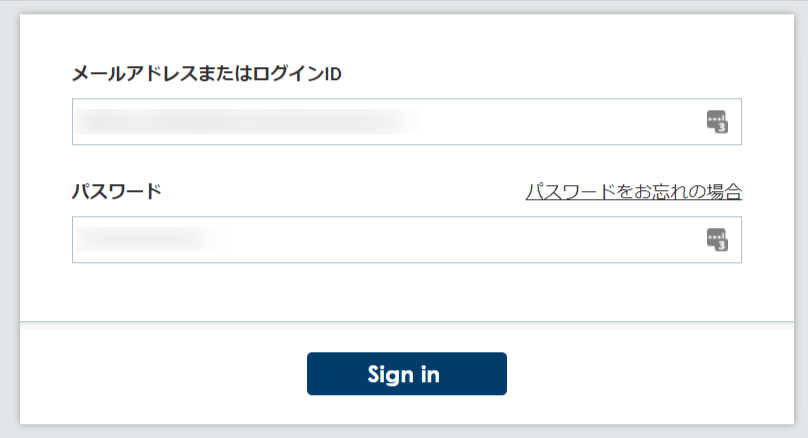
How to Obtain the Client ID and Client Secret
After logging in to GMO Sign, check Options from the Usage Panel. Submit a usage application from the contact form under. External System Integration (API Integration) to obtain your Customer ID and Secret Key. These become your Client ID and Client Secret.
Integration Setup
On the MoneyForward Admina integrations screen, search for GMO Sign.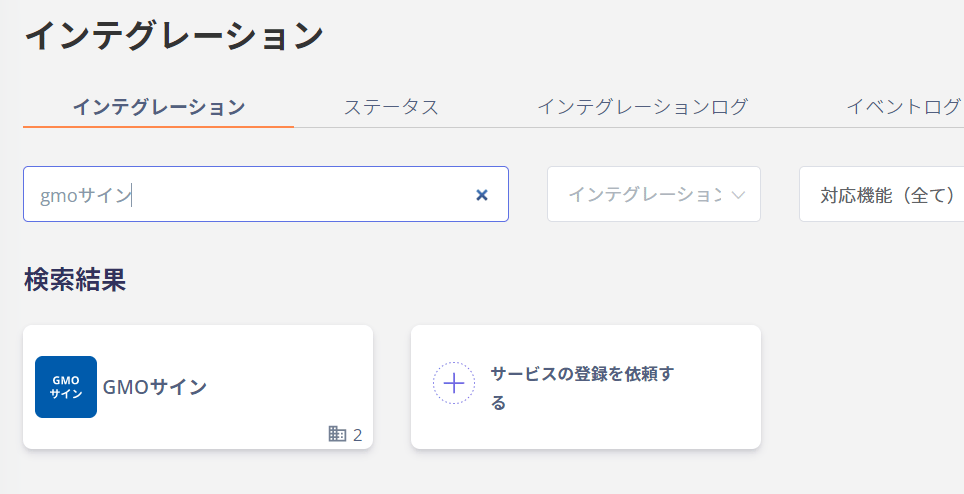
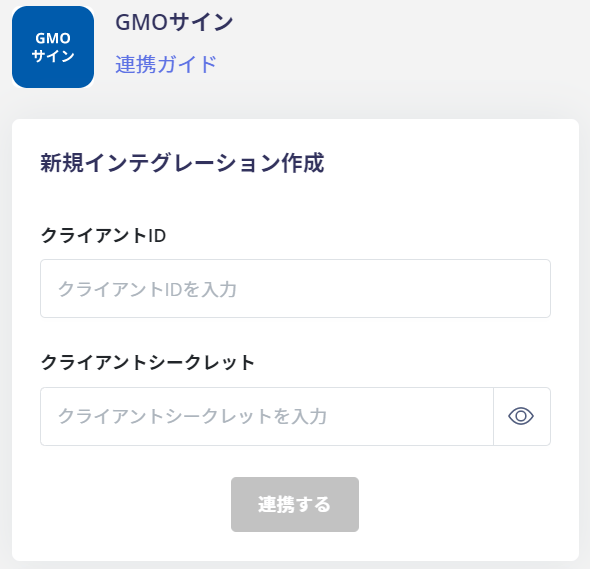
- Client ID: Customer ID
- Client Secret: Secret Key