

Confluence has been integrated with your Atlassian account.
Integration setup
- Search for Confluence on the integration screen.
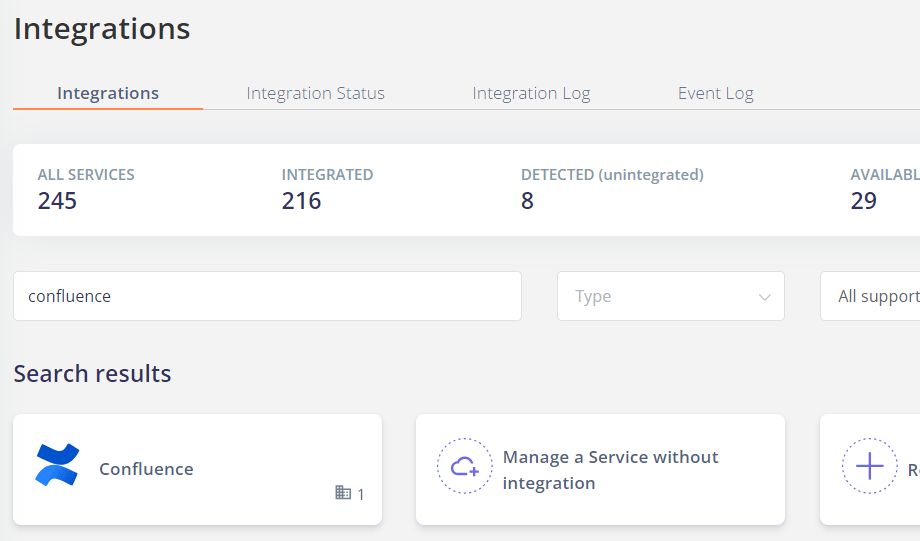
- Click on Integrate.

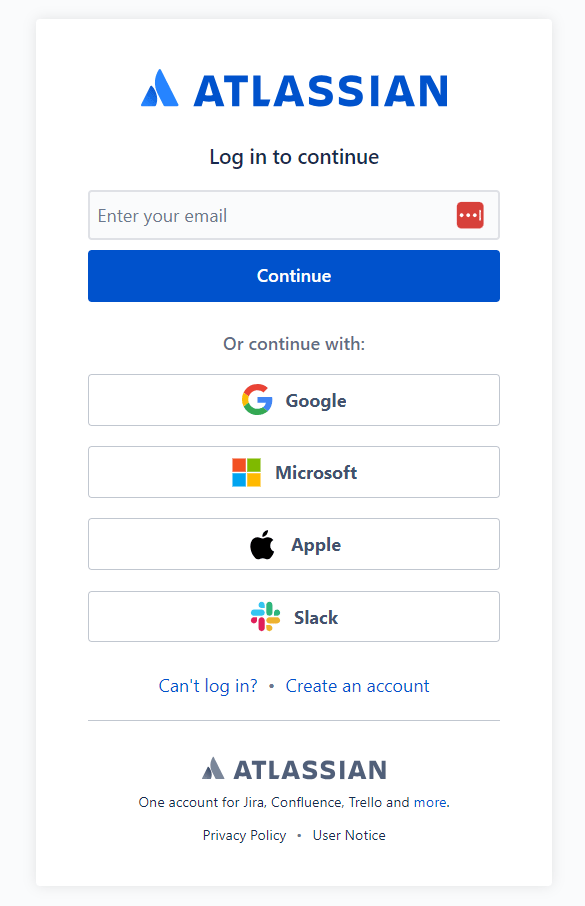
- Log in with your Atlassian account.
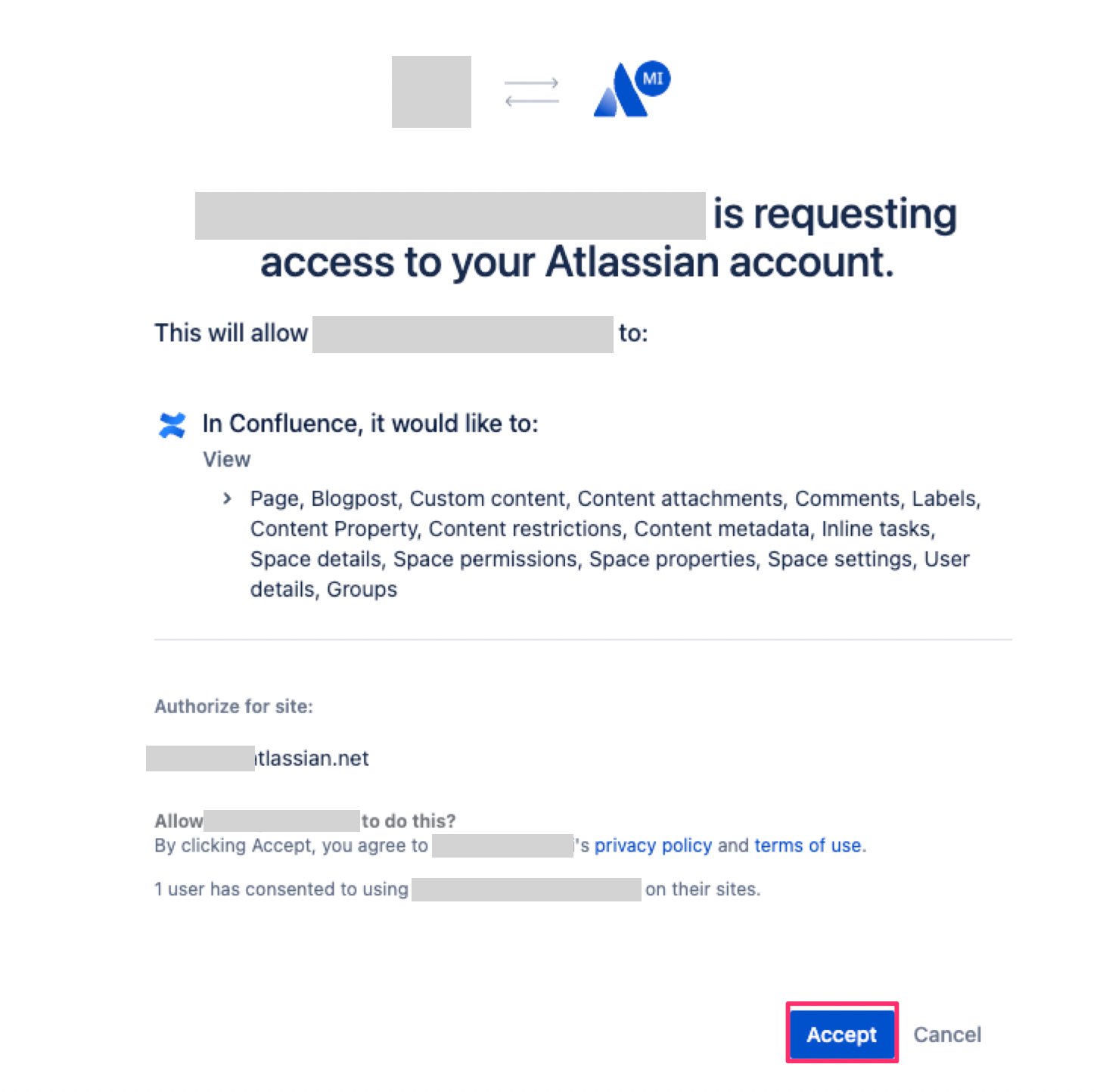
- Click on Accept.
- If the link is successful, the registered user information will be displayed in the account list.