Supported Features
Account Creation Account Deletion Account DeactivationAn administrator account is required for integration.
Prerequisites
How to Log In
Go to the Techtouch login page, enter your email address and password, and log in.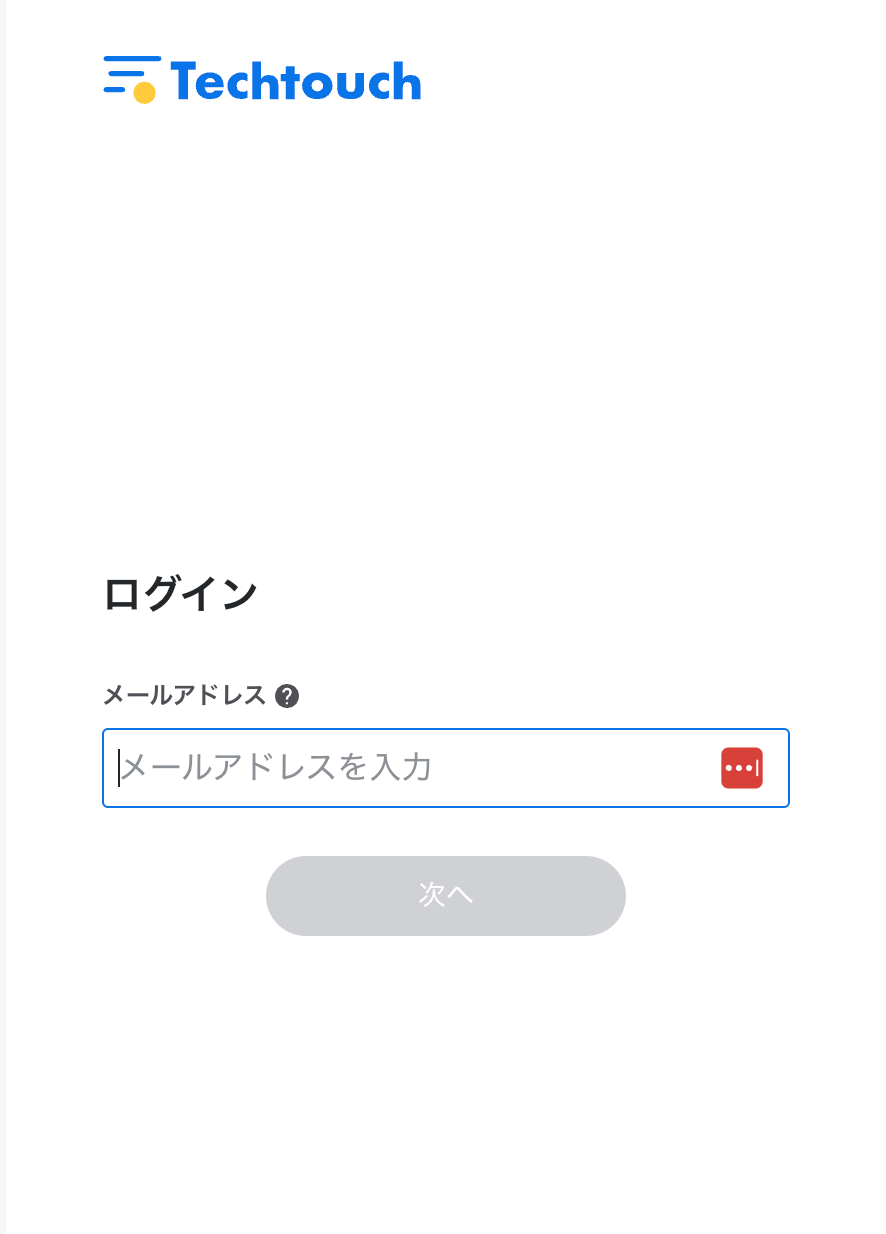
Integration Setup
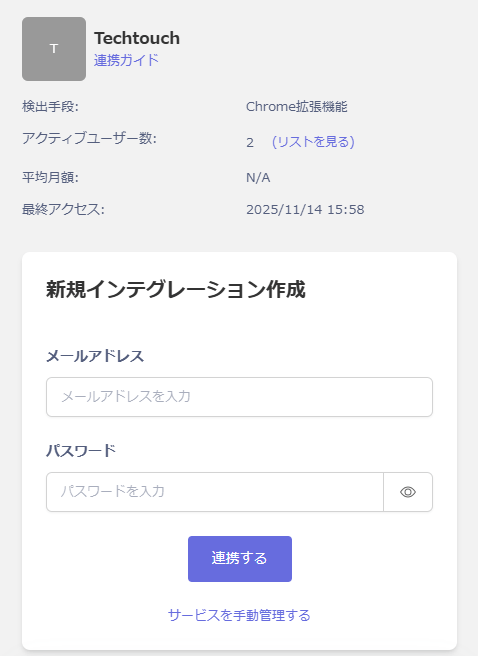
Search for Techtouch on the MoneyForward Admina integration screen. Enter your Techtouch login email address and password, then click Connect.