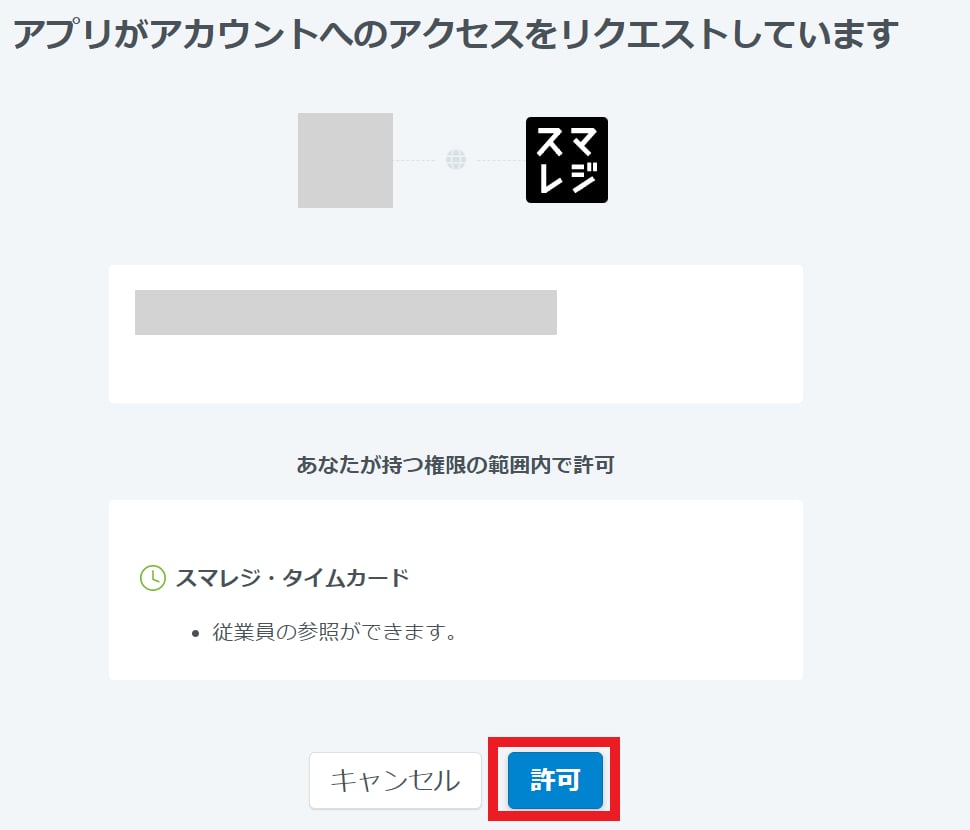
Integration requires purchasing the Money Forward IT Management Cloud app from the Smaregi AppMarket in advance. For instructions on how to purchase, please see the Smaregi Integration Guide.
Prerequisites
How to Log In to Smaregi TimeCard
Go to the Smaregi TimeCard login page and sign in with your email address and password.
How to Find Your Workspace Key
Click the icon in the upper right corner of the screen and select Basic Information. Your Contract ID is the workspace key — copy and save it.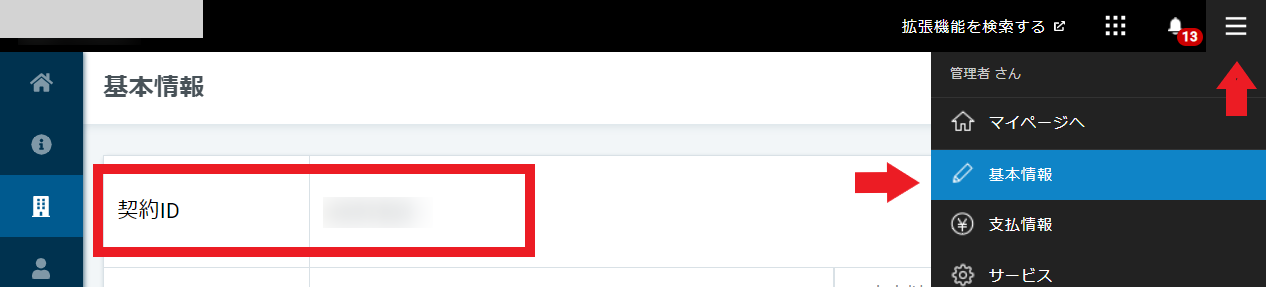
Integration Setup
In MoneyForward Admina’s integration screen, search for Smaregi TimeCard.