

For information on retrieving accounts, please refer to About retrieving accounts for Atlassian services.
Integration Setup
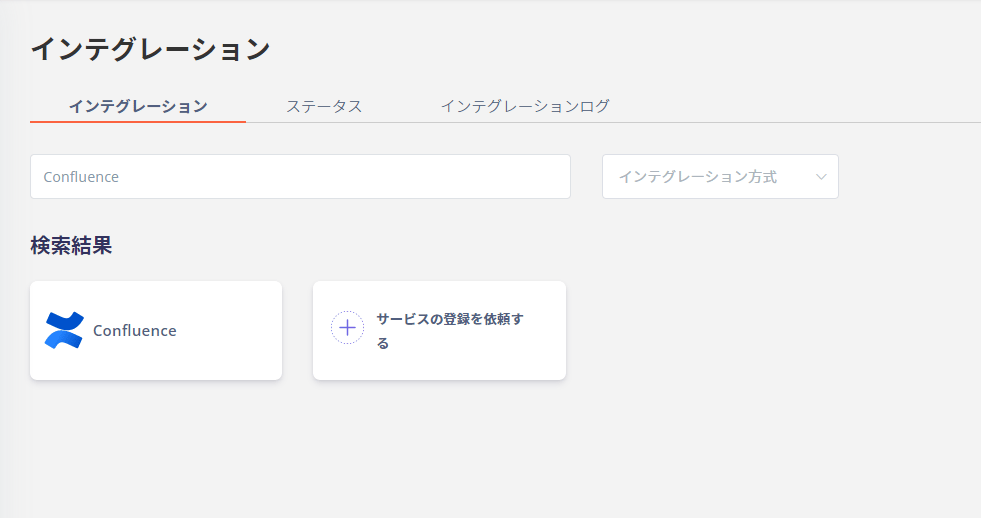
- In the MoneyForward Admina integration screen, search for Confluence.
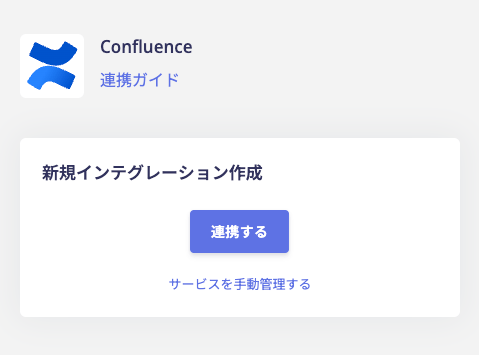
- Click Connect.
- Log in with your Atlassian account.

- Click Accept.

- Once the integration with Confluence is successful, the registered user information will be displayed in the account list.