Supported Features
Provisioning Account DeletionAn administrator account is required to set up the integration.
Prerequisites
How to Log In
Go to the YouTrack login page, enter your email address and password, and log in.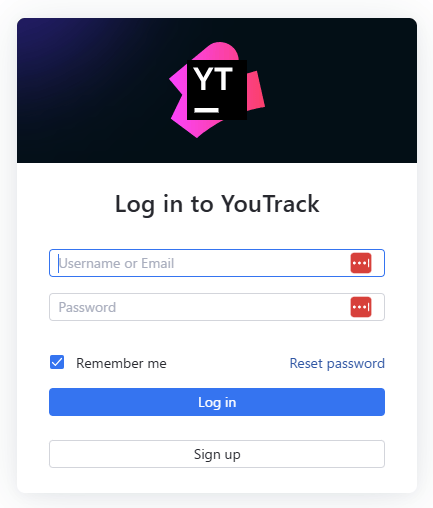
How to Find the Base URL
Use the Hub Service URL as the Base URL. The Hub Service URL is the URL of the Hub service that handles authentication and user management for YouTrack.- First, confirm the Primary YouTrack Service URL — the URL you use to access YouTrack.
https://www.mycompany.com
- Next, find the corresponding Hub Service URL.
The Hub Service URL typically containshubin the URL.
https://www.mycompany.com/hub, https://hub.mycompany.com
- Use the Hub Service URL you found as the Base URL.
Make sure the URL contains
hub.How to Obtain an API Key
Click the icon in the upper right corner of the screen, then click Profile. From the Account Security tab, click New token. Specify a token name and scope, then click Create. Copy the generated API key.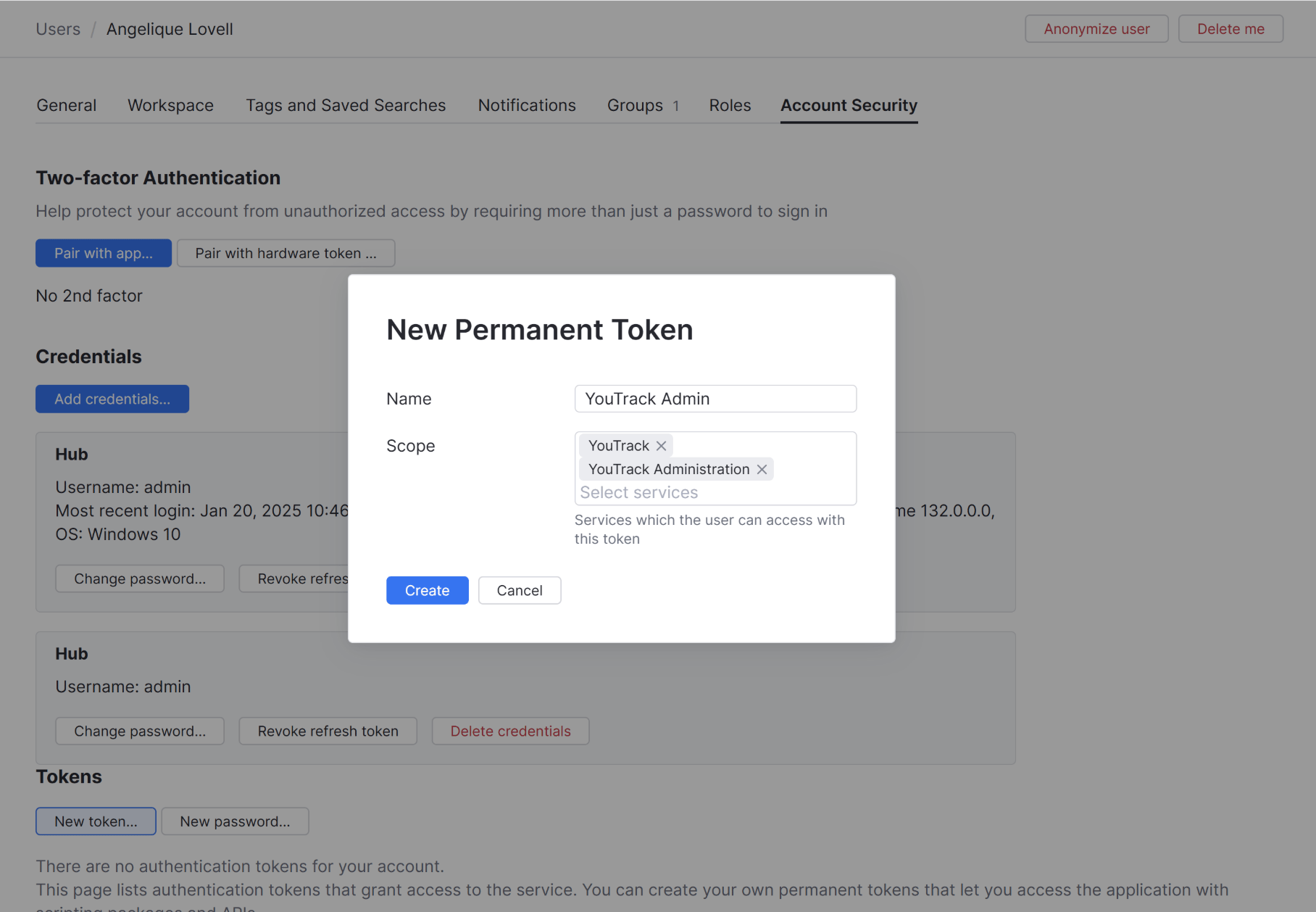
Notes on Scopes
In YouTrack instances using the built-in Hub service, scopes are divided as follows: YouTrack Permissions for basic YouTrack operations, including issues, tags, commands, agile boards, dashboards, and reports. YouTrack Administration Permissions for project management, user access management, and server configuration updates.Integration Setup
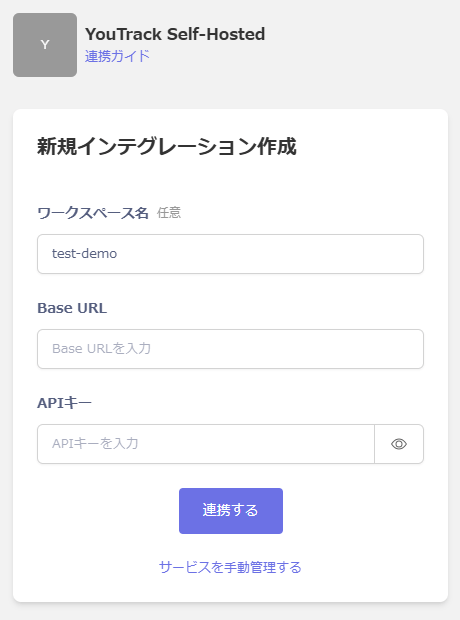
In the MoneyForward Admina integration screen, search for YouTrack Self-Hosted. Enter an arbitrary workspace name, the Base URL and API key obtained in the previous steps, then click Connect.