Supported Features
ProvisioningAn account with administrator privileges is required for integration.
Prerequisites
How to Log In
On the CircleCI login page, enter your email address and password to log in.
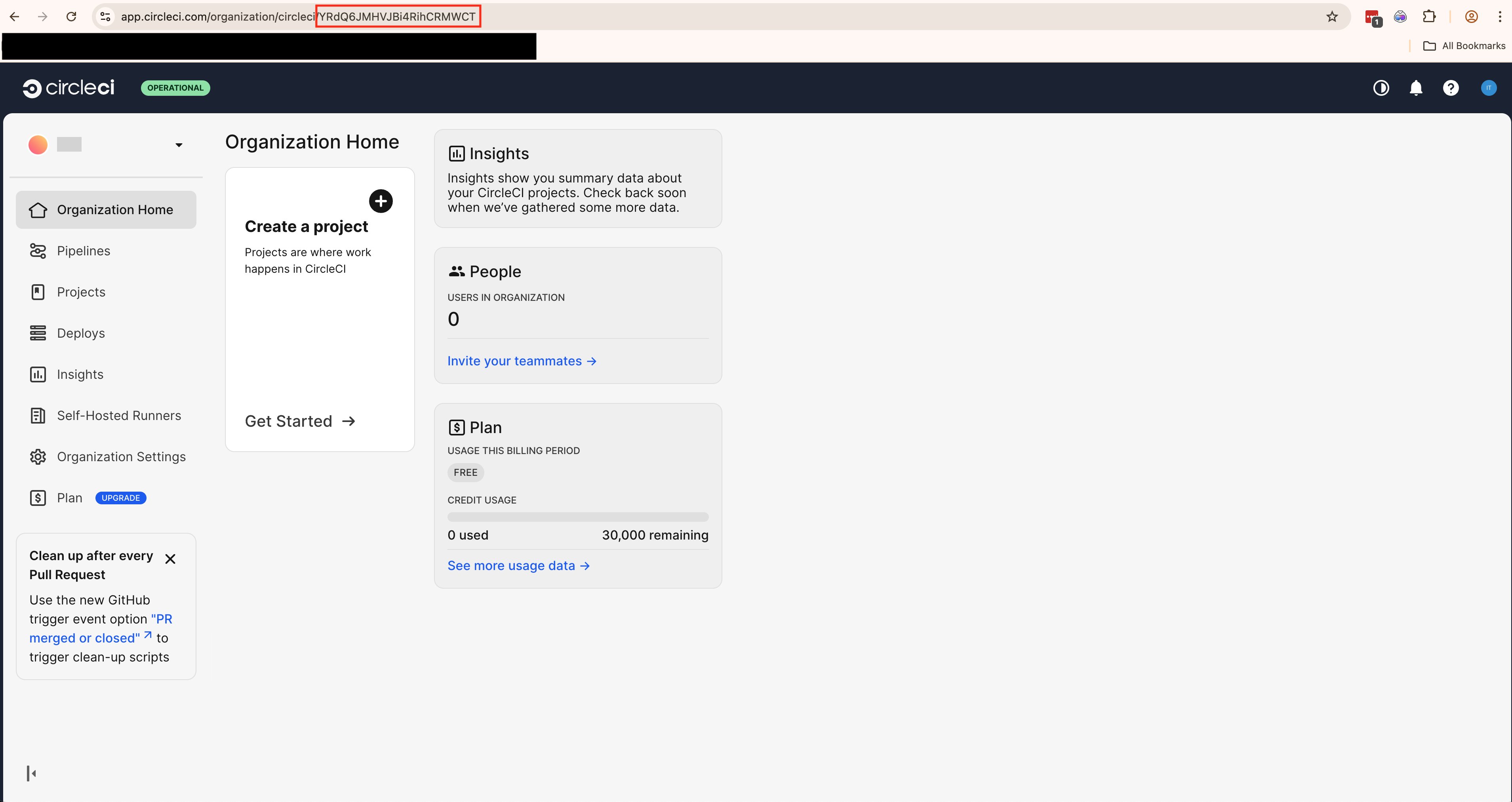
How to Check Your Workspace Key
After logging in to CircleCI, click on your organization.
Setting up the Integration
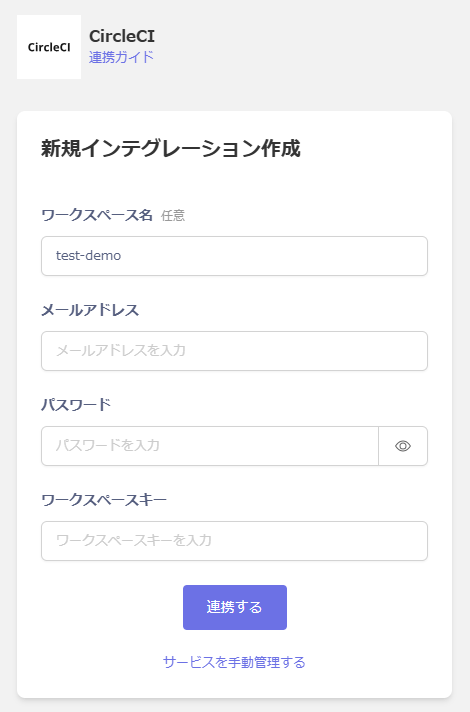
In Admina, search for CircleCI. Enter any workspace name, the email address and password for logging in to CircleCI, and the workspace key you found in the previous step, then click Connect.