Supported Features
Account Deletion Account Deactivation Account CreationPrerequisites
How to Log In to My Redmine
On the My Redmine login page, enter your login ID and password to log in.
How to Find the Base URI
The Base URI is part of your login URL. Login URL ={Base URI} /login
Example: If your login URL is https://your-identifier.cloudmine.jp/redmine/login, copy https://your-identifier.cloudmine.jp/redmine.
How to Find the Access Key
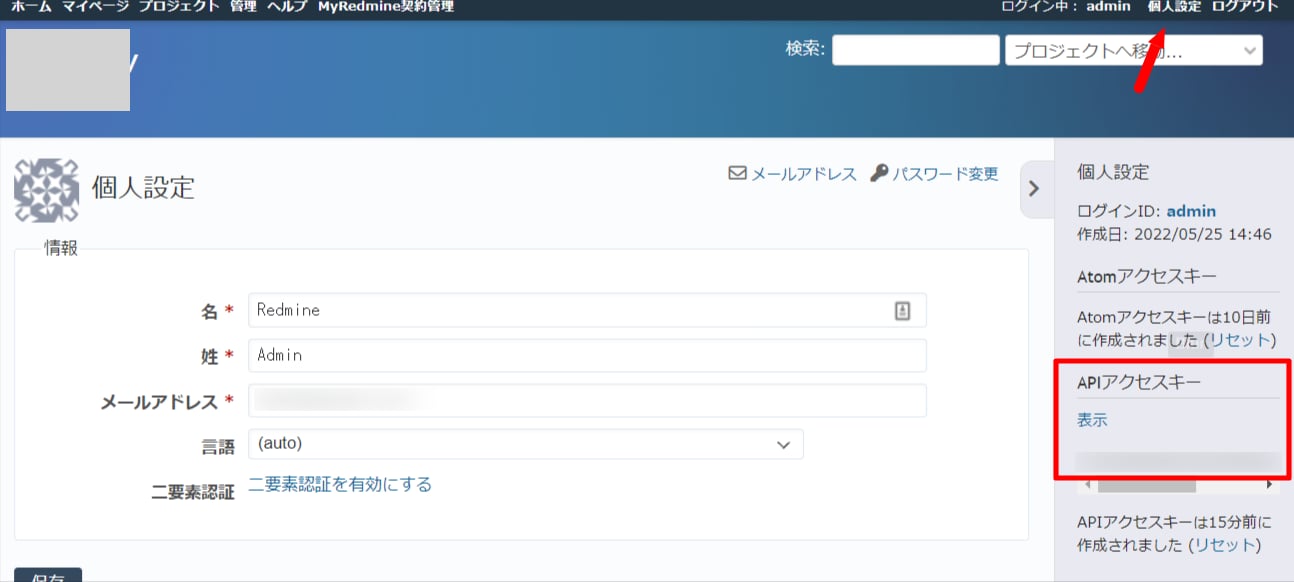
After logging in to My Redmine, click Personal Settings in the upper right. Pull out the gray tab on the right of the Personal Settings page. Click Show API Access Key and save the displayed key. This is your access key.The access key must be generated using an account with administrator privileges.
Integration Setup
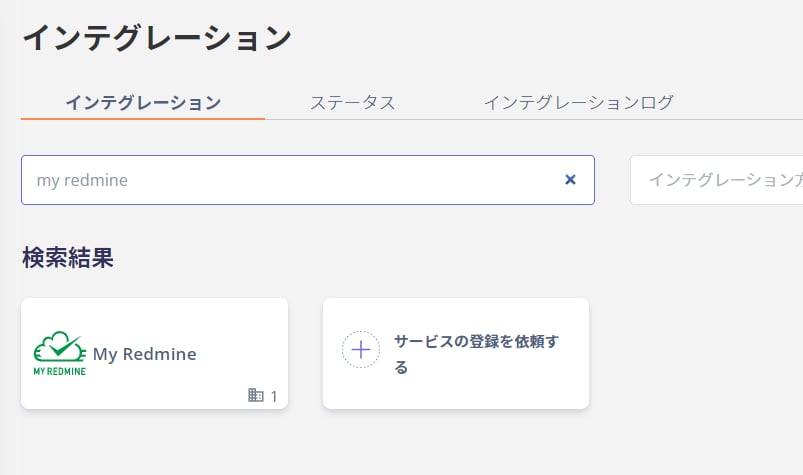
In the MoneyForward Admina integration screen, search for My Redmine.