Supported Features
Account Deletion Account CreationAn Enterprise plan subscription is required to use this integration.
Prerequisites
How to Log In to Toyokumo Safety Confirmation Service 2
On the Toyokumo Safety Confirmation Service 2 login page, enter your email address and password to log in. For login instructions, refer to the operation guide: How to Log In.
How to Obtain the Access Key
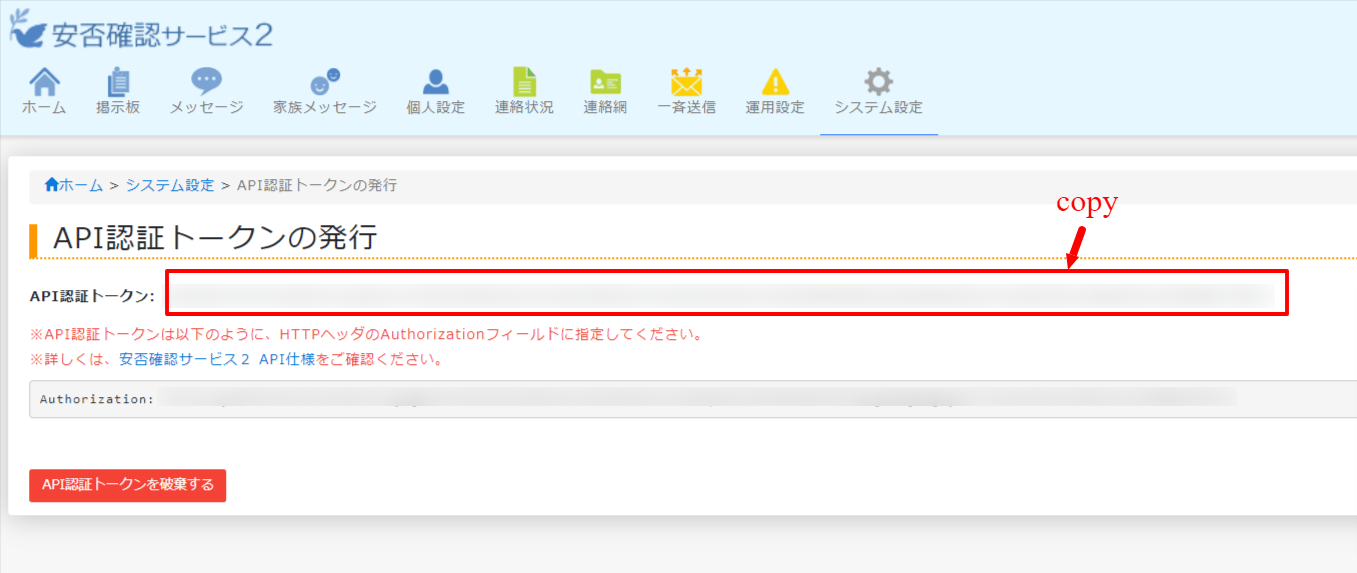
After logging in to Toyokumo Safety Confirmation Service 2, go to System Settings > External System Integration Settings > API Authentication Token Issuance. Only system administrators can issue API authentication tokens. For details, refer to Issuing an API Authentication Token (external site).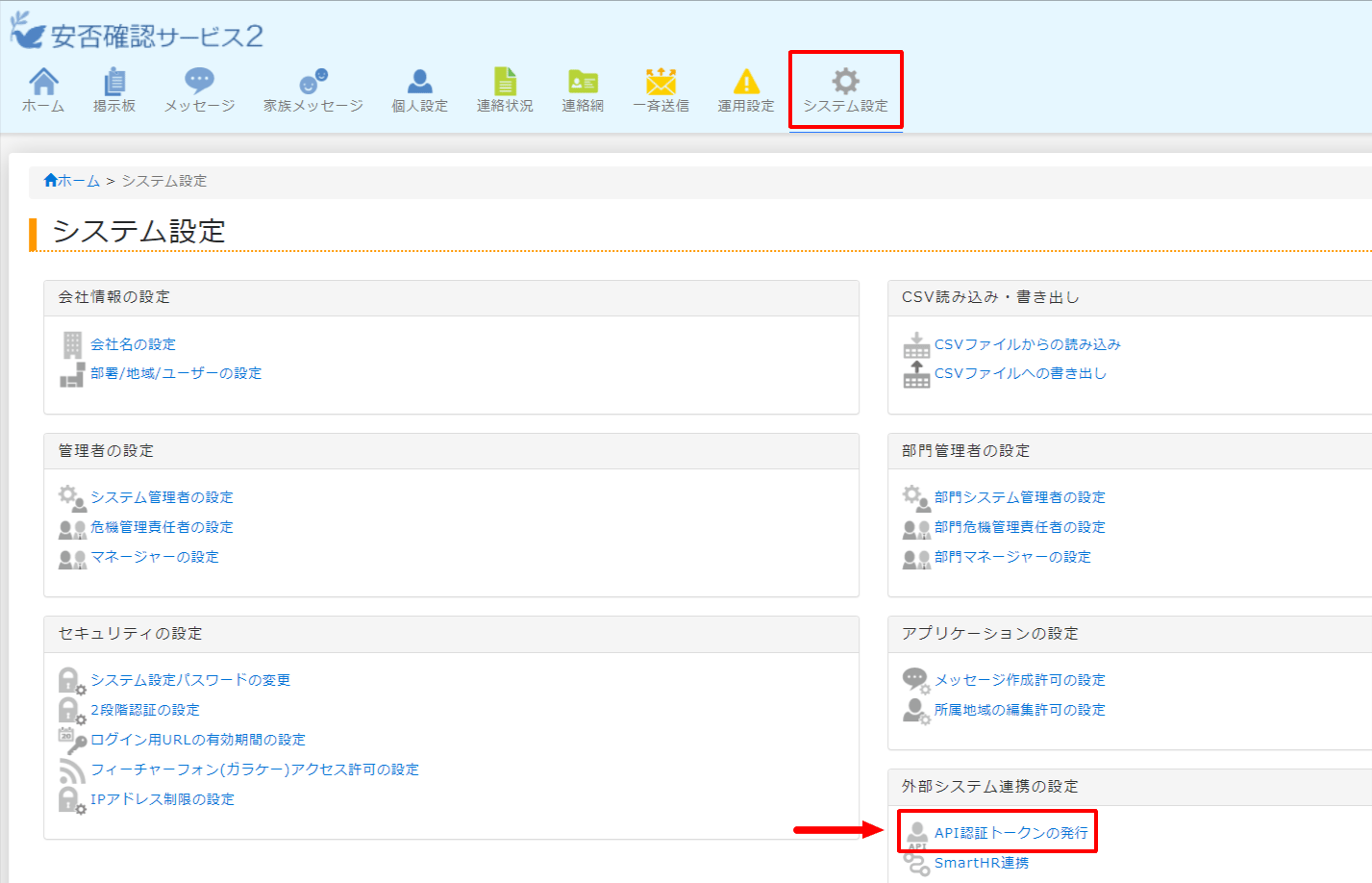
Integration Setup
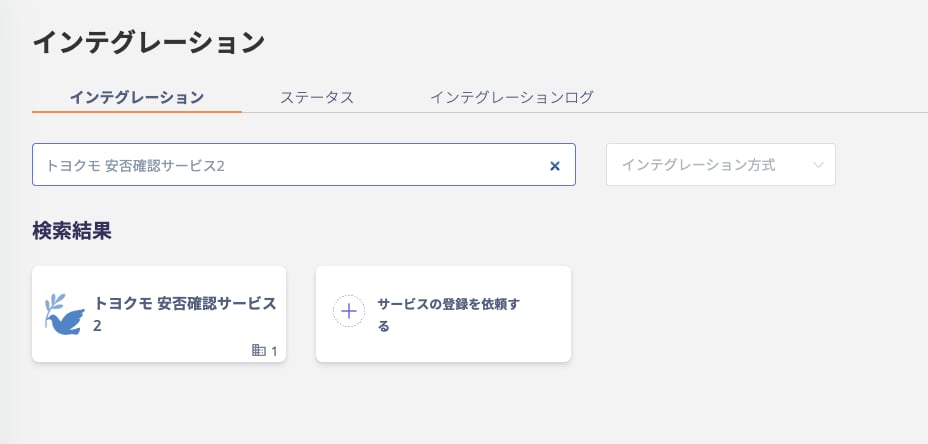
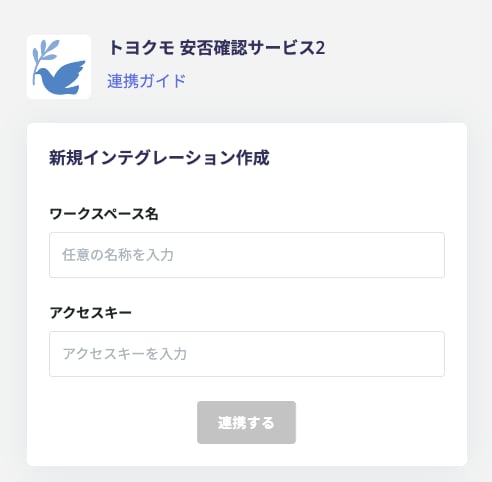
In the MoneyForward Admina integration screen, search for Toyokumo Safety Confirmation Service 2.