Supported Features
This service supports only basic account information retrieval and aggregation.
Prerequisites
How to Log In to GigaCC
On the GigaCC login page, enter your email address and password, then log in.External authentication accounts such as Google or SSO cannot be used for integration. For details, see [Limitation] Integration failure with external authentication accounts such as Google or SSO.

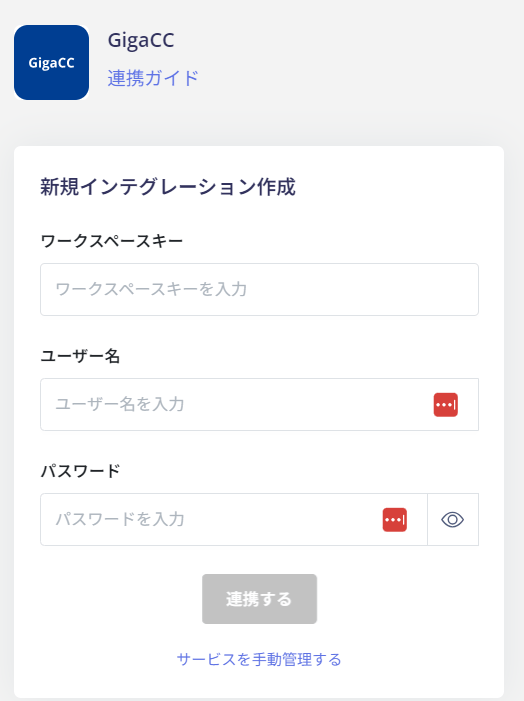
How to Find the Workspace Key
The workspace key is displayed as part of the GigaCC login URL.- If no workspace key exists, you will need to purchase the custom URL option. For details, please contact the GigaCC support center.
- Customers using a custom domain with GigaCC are currently not supported for integration.

Integration Setup
In the Admina integration screen, search for GigaCC.