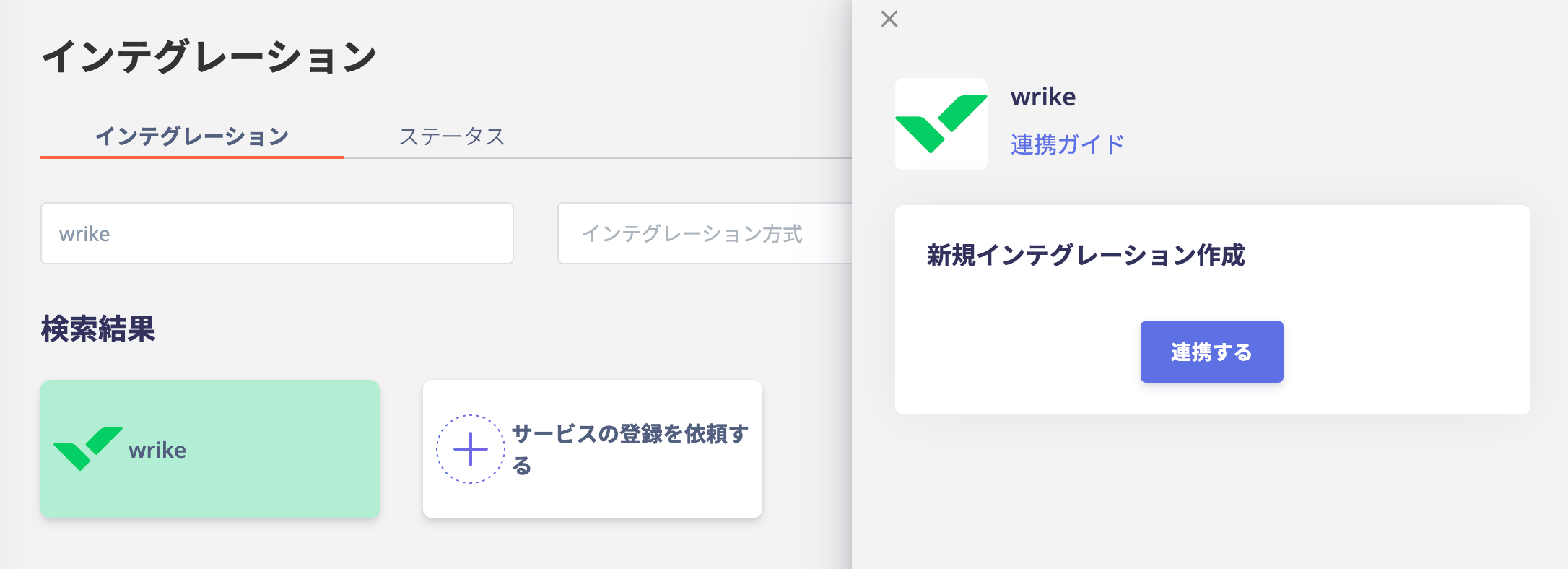
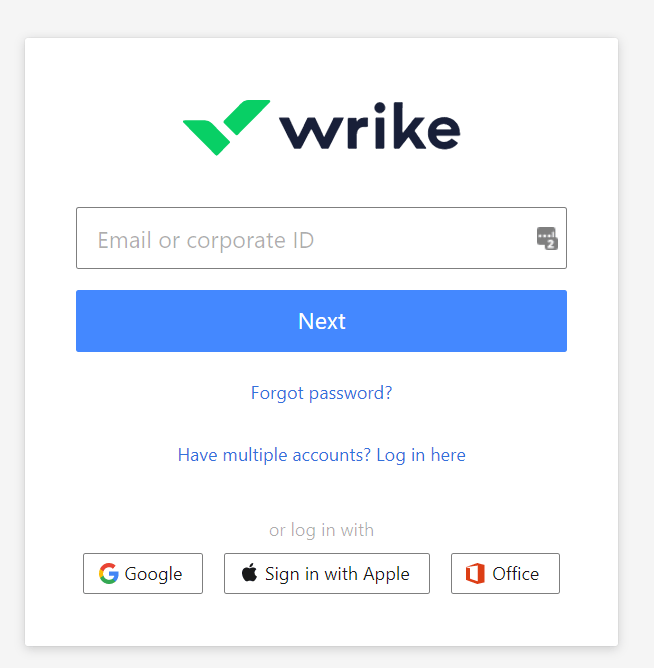
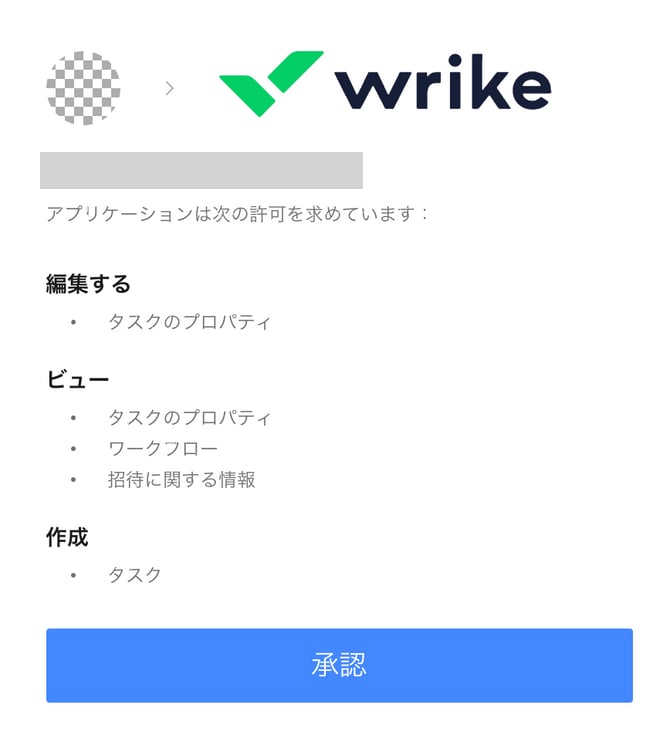
Search for wrike on the Admina by Money Forward integration screen and click Link.You will be redirected to the Wrike login page, where you can enter your corporate ID or email address and password.The authorization screen will be displayed as shown below, Confirm the contents and click “Approve”.If the link is successful, the registered user information will be displayed in the account list.If it does not complete normally, edit it from the status tab of the integration screen and try the linkage again.If you can’t solve it, please contact us via chat.