Prerequisites
How to Log In to MoneyForward Cloud Payroll
Go to the MoneyForward Cloud Payroll login page, enter your email address and password, and log in.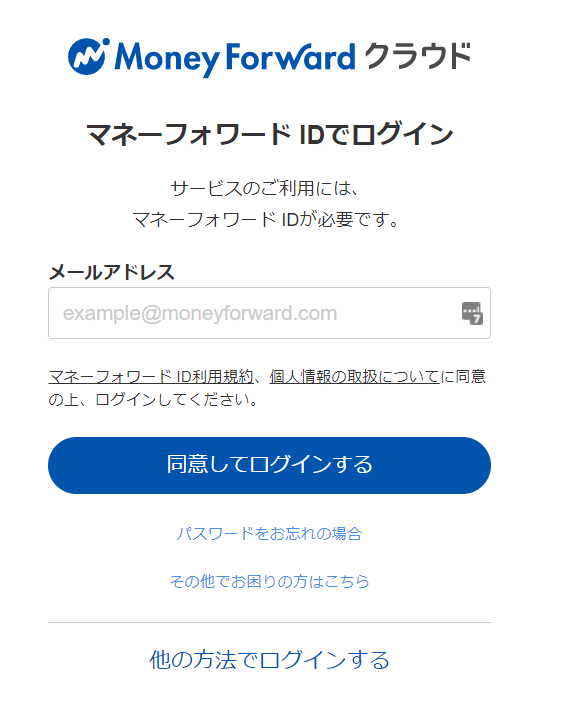
How to Obtain Your Workspace Key
After logging in to MoneyForward Cloud Payroll, go to Integration Settings from the left menu tab. Then scroll to the bottom of the Integration Settings screen. The API KEY is displayed under the External System Integration. Identifier field — this is your workspace key, so save it.
Integration Setup
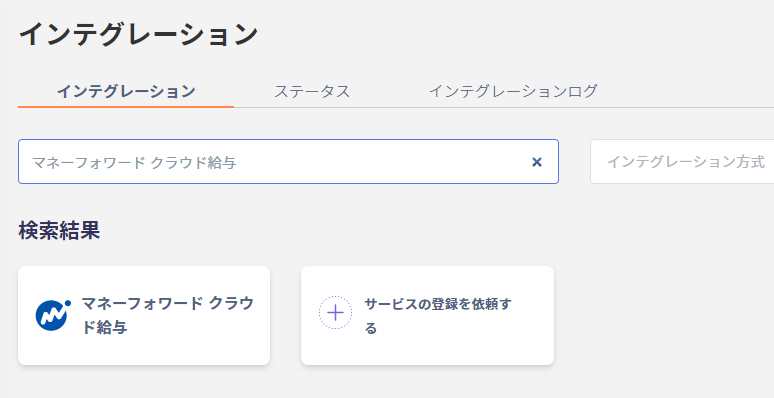
In the MoneyForward Admina integration screen, search for MoneyForward Cloud Payroll.