Supported Features
Account Deletion Account ProvisioningPrerequisites
How to Log In to ChatGPT for Teams
Go to the ChatGPT login page, enter your email address and password, and log in. (External authentication accounts such as Google or Microsoft cannot be used.)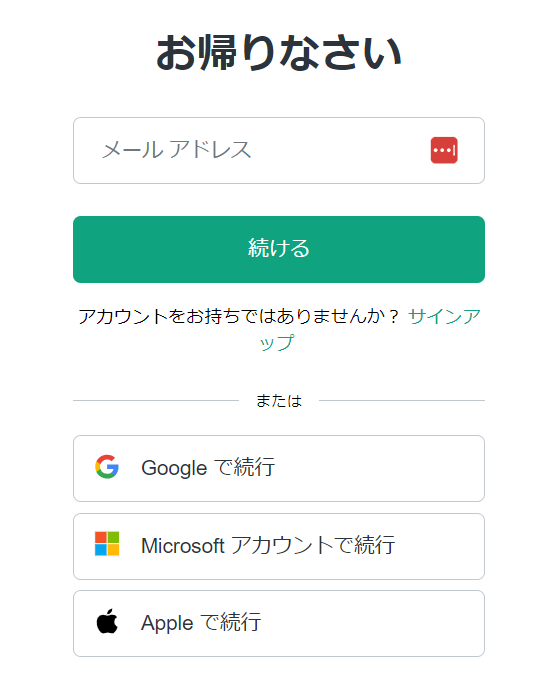
How to Obtain the Workspace Key
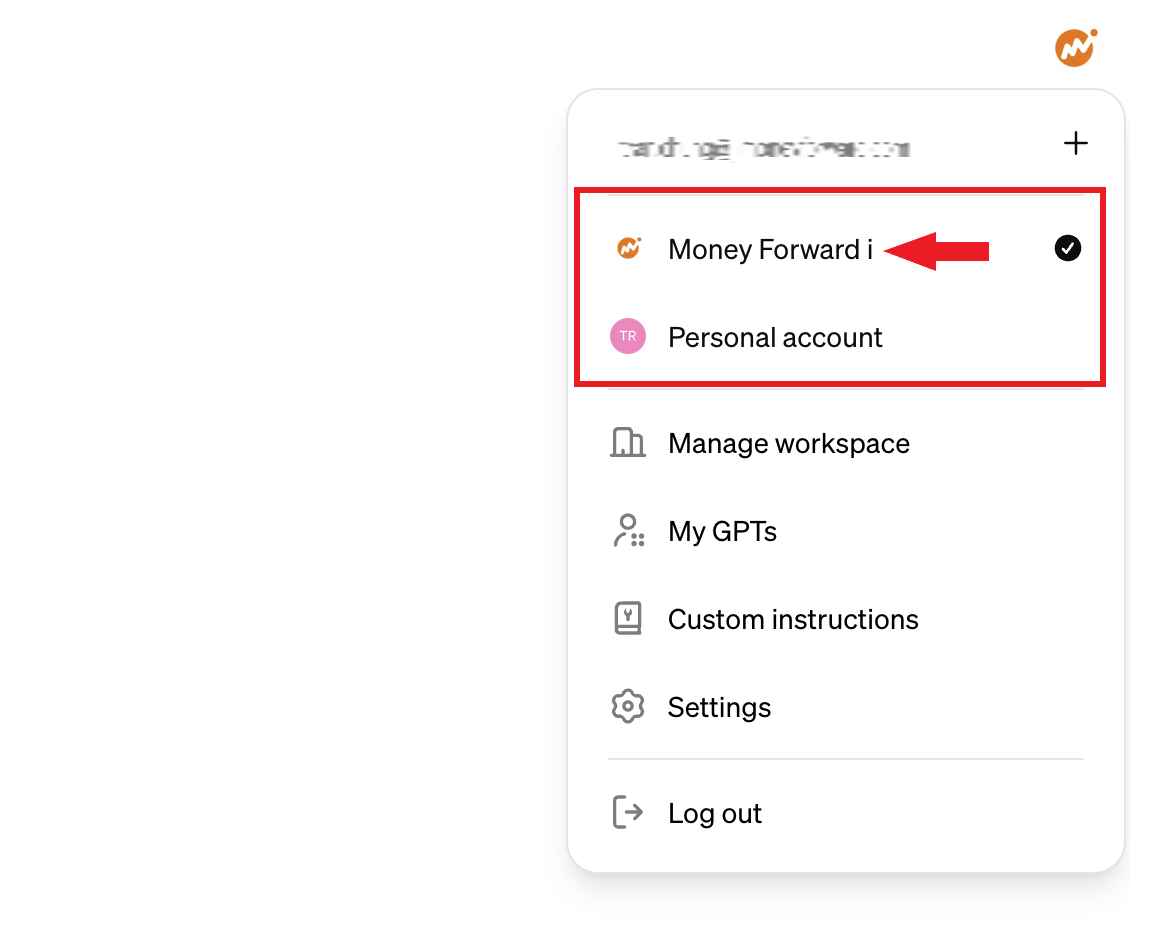
After logging in to ChatGPT, click the user icon in the upper right to open the menu. The team name displayed there is the workspace key — make a note of it.When connecting, use the team name exactly as displayed (spaces and capitalization are case-sensitive).Example:
Display name: Money Forward i → Workspace name: Money Forward iIf you only have one Team, enter that workspace name.
Display name: Money Forward i → Workspace name: Money Forward iIf you only have one Team, enter that workspace name.
Integration Setup
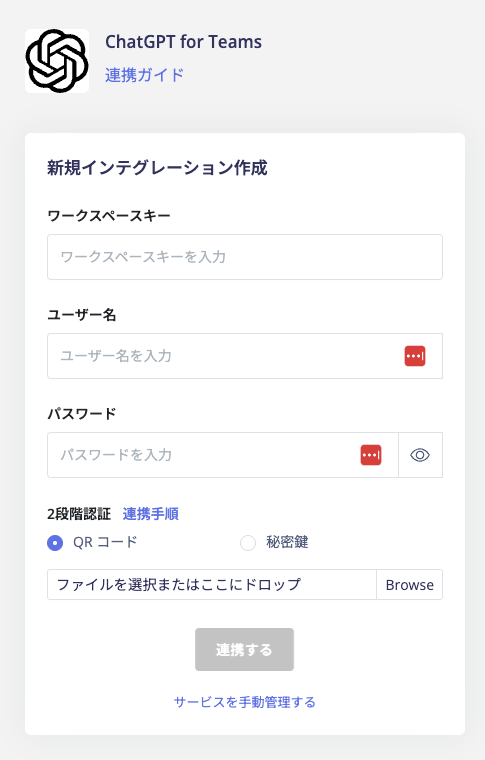
In the MoneyForward Admina integration screen, search for Chatgpt for Teams.