A plan that supports API access (Standard plan or higher) is required for the integration.
Prerequisites
How to Log In to Re:lation
Go to the Re:lation login page and enter your domain name, email address, and password to log in.
How to Obtain Your Workspace Key
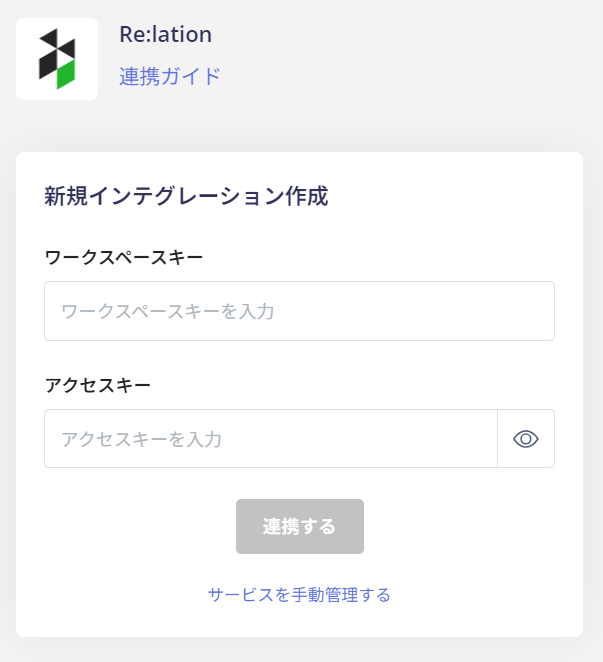
Your domain is your workspace key.https://{workspace-key}.relationapp.jp/
How to Obtain Your Access Key
After logging in to Re:lation, go to System Settings > API Token. The API token is your access key. Click the 👁 icon to display and copy the API token. If no API token has been generated, click the + button on the right side of the screen to generate one.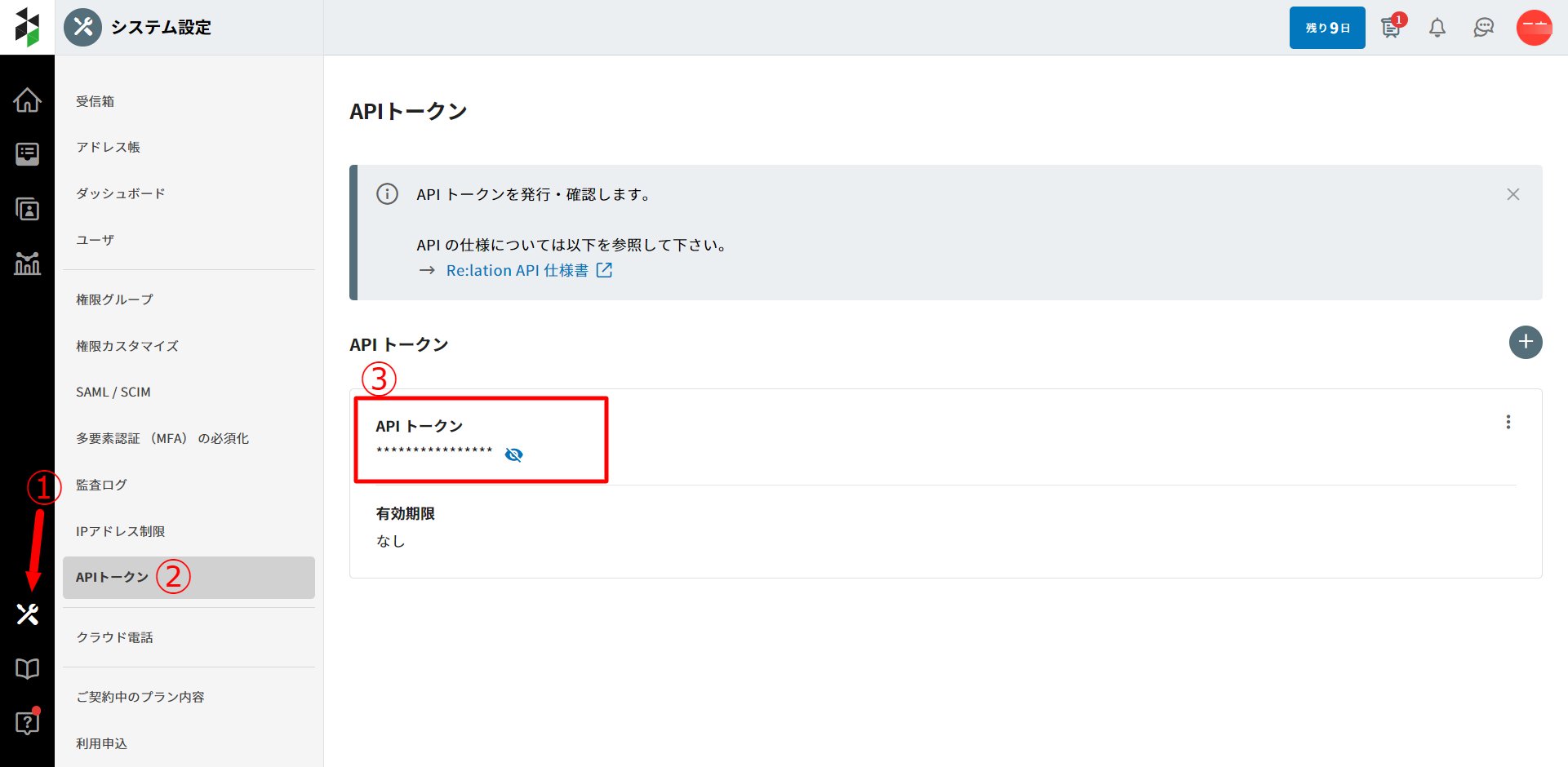
Integration Setup
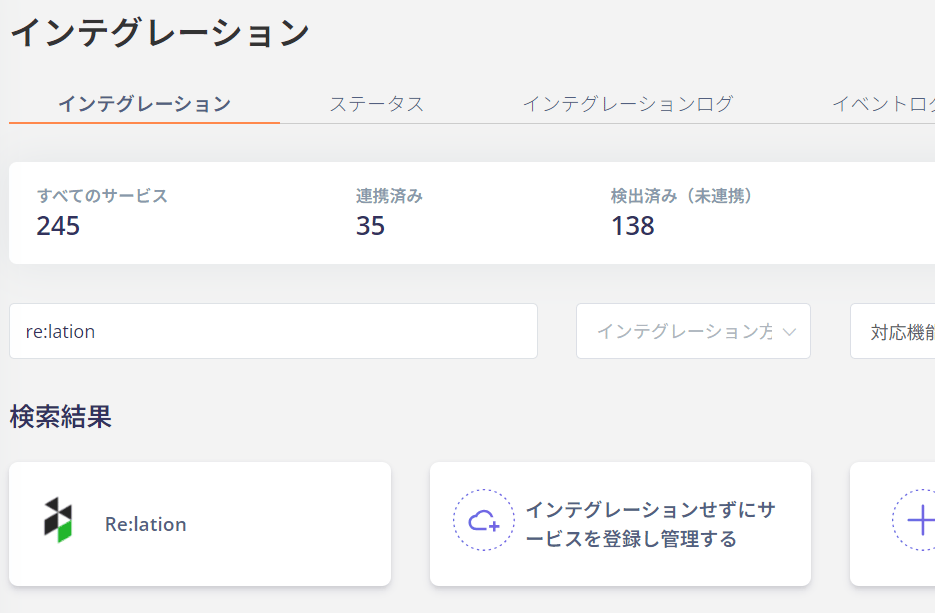
In the MoneyForward Admina integrations screen, search for Re:lation.