Supported Features
Account DeletionPrerequisites
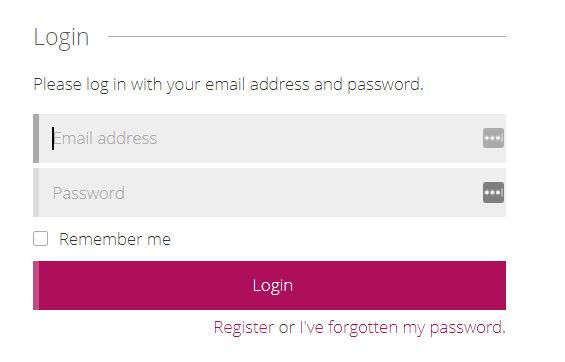
How to Log In to Signavio
On the Signavio login page, enter your email address and password to log in.External authentication accounts such as Google or SSO cannot be used for the integration. For details, see [Restriction] Integration failure with external authentication accounts such as Google or SSO.
How to Find the Base URI
The Base URI is the URL domain used at registration. One of the following three options is your Base URI:
If you only have one Workspace, the workspace key is not required.
How to Find the Workspace Key
After logging in to Signavio, click the user icon in the upper right to open the menu. Under Workspaces, select the workspace you want to integrate. Part of the URL is the workspace key.https://app-au.signavio.com/p/hub?t={workspace key}

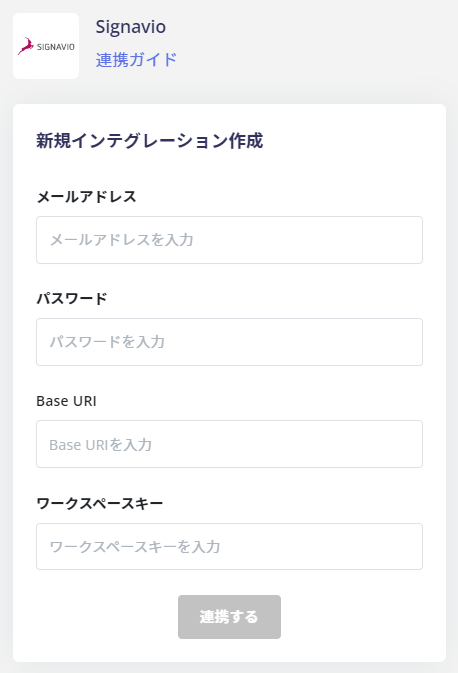
Integration Setup
In the MoneyForward Admina integration screen, search for Signavio.
If you only have one Workspace, you do not need to enter the workspace key.