Supported features

Account deletion Account provisioning
An administrator account is required for integration.

Integration setup

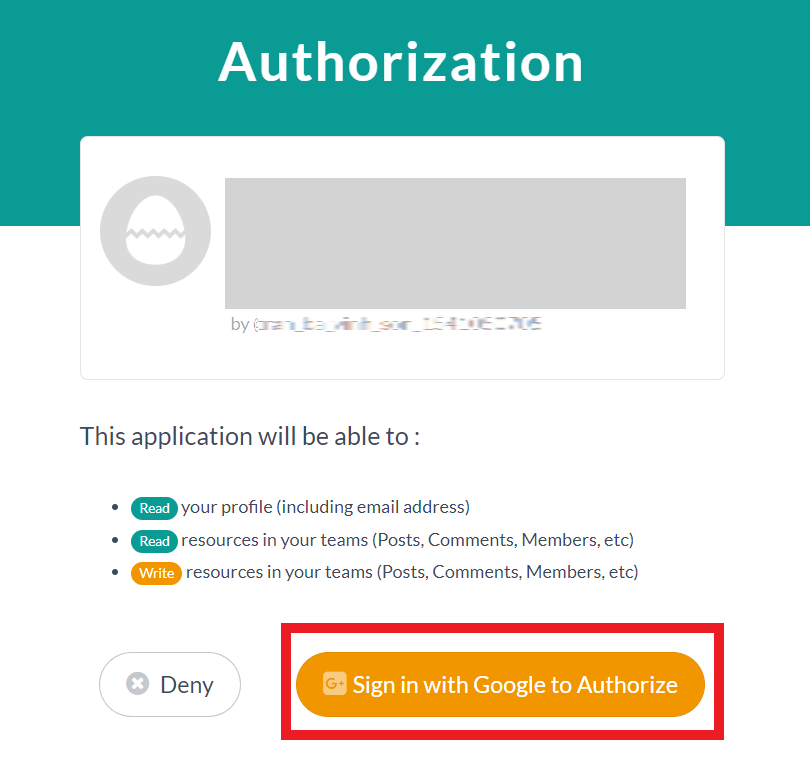
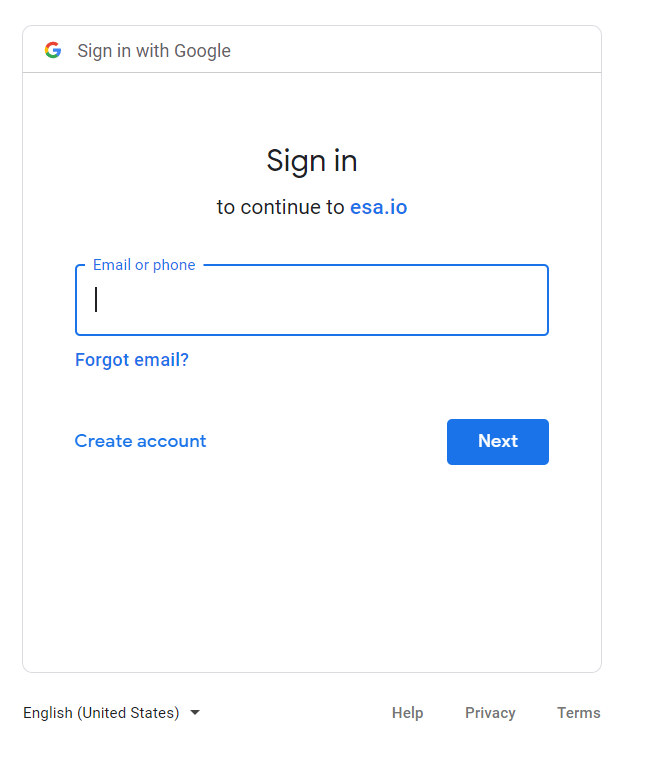
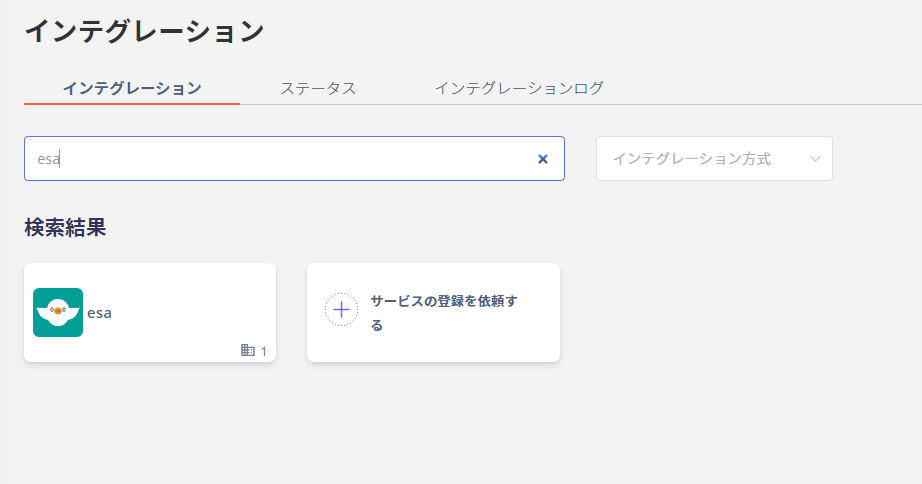
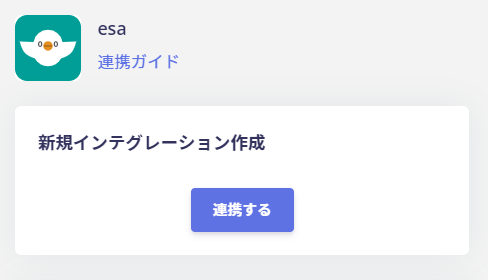
Search for esa on the integration screen of Admina by Money Forward. Search for esa on the integration screen Click Link to proceed. Link button When the login and authorization screen appears as shown below, click Sign in with Google to Authorize to login. Login and authorization screen Log in with the esa administrator account. Login with esa administrator account If the link is successful, the registered user information will be displayed in the account list. If it does not complete normally, edit it from the status tab of the integration screen and try the linkage again. If you can’t solve it, please contact us via chat.
Last modified on June 17, 2026