Supported Features
Account Deletion Account CreationAn Adobe Enterprise plan subscription is required for this integration.
Prerequisites
How to Log In to Adobe
Go to the Adobe login page, enter your email address and password, and log in.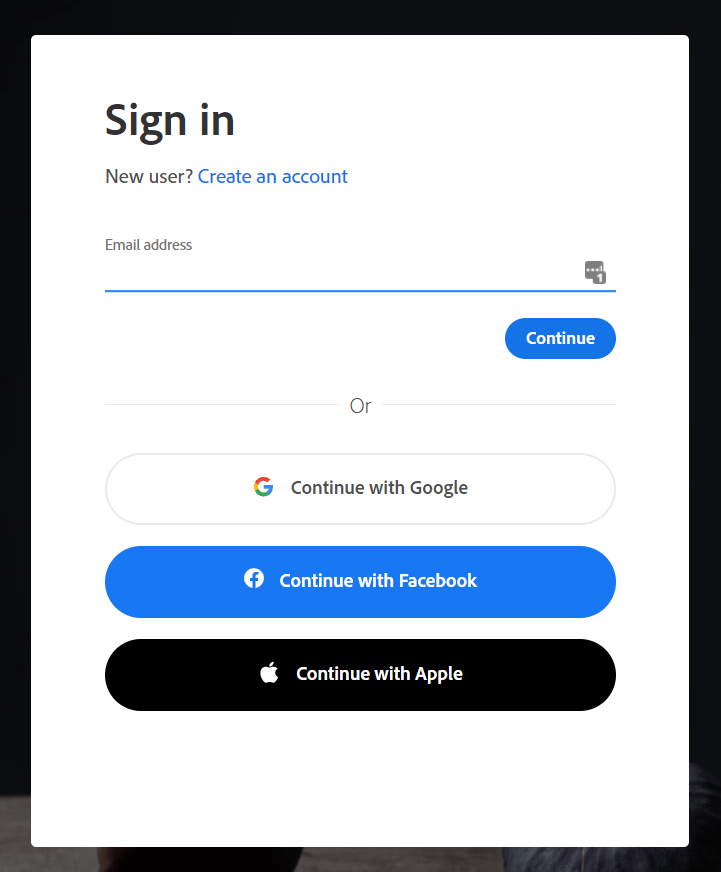
How to Obtain the API Key
- After logging in to Adobe, go to Adobe Developer Console (developer.adobe.com/console) > Create new project and create a project.
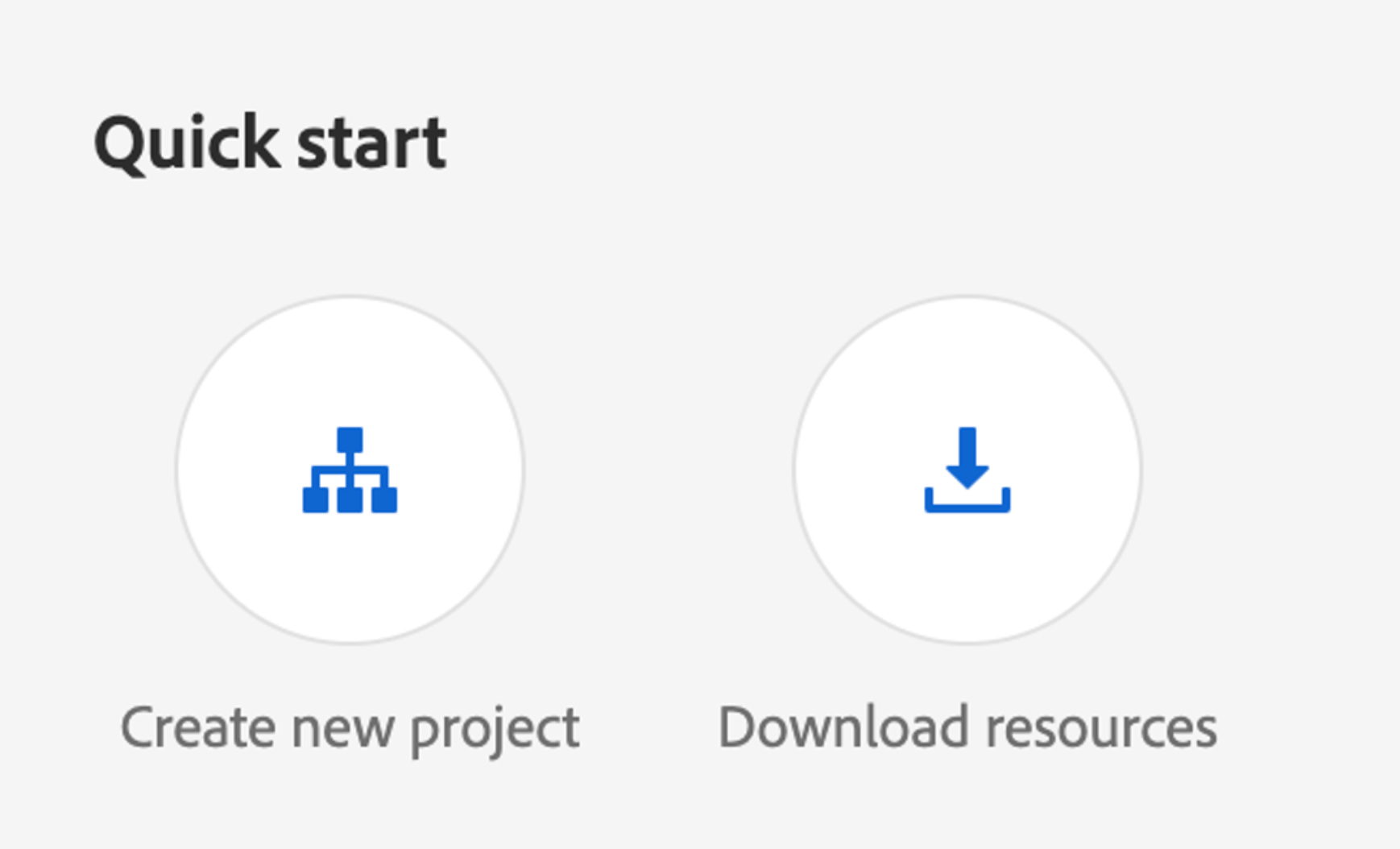
The project name will become the workspace name in Admina, so choose a name that is easy to manage.
- Click Add API, select User Management API, and click the [Next] button.
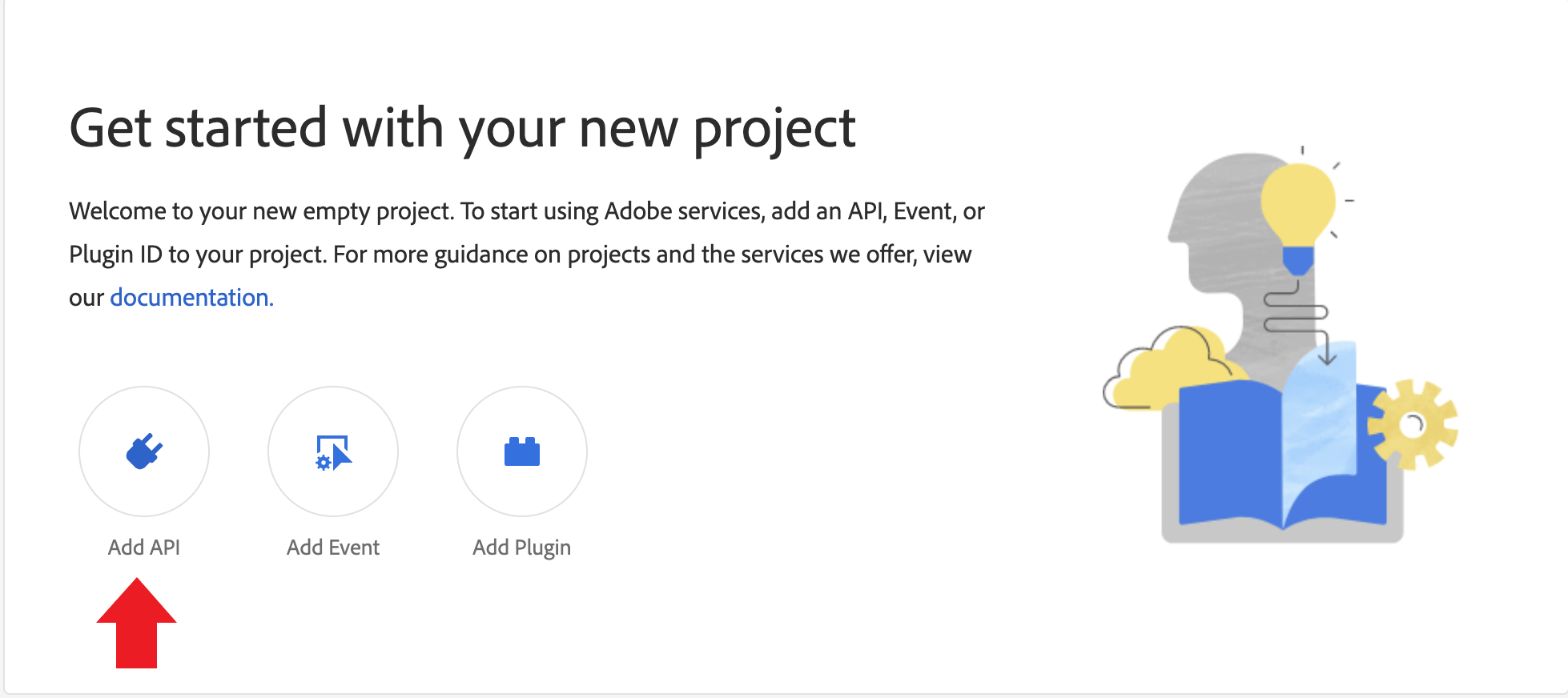
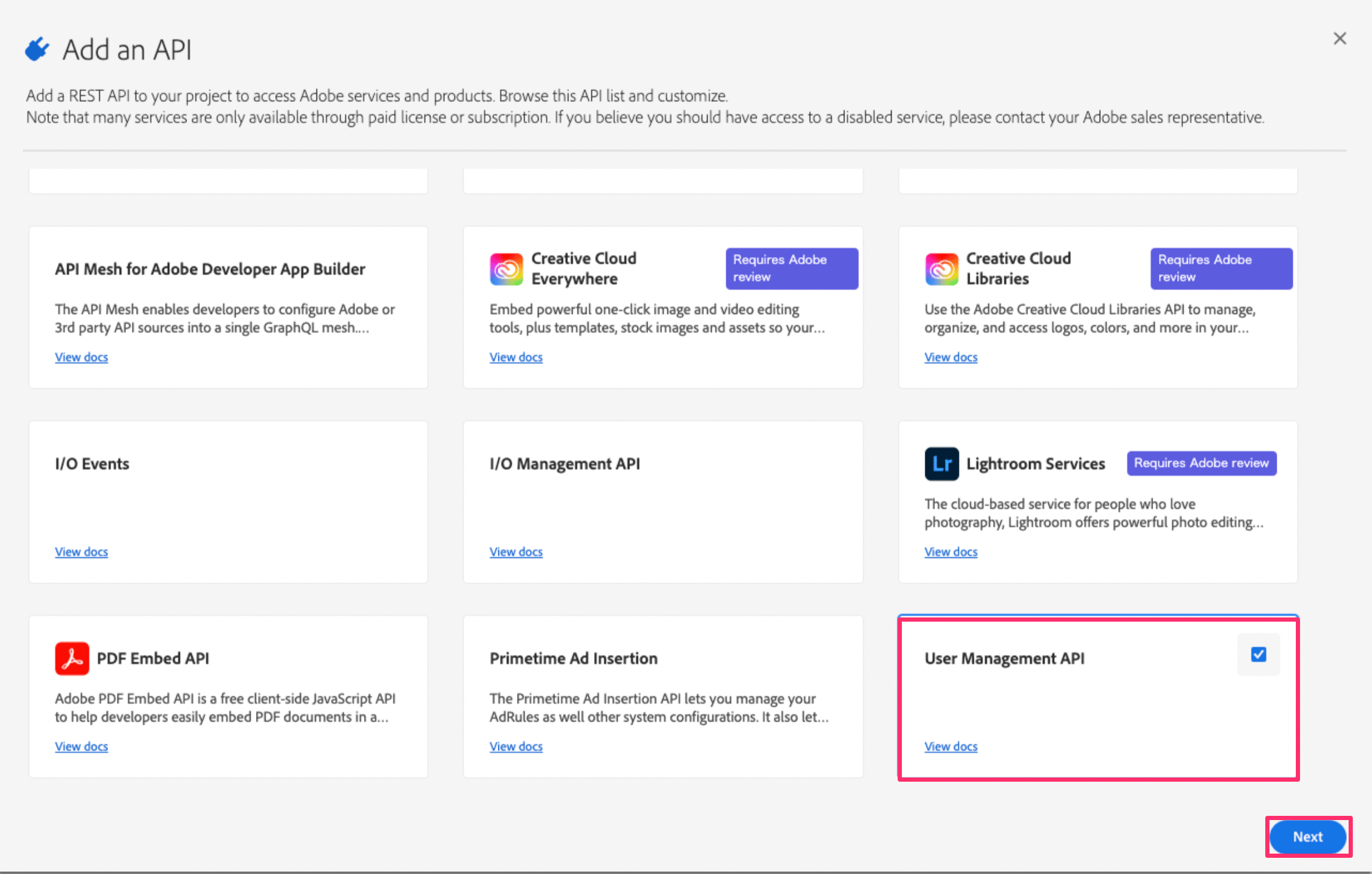
If you cannot select User Management API, you may not be on an Enterprise plan. Please check your subscription plan.
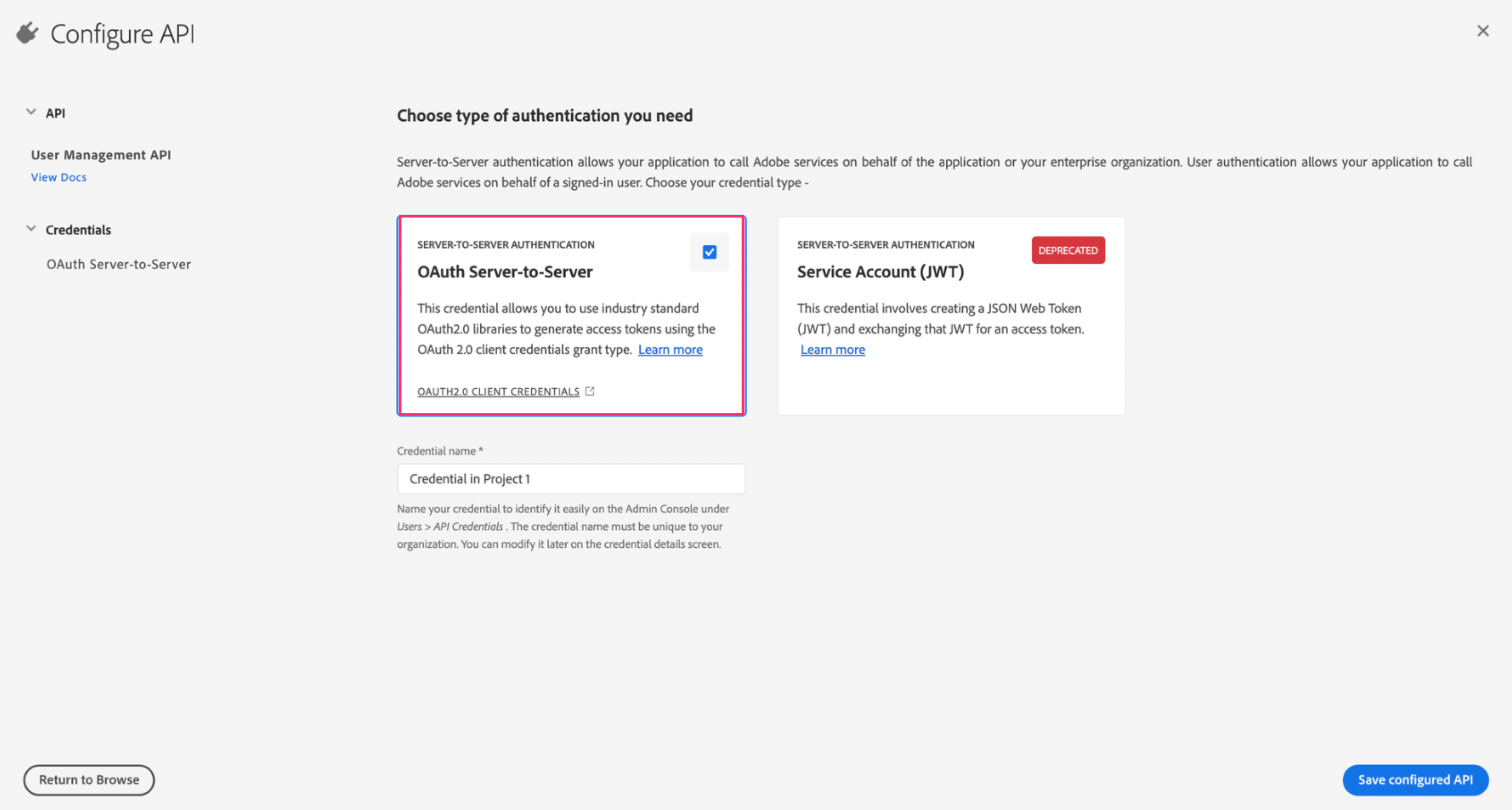
- Select OAuth Server to Server and click Save configured API.
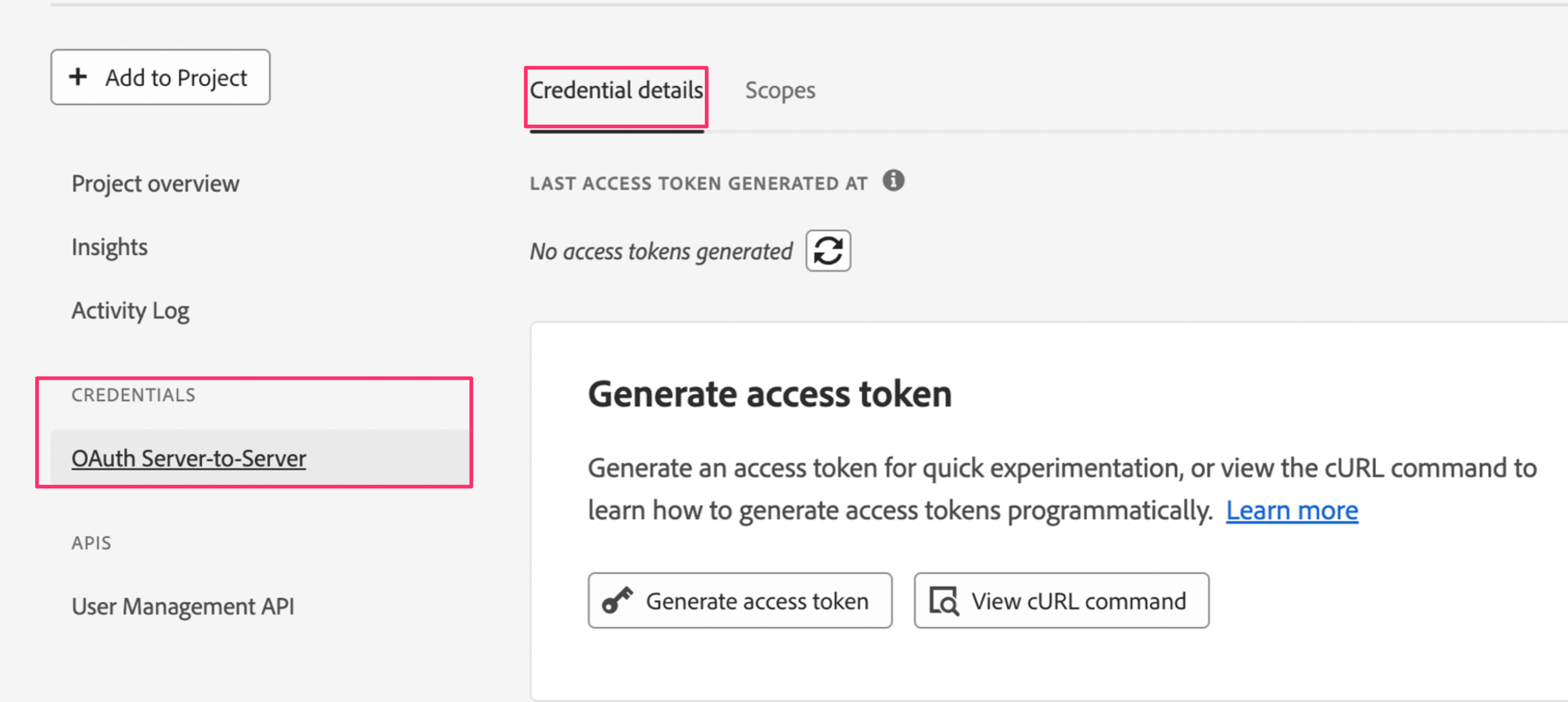
- In the left menu, select
CREDENTIALS > OAuth Server-to-Server > Credential details.
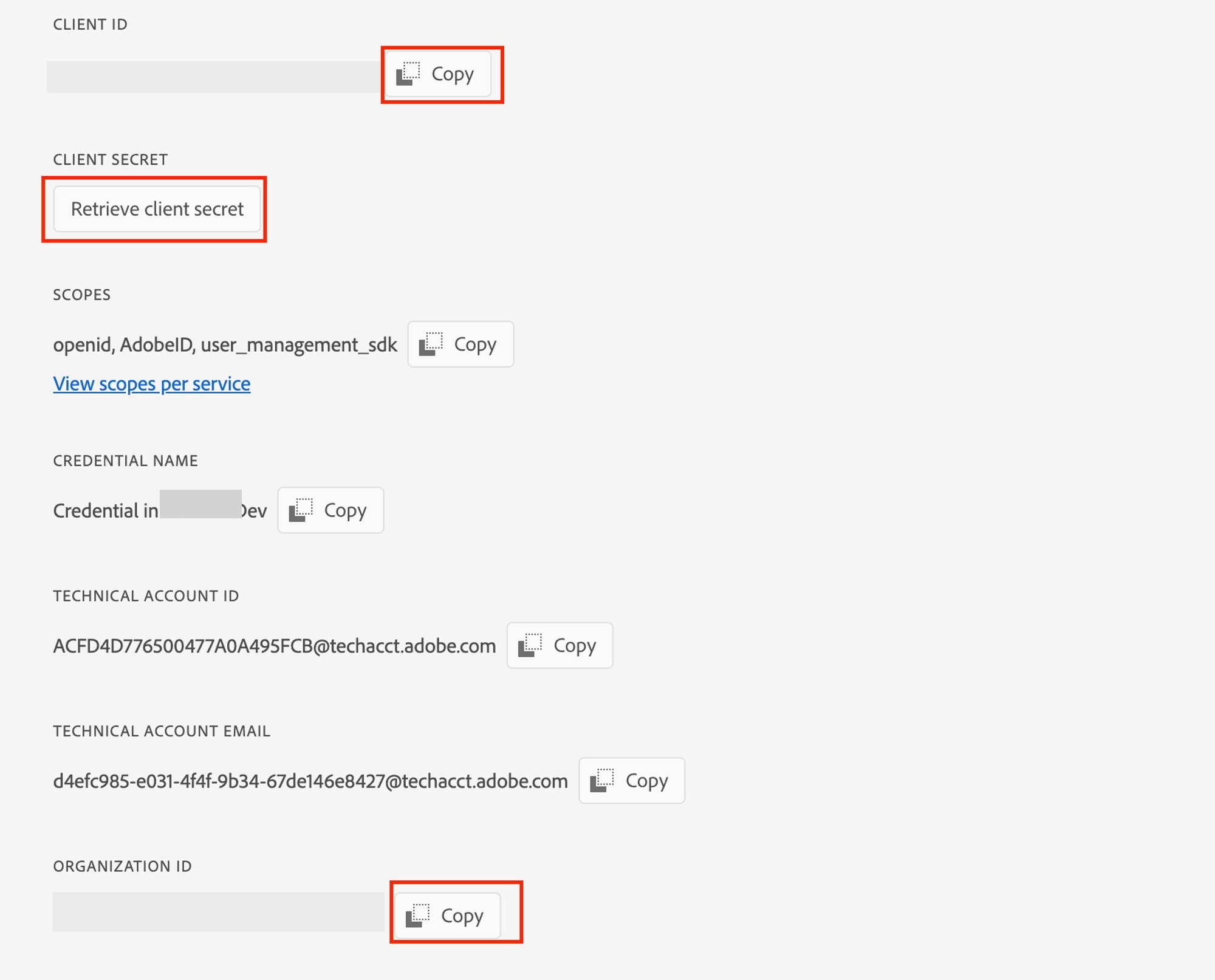
- Copy the following items — these are your API keys:
- Client ID
- Client secret
- Organization ID
Integration Setup
- In the MoneyForward Admina integration screen, search for Adobe and click on it.
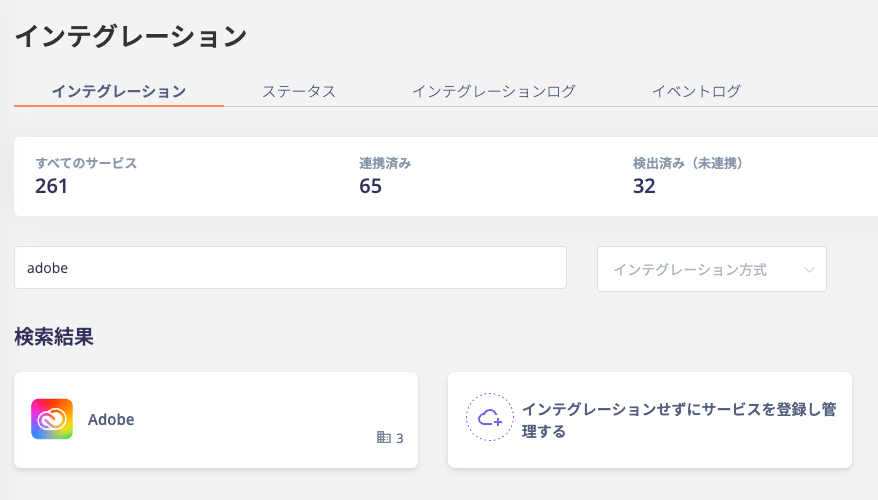
- Enter the information obtained in the prerequisites and click Connect:
- Workspace name: Any name (e.g., your company name)
- Client ID: Client ID
- Client secret: Client secret
- Organization ID: Organization ID