An account with administrator privileges is required for integration.
Advance preparation
This is the same integration method as Money Forward Cloud Attendance. Please check the Money Forward Cloud Attendance Integration Guide and obtain your workspace key.Setting up the integration
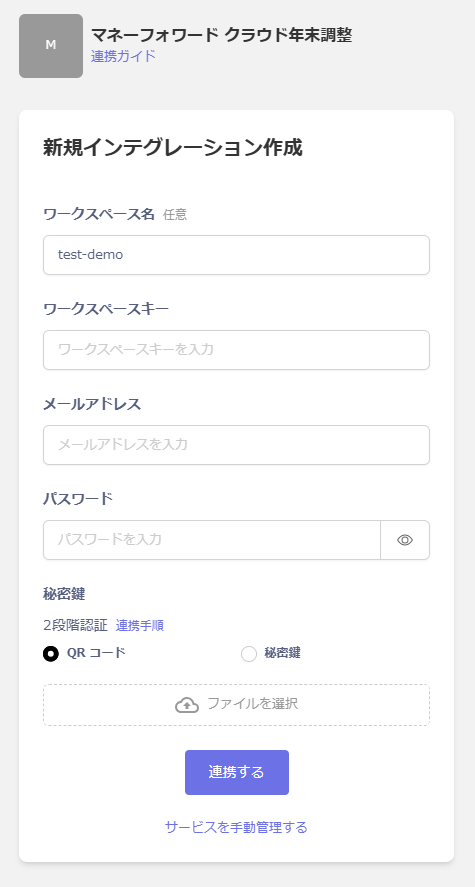
In Admina, search for Money Forward Cloud Year-End Adjustment. Enter a workspace name, the workspace key you obtained in the previous step, and your login email address and password. Enter the two-step authentication you set up during the two-step authentication setup procedure and click Link.