

Prerequisites
How to Log In to DeepL
Go to the DeepL login page and sign in with your email address and password.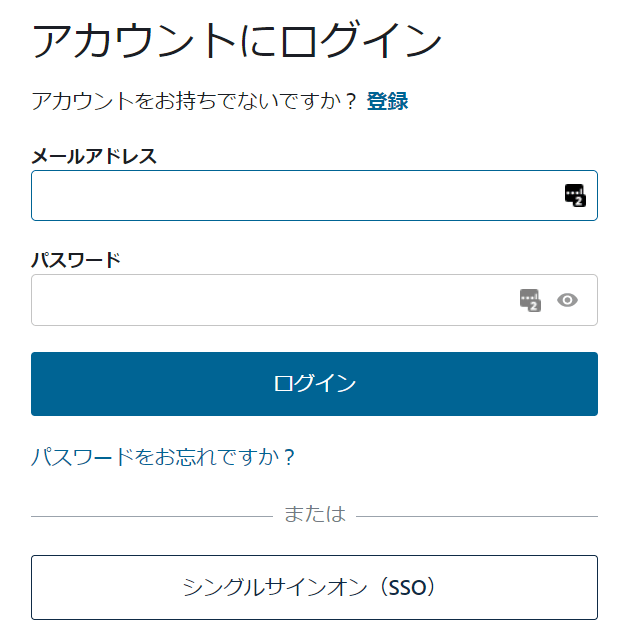
Integration Setup
Search for DeepL on the MoneyForward Admina integrations page.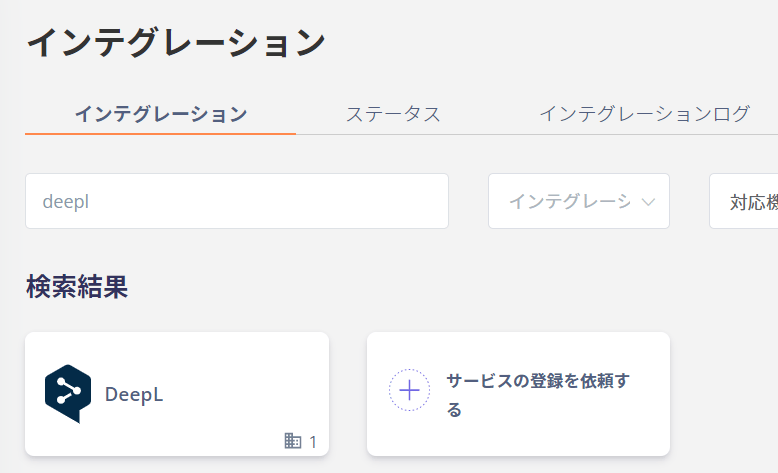
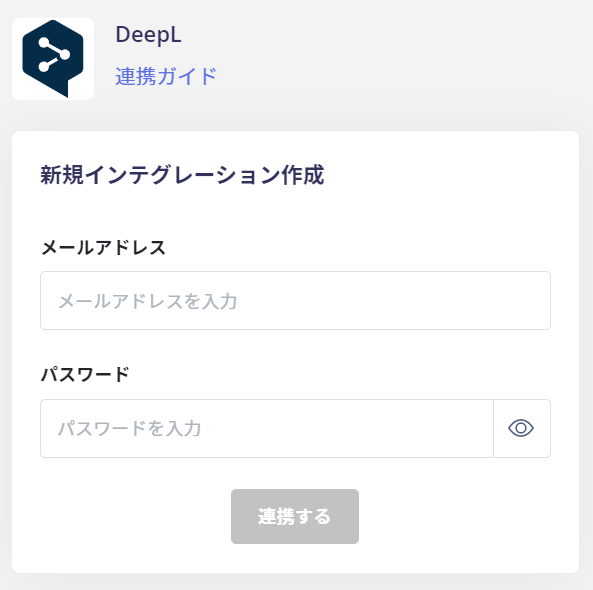
If the issue persists, please contact us via chat.
Instructions for integrating with DeepL. This guide covers the full process from logging in to DeepL as an administrator to completing the integration with MoneyForward Admina.