Supported Features
Account Deletion Account CreationThis integration only supports login using a GitHub ID/Password.
Prerequisites
How to Log in to Snyk
Go to the Snyk login page and select GitHub. Enter your GitHub login email address and password to log in.External authentication accounts such as Google or SSO cannot be used for this integration. For details, see [Restrictions] Integration failure due to Google authentication or SSO external accounts (/en/it-management/faq/7gbneu0vz5-auth-error).
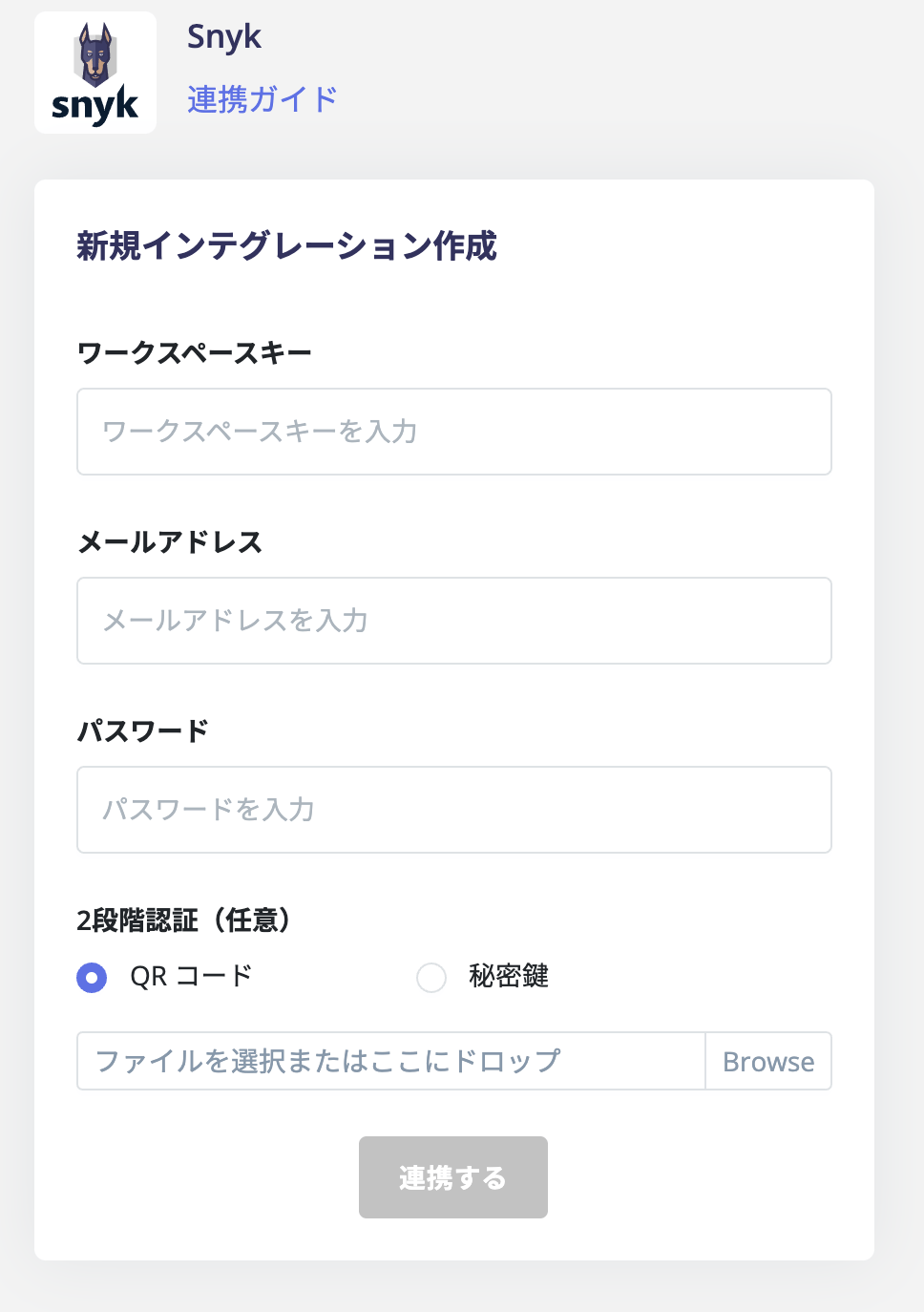
How to Obtain Your Workspace Key
After logging in to Snyk, select Dashboard from the top menu.
Integration Setup
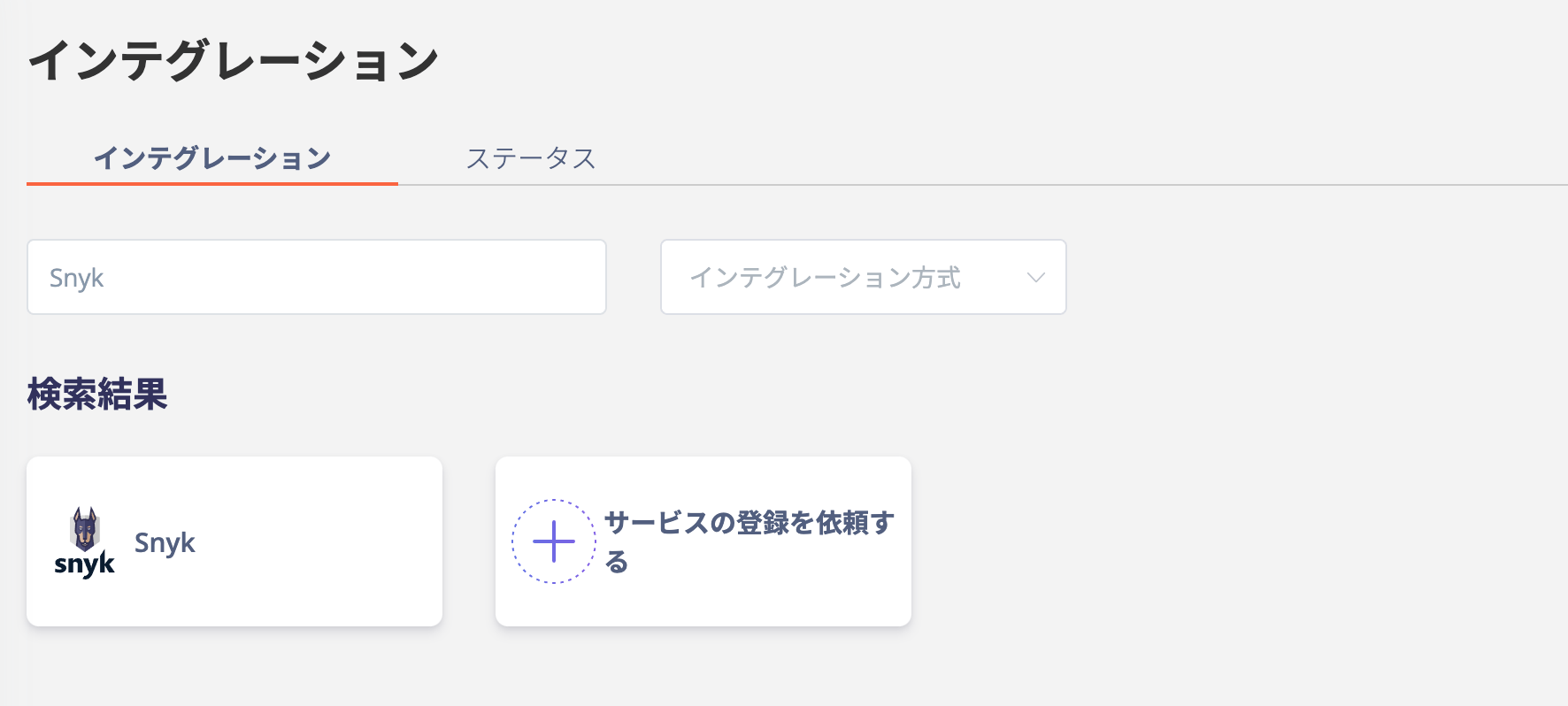
In the MoneyForward Admina integrations screen, search for Snyk.