About services with suspended integrations
This integration is currently suspended. For details, please see the suspended integrations page.
Supported Features
Account DeletionPrerequisites
How to Log In to Awesome Screenshot
Go to the Awesome Screenshot login page, enter your login method or email address and password, and log in.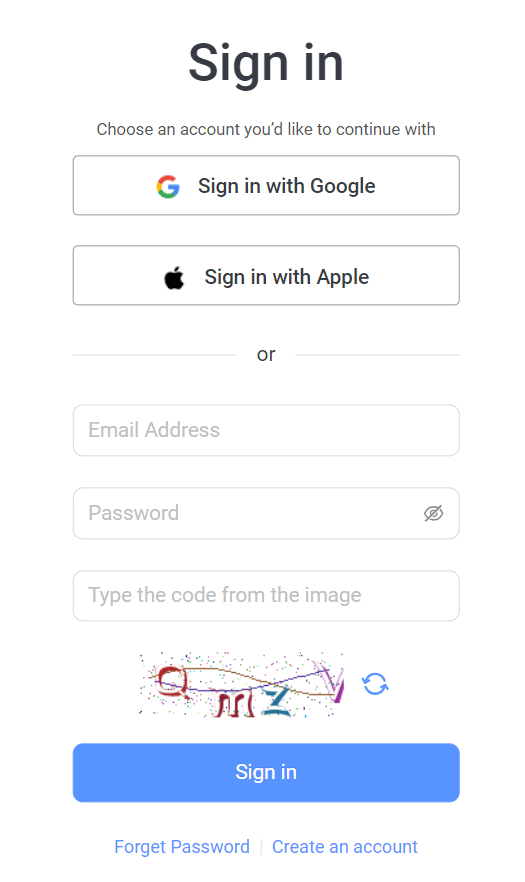
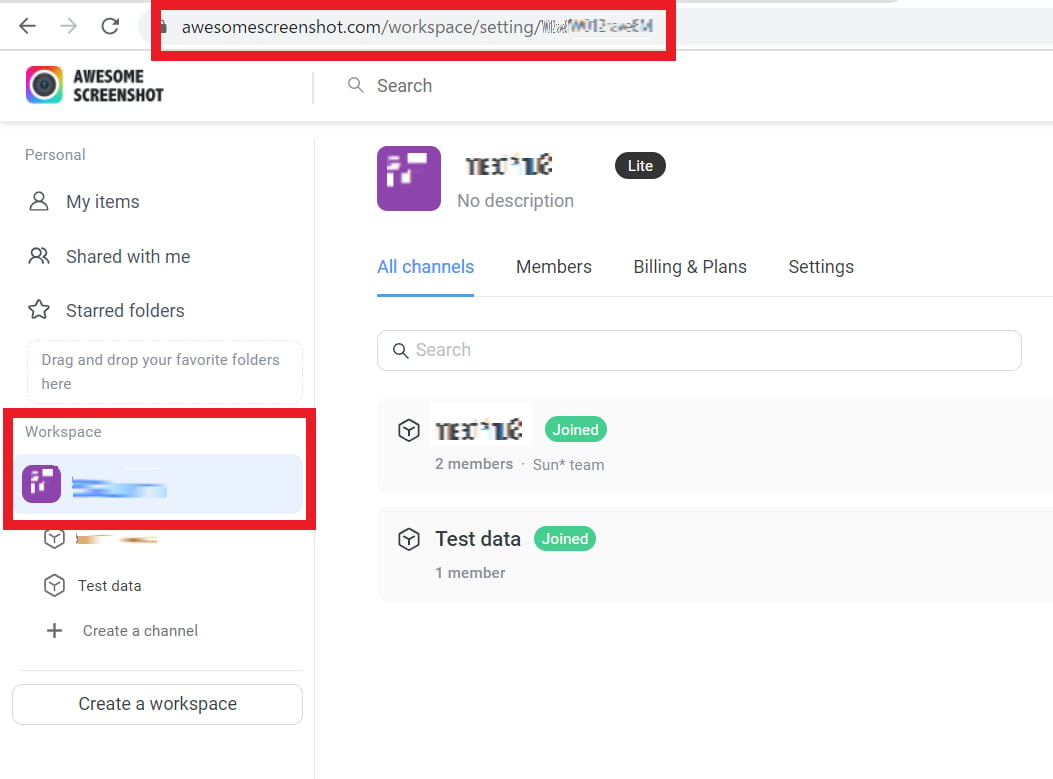
How to Find Your Workspace Key
After logging in to Awesome Screenshot, navigate to the workspace page you want to integrate using the right-side menu. Part of the URL on the destination page is your workspace key — copy it.https://www.awesomescreenshot.com/workspace/setting/YOUR-WORKSPACE-KEY
Integration Setup
In the MoneyForward Admina integrations screen, search for Awesome Screenshot.