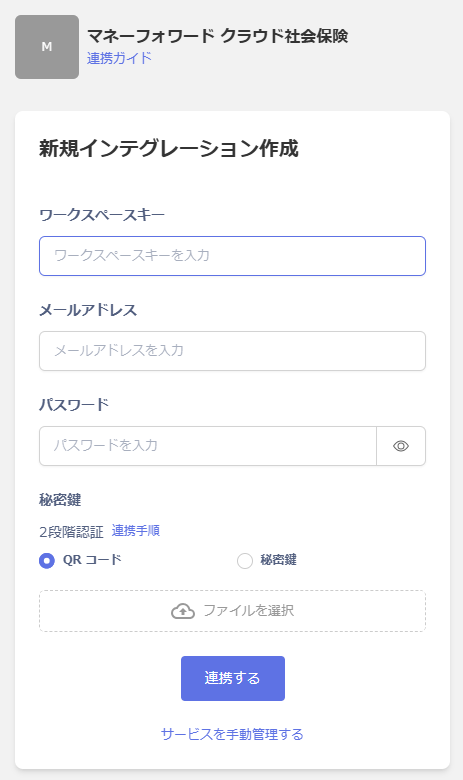
An administrator account is required for the integration.
Two-factor authentication must be configured for the integration. For details, see Two-factor authentication setup required for MoneyForward Cloud service integrations.External authentication accounts such as Google or SSO cannot be used for integration. For details, see [Restrictions] Integration failure with external authentication accounts such as Google or SSO.
Prerequisites
How to Log In
Go to the MoneyForward Cloud Social Insurance login page, enter your email address and password, and log in.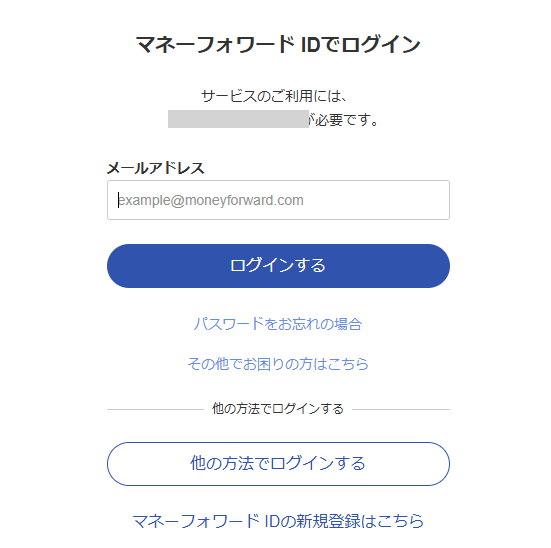
How to Obtain the Workspace Key
After logging in to MoneyForward Cloud Social Insurance. Check the number displayed next to the company name in the upper right corner. This is your workspace key — save it for later.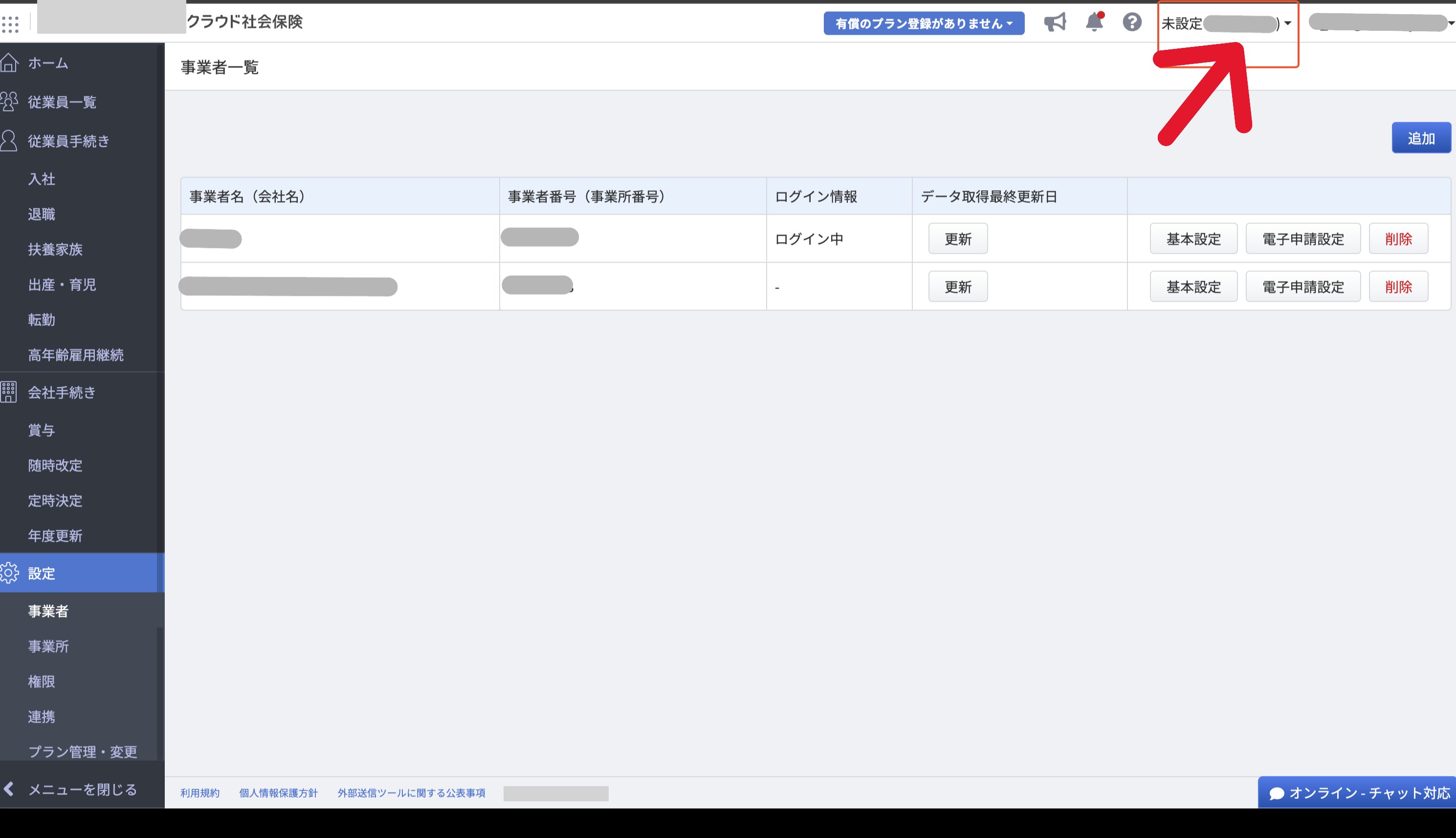
Integration Setup
In the MoneyForward Admina integration screen, search for MoneyForward Cloud Social Insurance. Enter the workspace key obtained in the previous step along with. Your login email address and password, then click Connect.