

By linking, Admina’s own administrative users can be linked and displayed on the service screen. Since your own organization is automatically linked, it cannot be linked or deleted. Use this procedure when linking other Admina organizations.

How to obtain workspace key and access key

After logging in to Admina, go to Settings > API List. The organization ID will be your workspace key, so copy it. Next, click Generate API Key on the right side of the screen to create an API key. API list screen Enter any name for the API key name and click Generate. The API key will be your access key, so copy and save it.
Please note that the API key will not be displayed again.
API key generation screen

Setting up the integration

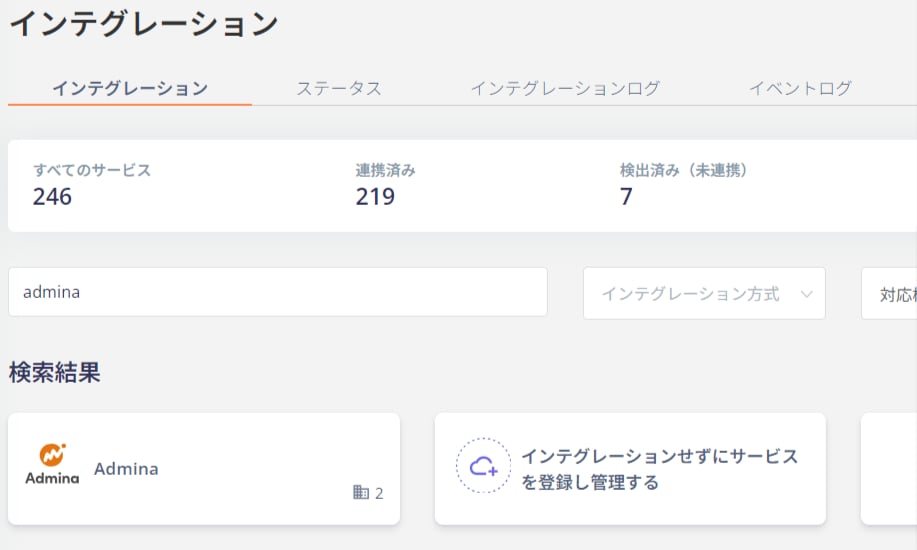
Search for Admina on the Money Forward Admina integration screen. Integration search screen Enter the workspace key and access key obtained in the previous step and click Integrate. Integration setup screen If the link with Admina is successful, registered user information will be displayed in the account list. If it does not complete successfully, please edit from the status tab on the integration screen and try the integration again. If the problem is not resolved, please contact us via chat. For an overview of Money Forward Admina integration, please see the integration page.
Last modified on June 18, 2026