

Supported features
Account provisioning Account deletionPrerequisites
An account with administrator privileges is required for integration.
How to log in
On the Fivetran login page, enter your email address and password to log in.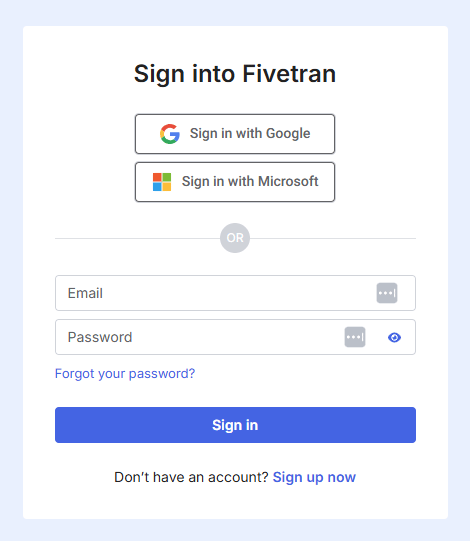
How to obtain an API key
After logging into Fivetran, click on your account name > API Key in the bottom left corner.

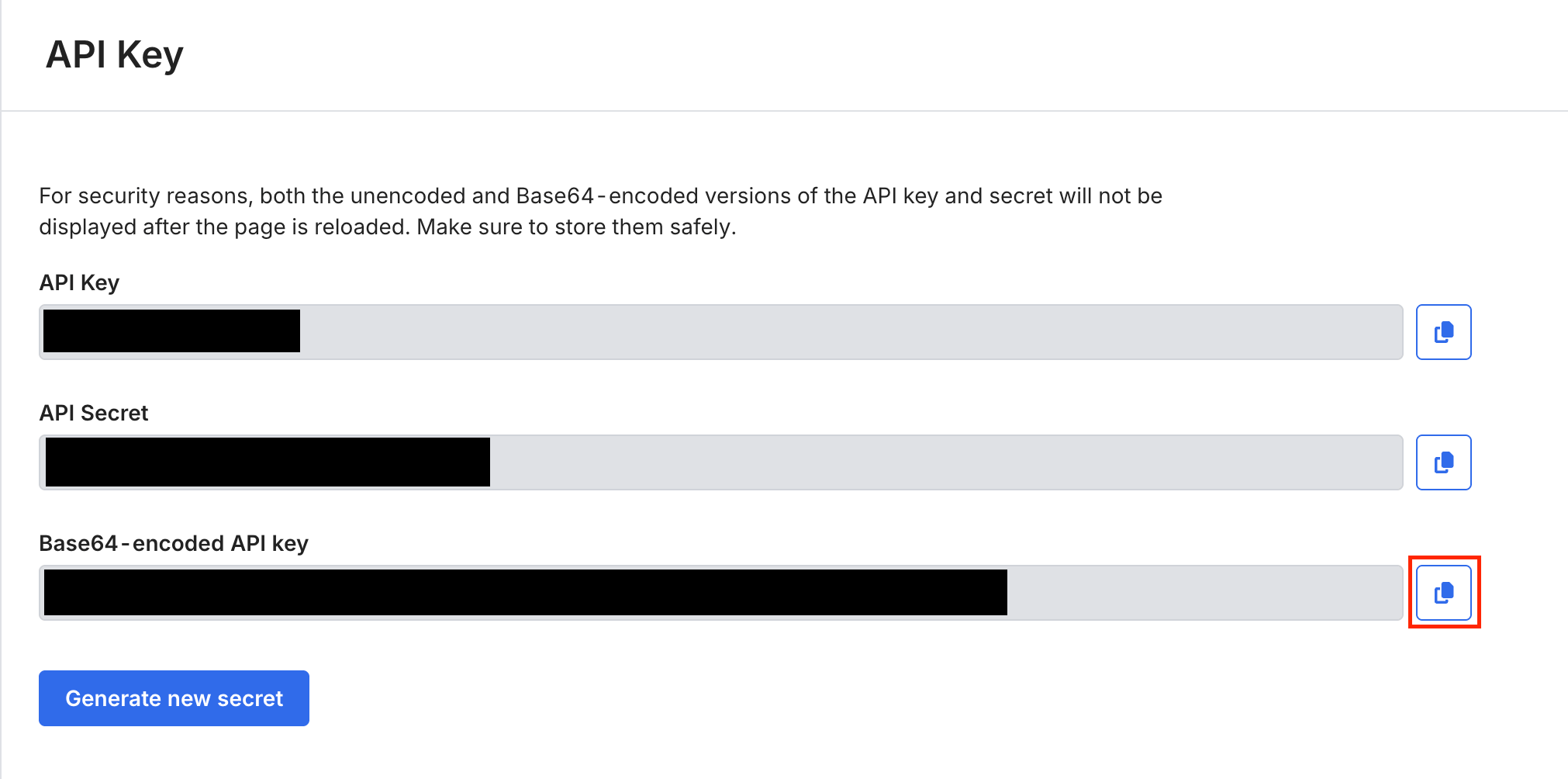
Integration setup
Search for Fivetran on the Money Forward Admina integration screen. Enter your desired workspace name and the API key obtained in the previous step, then click Connect.