Supported Features
This service supports basic account information retrieval and aggregation only.
Prerequisites
How to Log In to HaloPSA
Go to the HaloPSA login page and log in with your username or email address and password.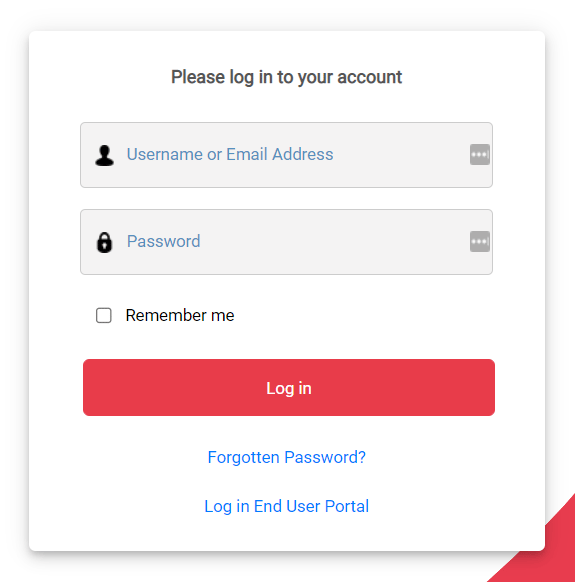
How to Obtain Your Workspace Key
The domain serves as your workspace key. https://{workspace-key}.halopsa.com/
How to Obtain Your Base URI
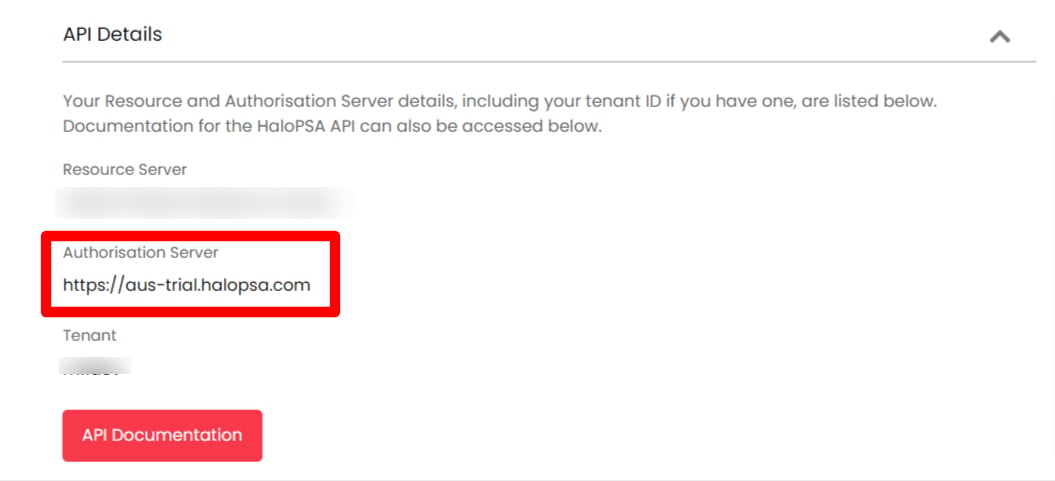
After logging in to HaloPSA, go to Configurations > Integrations > HaloPSA API.
How to Obtain Your Client ID
Next, on the HaloPSA API page, click View Applications under Applications.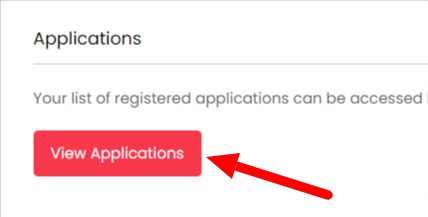

- Application Name: Enter any name of your choice
- Authentication Method: Check
Authorisation Code (Native Application) - Login Redirect URL: Enter
https://itmc.i.moneyforward.com/oauth/callback - Preferences: Check both
Allow Agent LoginsandAllow End-User Logins
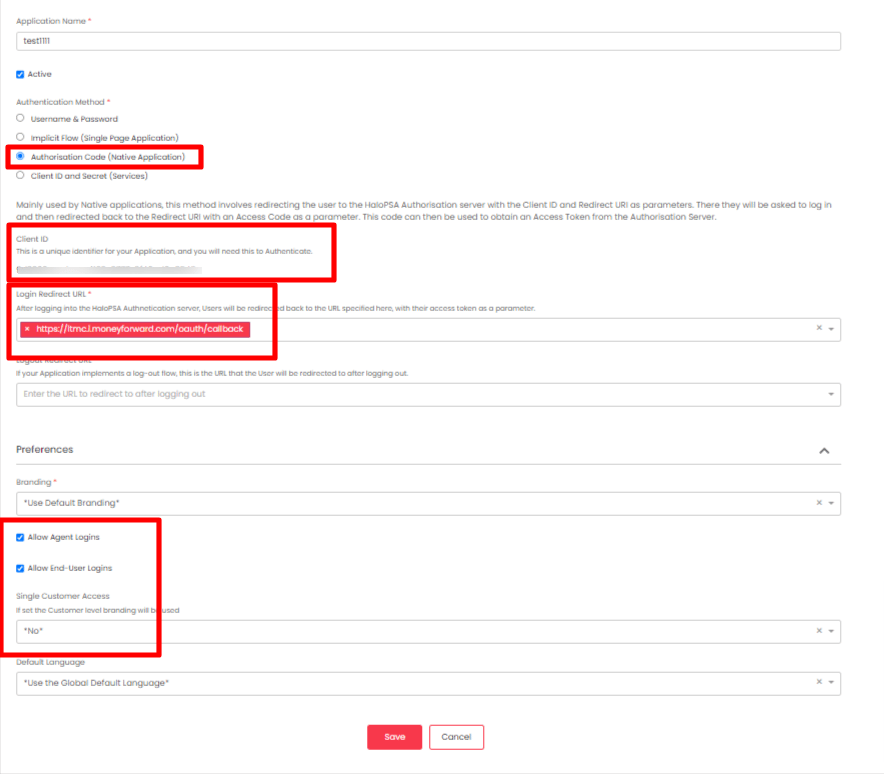
- CORS Whitelist: Enter
https://itmc.i.moneyforward.com/

Integration Setup
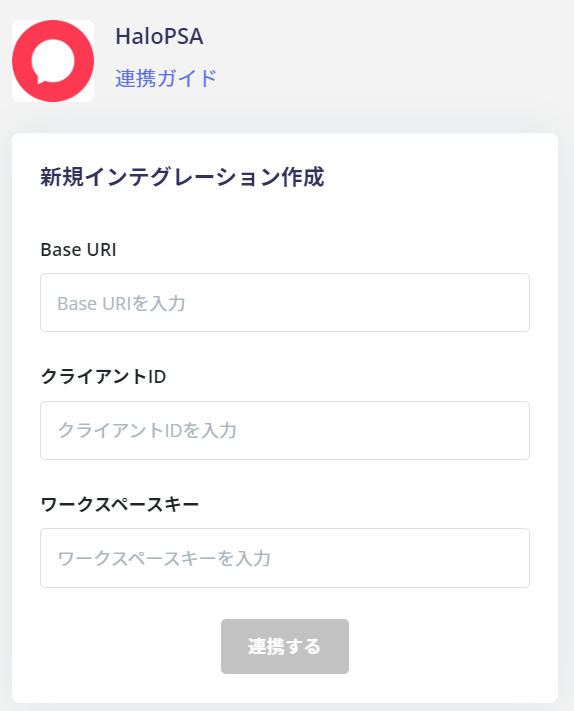
In the MoneyForward Admina integration screen, search for HaloPSA.