

Supported Features
Account DeletionAn account with administrator privileges is required for the integration.
Prerequisites
How to Log In
Go to the Grafana Cloud login page, enter your email address and password, and log in.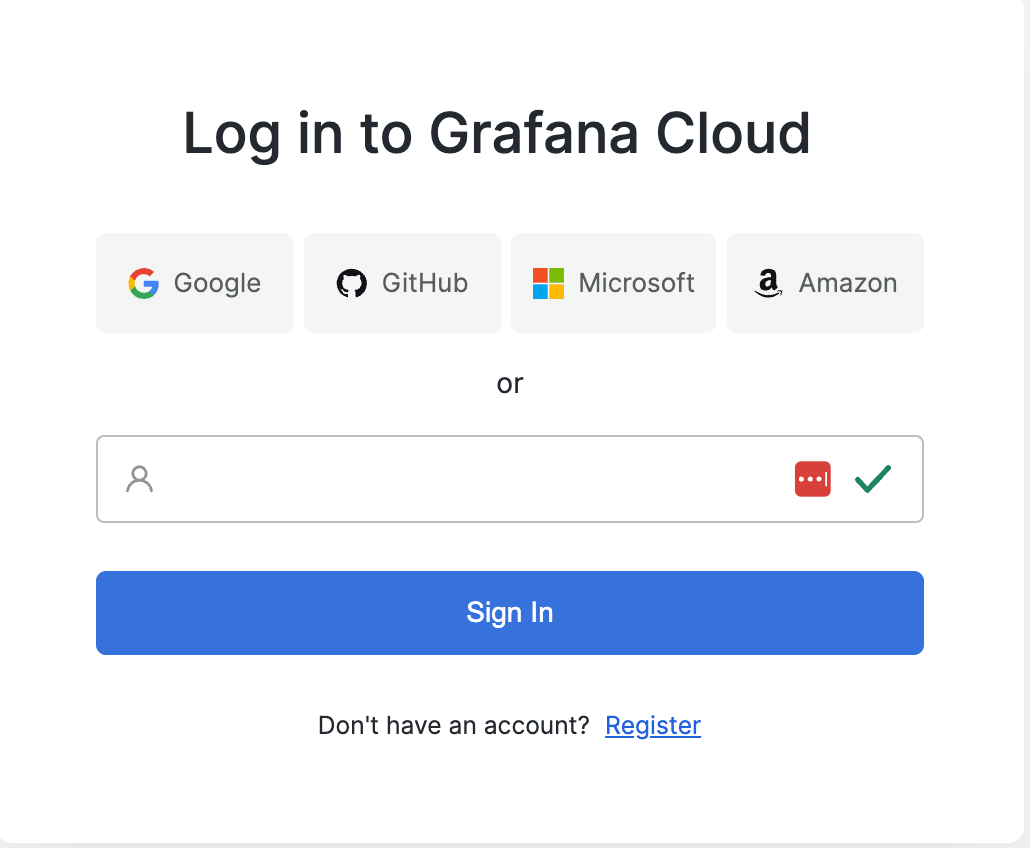
How to Find Your Workspace Key
Log in to Grafana Cloud and copy the workspace key from the URL, then save it.https://grafana.com/orgs/**workspace-key**
Grafana Cloud Username
Go to User Settings and copy the username from the displayed URL, then save it.https://grafana.com/users/**username**/settings

Grafana Cloud Password
Use the password you have set when connecting with Admina. If no password has been set, go to User Settings > Create a Password and click “Send Password Reset Email” to set a password.
Integration Setup
In the MoneyForward Admina integration screen, search for Grafana Cloud.
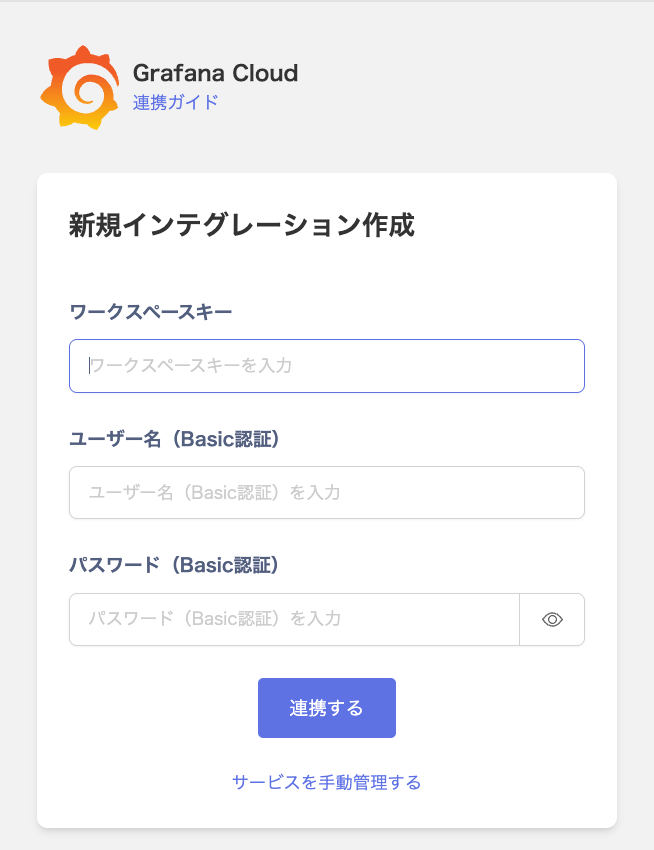
- Workspace Key: The workspace key confirmed in the prerequisites
- Username: The username confirmed in the prerequisites
- Password: Your Grafana Cloud login password