Supported Features
This service supports basic account information retrieval and aggregation only.
An administrator account is required for integration.
Prerequisites
How to Log In
On the ZAC login page, enter your email address and password to log in.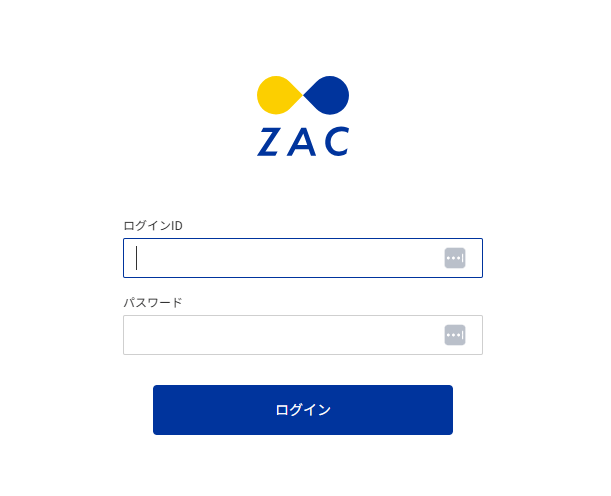
How to Find the Client ID and Client Secret
After logging in to ZAC, click Accounting & Management > Master > API Application Master.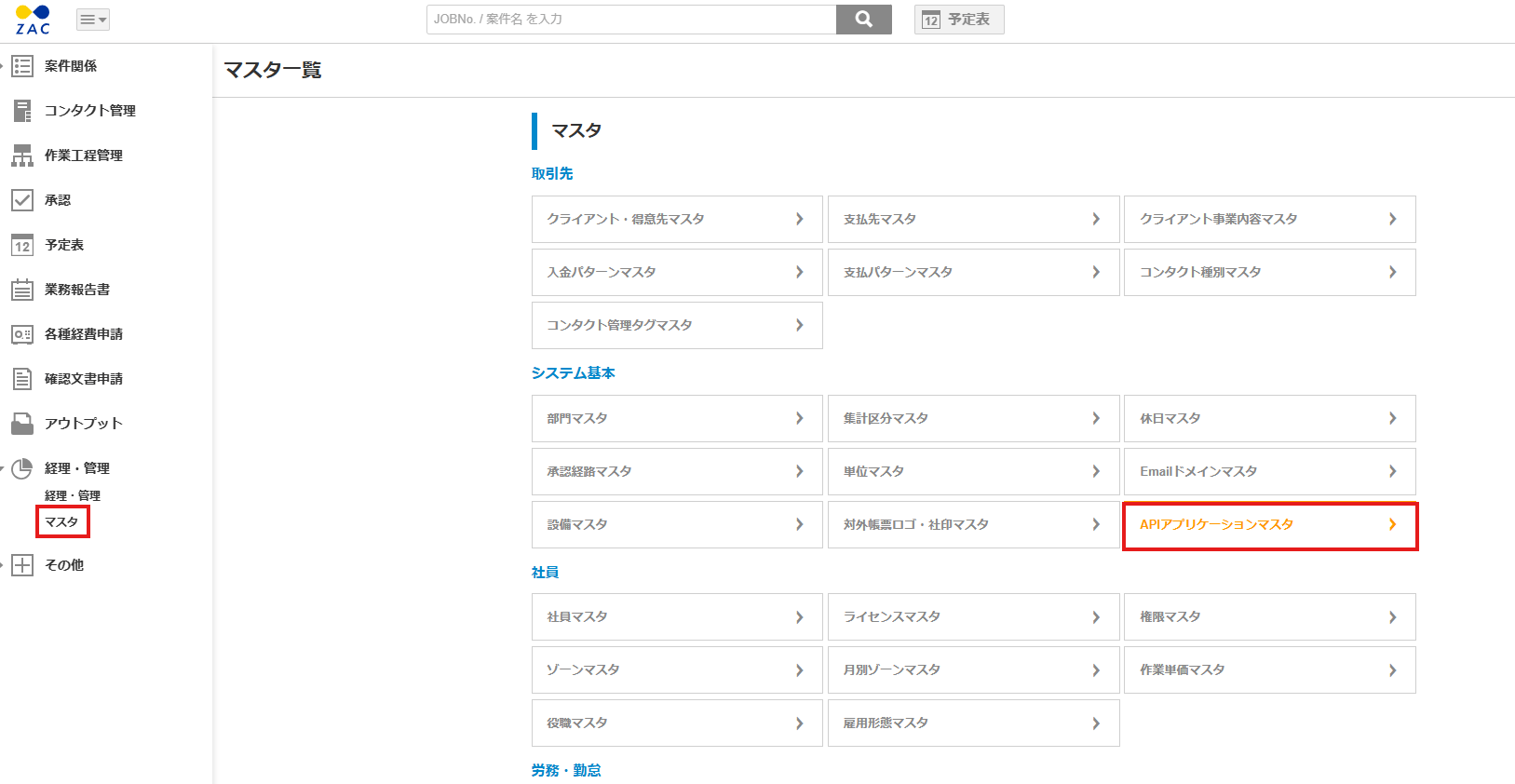
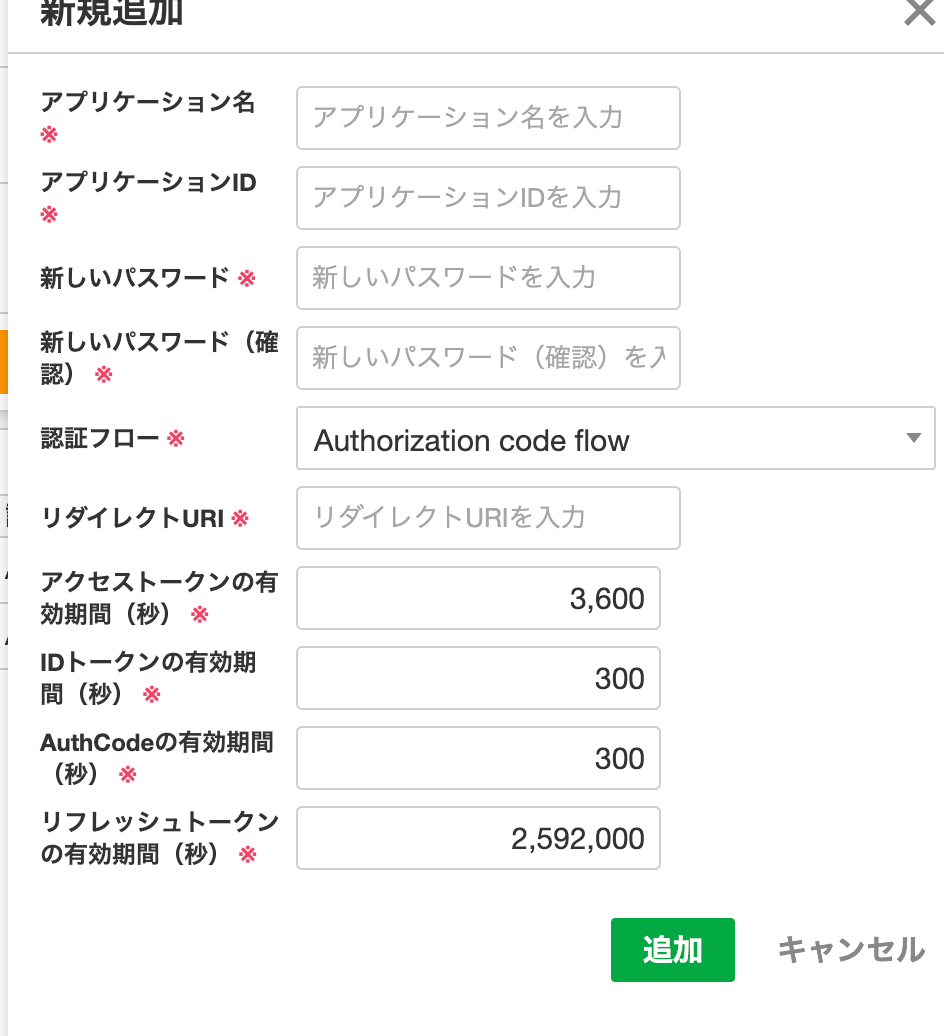
https://itmc.i.moneyforward.com/oauth/callback.
Once you have filled in the information, click Add.
How to Obtain the Base URL
The Base URL ishttps://{hostname}/{application name}.

https://secure.zac.ai/i_moneyforward_trial is the Base URL.

Integration Setup
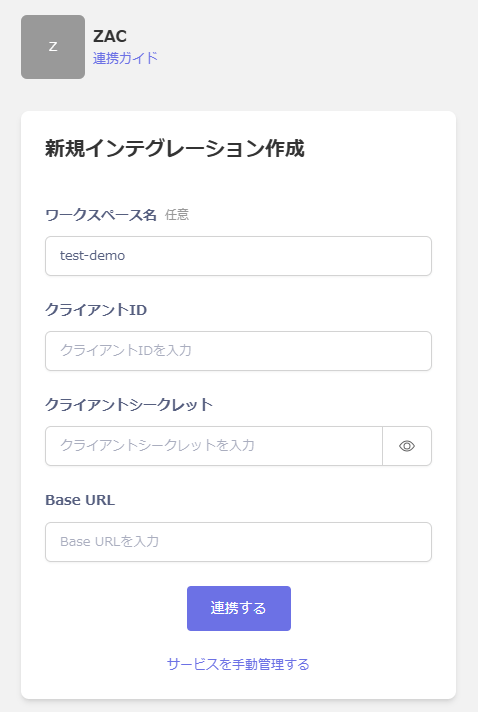
In the MoneyForward Admina integrations screen, search for ZAC. Enter any workspace name along with the client ID, client secret, and Base URL obtained in the previous steps, then click Connect.